
Buiiild features
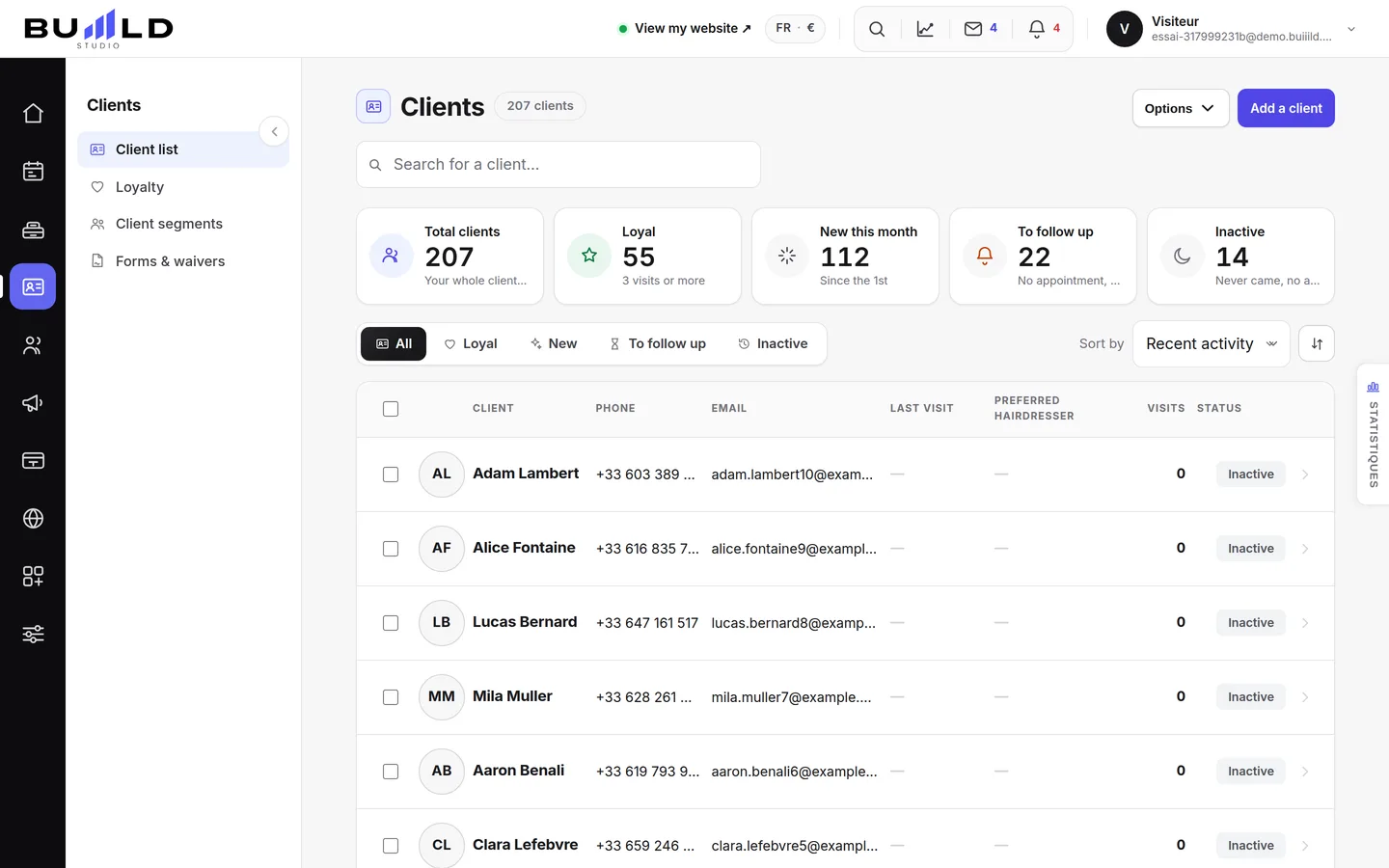
Client database Every client gets a record, created automatically.
As soon as someone books, their record exists. Find a client in a few keystrokes, check their status, filter, sort and export; import your old list from a spreadsheet or another software, and let the groups — new, loyal, lapsed — update themselves.
On video · 2 min 0 s
The client file
Everyone who books has their own record, created on its own. Finding a client, reading their status, filtering, sorting, exporting.
Step by step
Every screen, explained
The help centre guides that cover this feature in detail, with screenshots.
 Creating a client record by handFor a walk-in client or someone noted in a book: the first name used at the salon, the phone number used for reminders, the tags, the formula and consent for promotions.Read the guide
 Importing your clients from another systemComing from another system, a spreadsheet or a notebook: upload a CSV or Excel file, or paste a list. Each line becomes a record.Read the guide
 Client groupsNew, loyal, lost touch, big spenders: groups that recalculate on their own, your tags that make more, and the search by booking.Read the guide
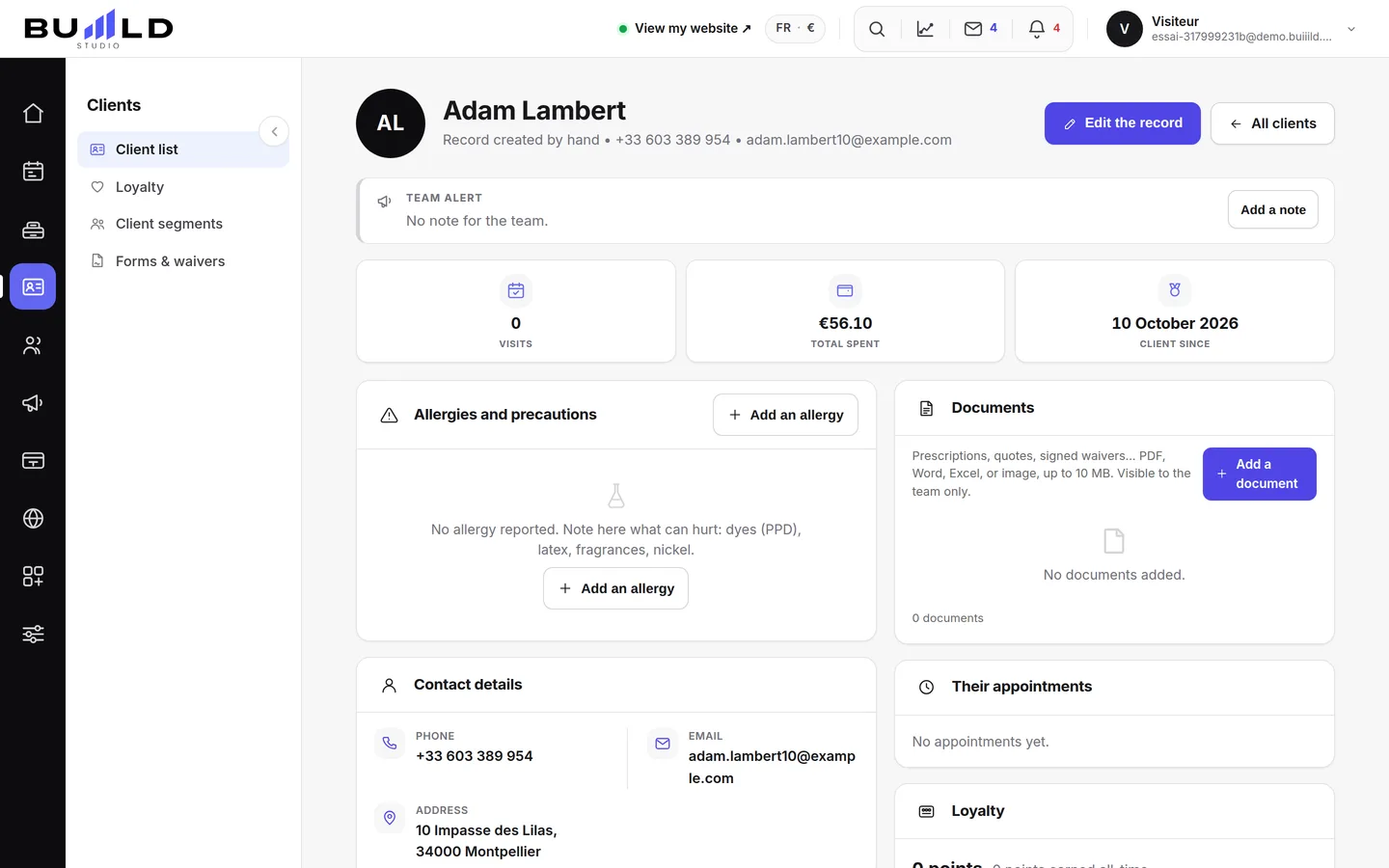 The client recordThe salon's memory: contact details, indicators, absences, technical record, last session, preferences, private notes, allergies, team alert, GDPR.Read the guide
Frequently asked questions
Two records for the same person
This happens after an import or a booking with a different email. Open one of the two records: the merge is done from the record, and both histories are kept.
A client no longer wants to receive messages
Open their record, Privacy card: record their marketing opt-out. They keep receiving their appointment reminders, but no campaigns.
The client has no phone number, can I still create their record?
Yes, but with no number they won't receive any reminder or follow-up SMS: add it as soon as you have it.
My file has columns in a different order
It doesn't matter: the import recognises columns by their header (first name, last name, phone, email). Others are ignored.
Can I put together a list of clients by hand?
Not directly within a calculated group: instead, place a tag on their records ("Wedding", "VIP"…), it immediately becomes a group you'll find here.
What's the difference between the technical record and the session?
The technical record describes the client (usual length, allergies, clipper guard). The session describes one specific appointment (the formula applied that day). One is stable, the other changes with every visit.
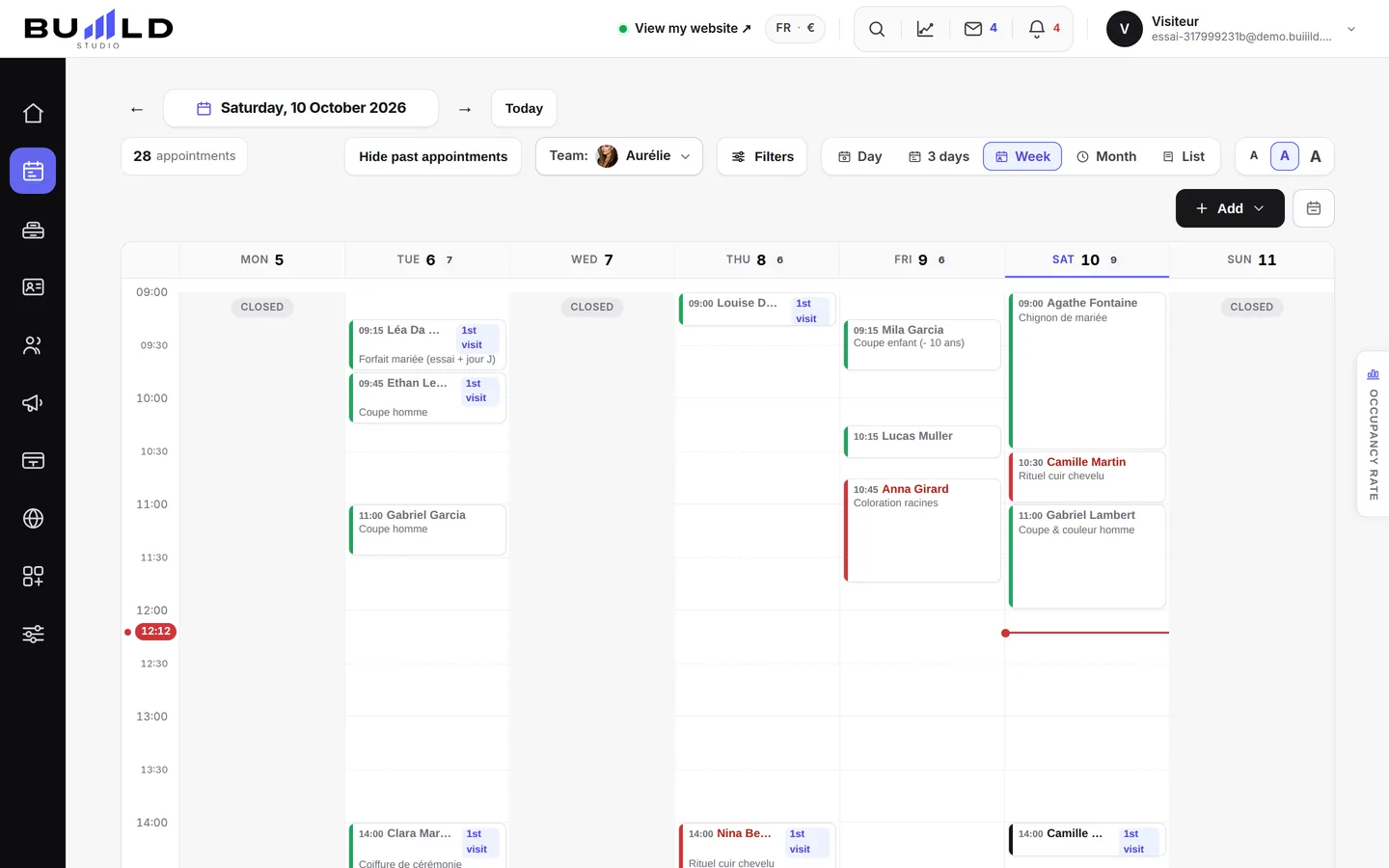
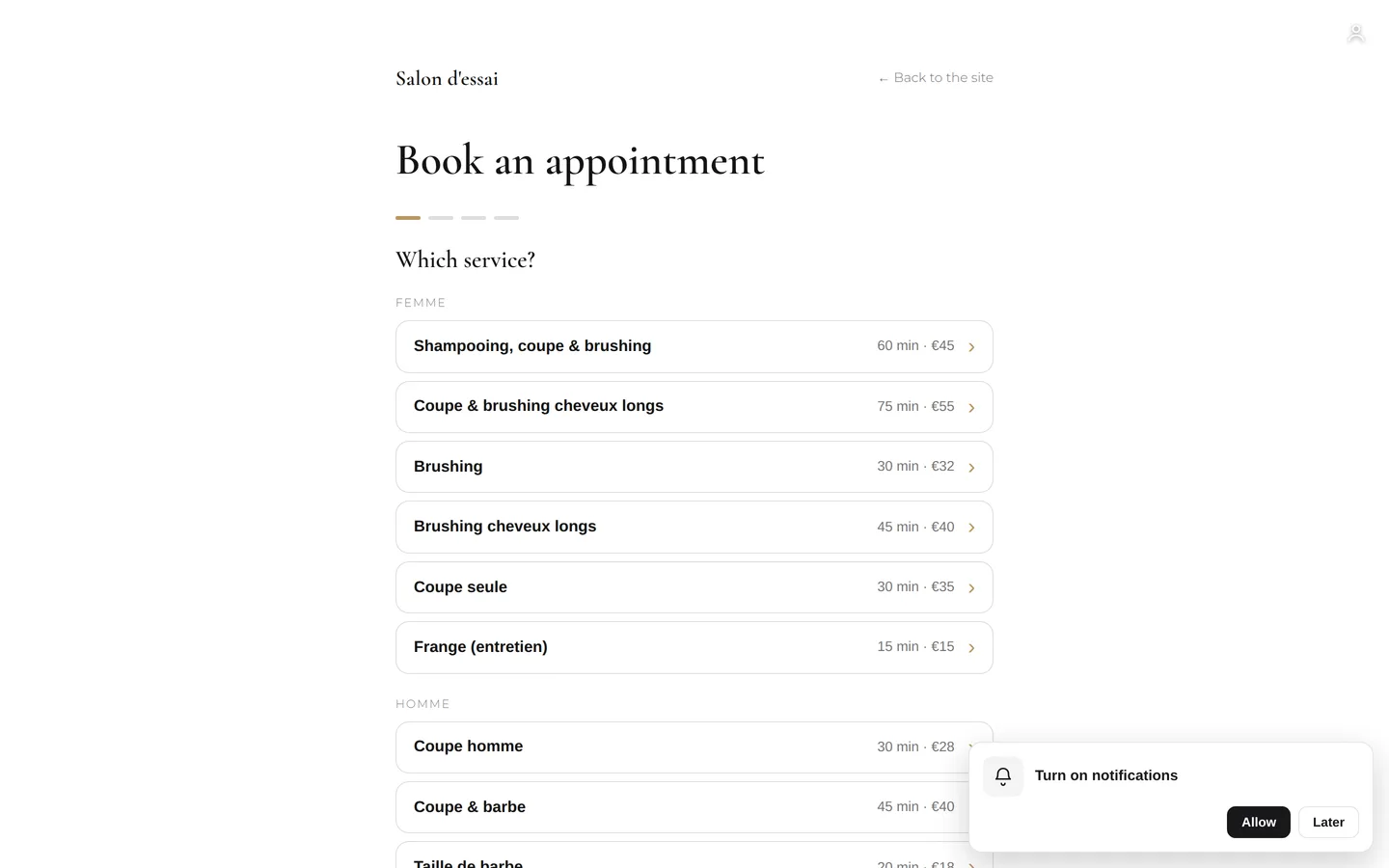
Make room for what is next
Your next chapter bears your salon’s name.
Create your website. Discover your Studio. You have 30 days to decide for yourself.
Create my salon