
Buiiild features
SMS and email campaigns Fill your quiet hours.
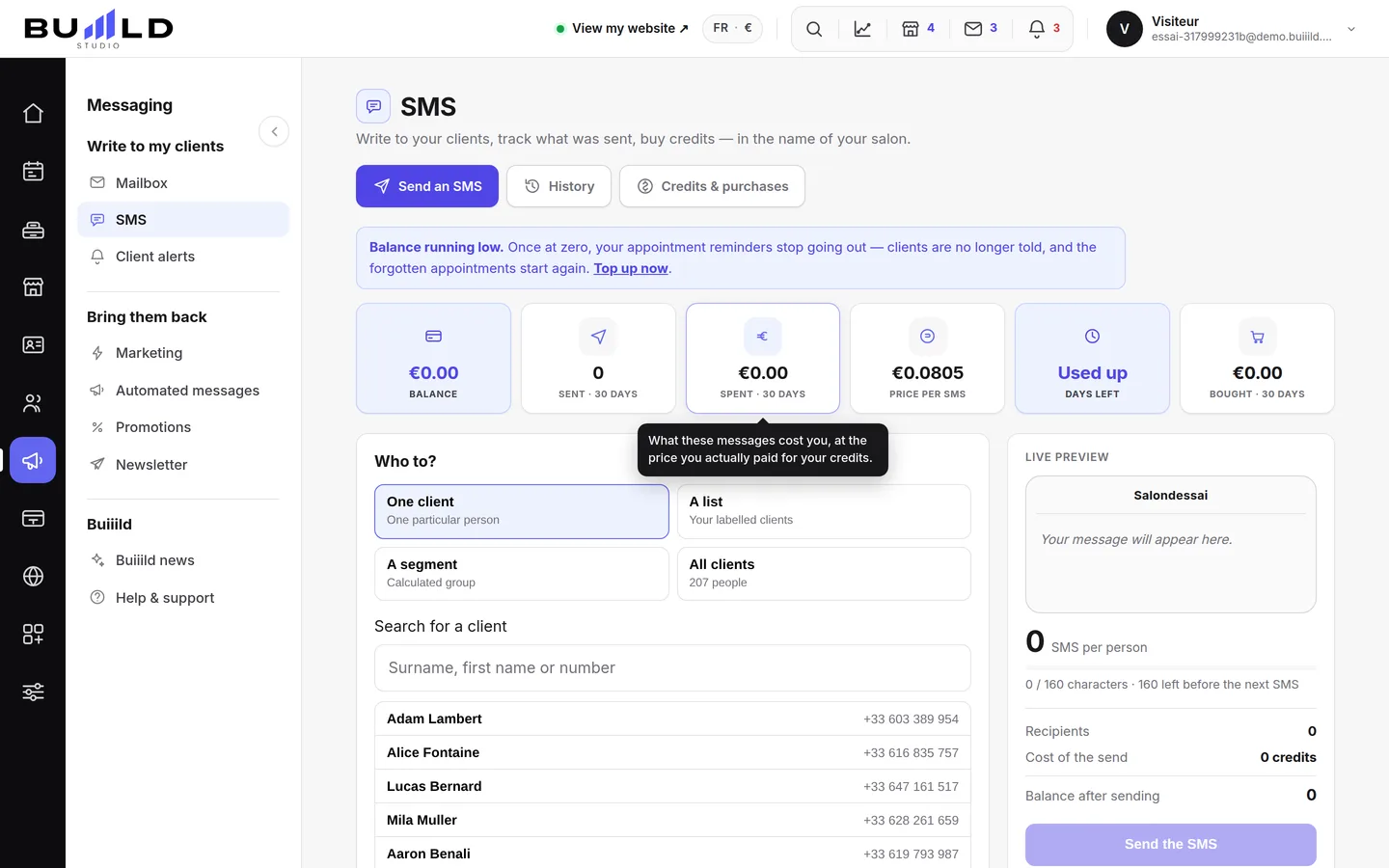
An offer, a slot that opens up, a note to one client: write it, choose who receives it, check the preview and the cost, and the message goes out in your salon's name. Last-minute deals, happy hours, sending to all your clients or subscribers and shareable visuals complete your campaigns.
On video · 2 min 28 s
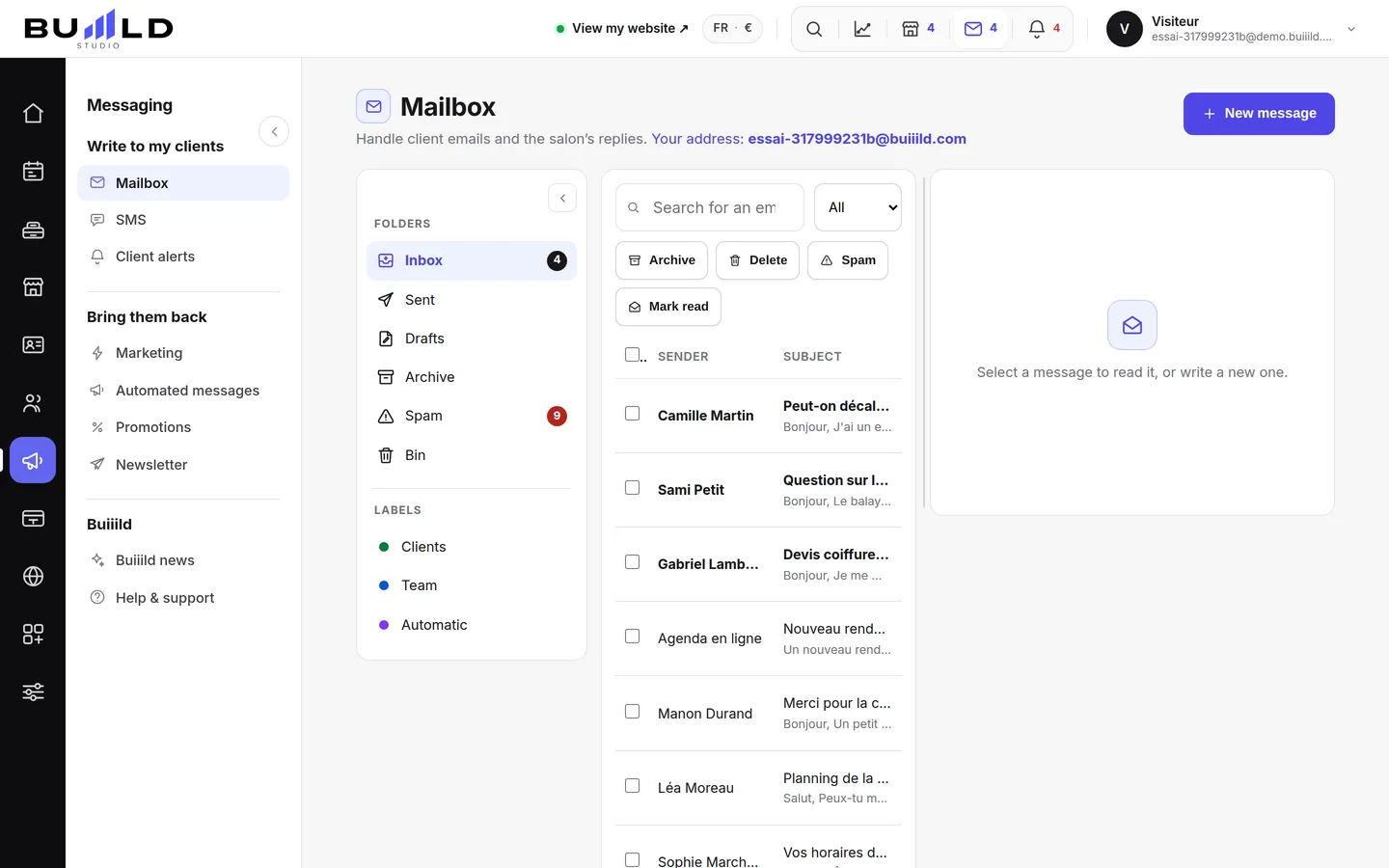
Sending an SMS to a client or a list
An offer, a freed-up slot, a word to one specific person: you write it, the message goes out in the salon's name. Recipients, preview, cost, confirmation.
Step by step
Every screen, explained
The help centre guides that cover this feature in detail, with screenshots.
 "Creating a promotion: last minute, happy hours, flash sale, premium hours"Four mechanics for filling quiet hours — or charging more for the ones everyone wants. What each promotion applies, what it brings in and what it costs.Read the guide
 Your newsletter subscribersThe people signed up from your site's banner: finding a subscriber, active and unsubscribed, exporting the list, removing subscribers.Read the guide
 Visuals to share on your social networksReady-to-publish images, in your salon's colours: choose a template, check the preview, download.Read the guide
 "Marketing: everything that brings clients in"Seven levers gathered on one screen: reviews, client file, automatic messages, promotions, visuals, newsletter. Where you really stand, and where to start.Read the guide
Frequently asked questions
Does a client who's opted out of messages appear in my send lists?
No, they're excluded automatically, whatever sending mode is chosen.
Does an SMS over 160 characters cost more?
Yes, it's billed double — the counter shows you before sending, not just on the invoice.
Can I cancel a group send once it's gone out?
No, a sent message can't be recalled: always reread the preview before clicking.
Which mechanic for a slot that's about to stay empty?
Last minute: it only discounts what was going to stay empty, so it never costs you anything when the salon is already full.
How do I find a specific subscriber?
Type part of their email in the search field: the list filters as you type.
Does Buiiild publish the image for me?
No. The image downloads onto your device, and you're the one who publishes it from your own Instagram or Facebook account.
Make room for what is next
Your next chapter bears your salon’s name.
Create your website. Discover your Studio. You have 30 days to decide for yourself.
Create my salon