
Buiiild features
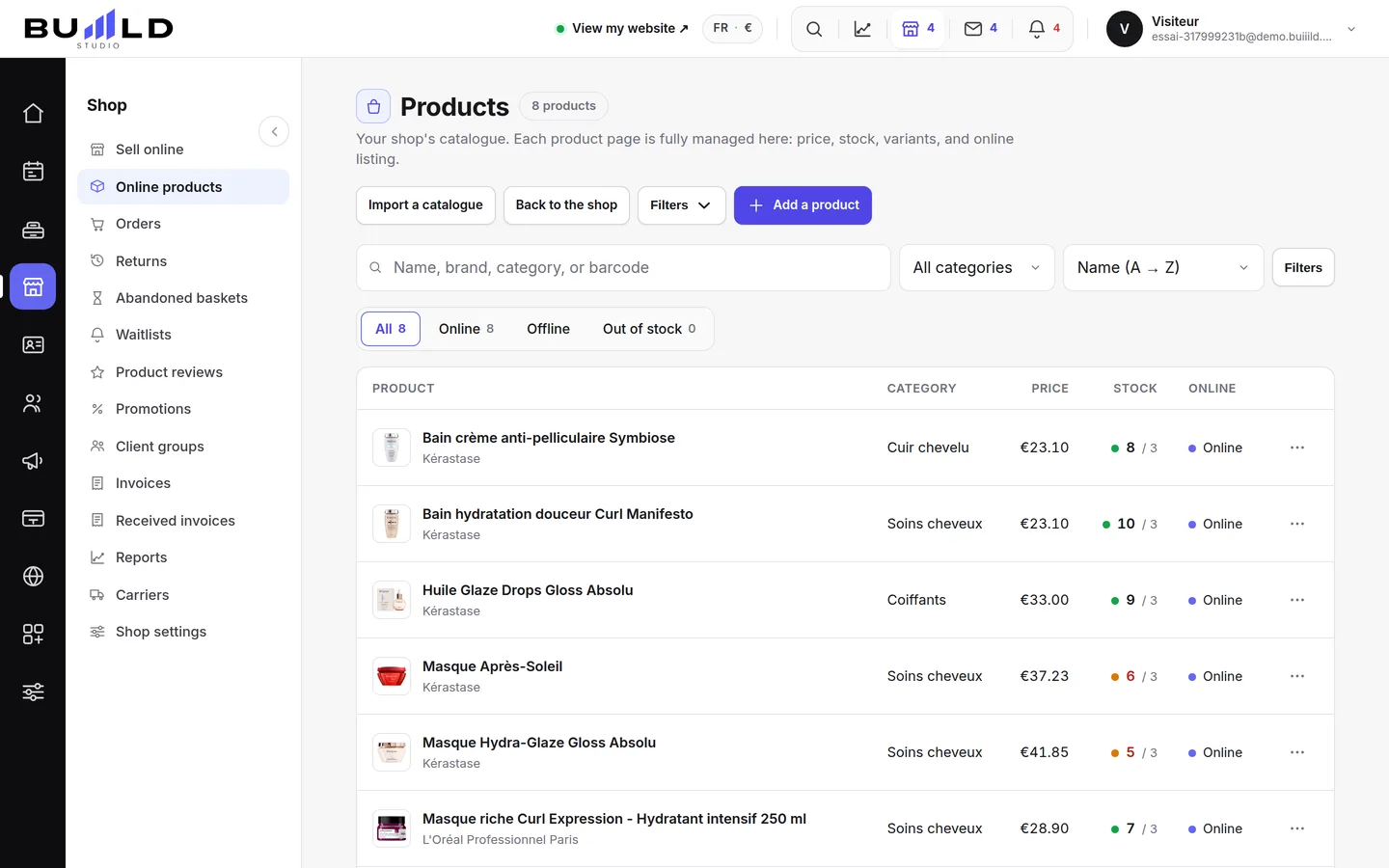
Online shop Your products for sale on your website.
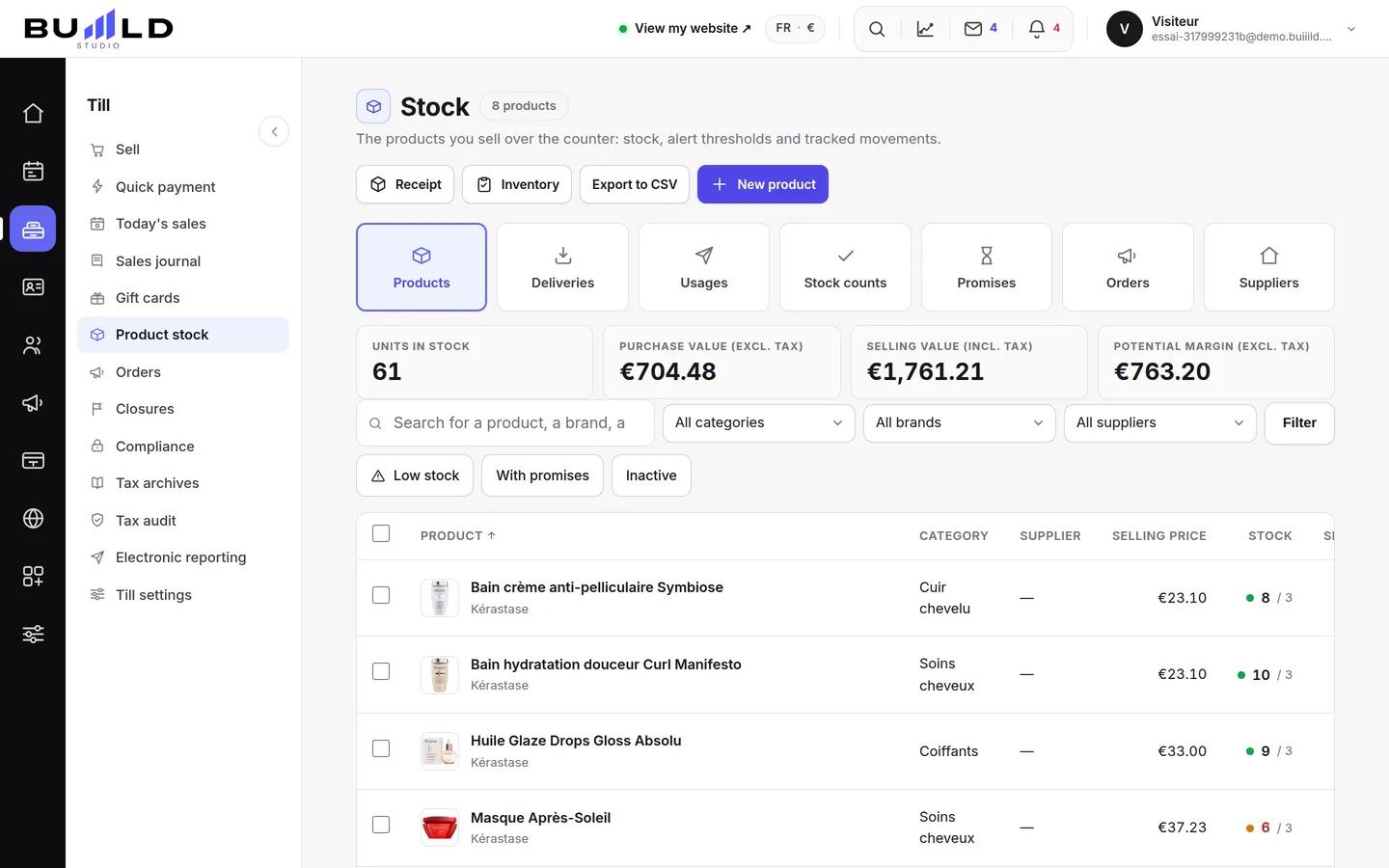
The shop adds a retail section to your website: clients order, then collect their bag at the salon or get it delivered. Product pages, variants, import from Shopify or PrestaShop, a picking queue and a dashboard: a shop product is a stock product, same record, same quantity.
On video · 1 min 46 s
Opening your online shop
The shop adds an aisle to your site: your clients order and pick up their bag at the salon, or have it delivered. Turning it on, and reading its dashboard.
Step by step
Every screen, explained
The help centre guides that cover this feature in detail, with screenshots.
- Putting your products onlineYour whole aisle, a product page (identity, price and margin, what the client sees, information, variants, stock), creation in a single screen, and importing a Shopify or PrestaShop catalogue.Read the guide
 Preparing and handing over an orderThe queue sorted by what's left to do, the order step by step — prepare, ready, handed over or shipped with tracking —, the picking slip, taking payment, the refund, the internal note.Read the guide
 Setting up the shop: pickup, delivery, messages, closingIn-salon pickup and its instructions, postal delivery and its flat rate, carriers and zones, client messages at every step, the welcome message, and closing the shop without losing anything.Read the guide
 Shop promotions: campaigns, promo codes, reserved ratesA campaign applies itself over a period; a code is typed in at the basket; a client group pays less for the whole catalogue. When to choose which, and the safeguards.Read the guide
Frequently asked questions
What happens if I turn off the shop?
Nothing is lost: your products, orders and settings stay intact. The shop simply disappears from your site, and you reopen it with one button.
What do I need before I can start selling?
A connected payment account and at least one product made visible online. Without that, the shop shows but nothing can be bought.
Does the conversion rate count identify my visitors?
No, it's anonymous: no IP address, no cookie. You see which step people stop at, never who they are.
What fields are required to create a product?
Just the name and the price. Everything else — photos, description, variants, supplier — can be filled in later, at your own pace.
How does the client know their order is ready?
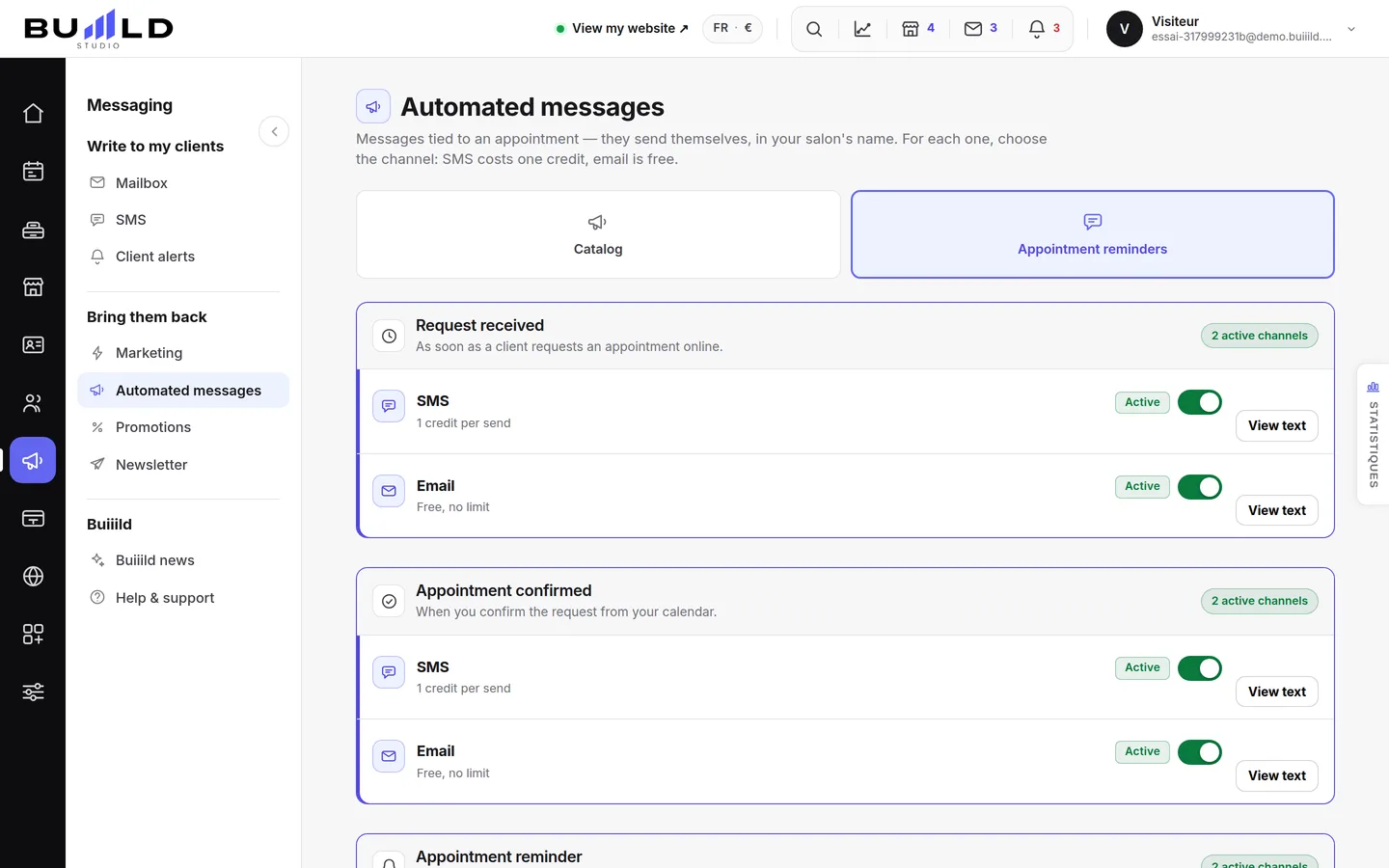
They're notified by email or SMS, depending on your settings, as soon as you move the order to the "ready" step.
Can I offer pickup only, with no postal delivery?
Yes, it's even the default setting: left off, postal delivery doesn't appear and your shop only offers pickup at the salon.
Make room for what is next
Your next chapter bears your salon’s name.
Create your website. Discover your Studio. You have 30 days to decide for yourself.
Create my salon