
Buiiild features
Salon website A real website, in your name.
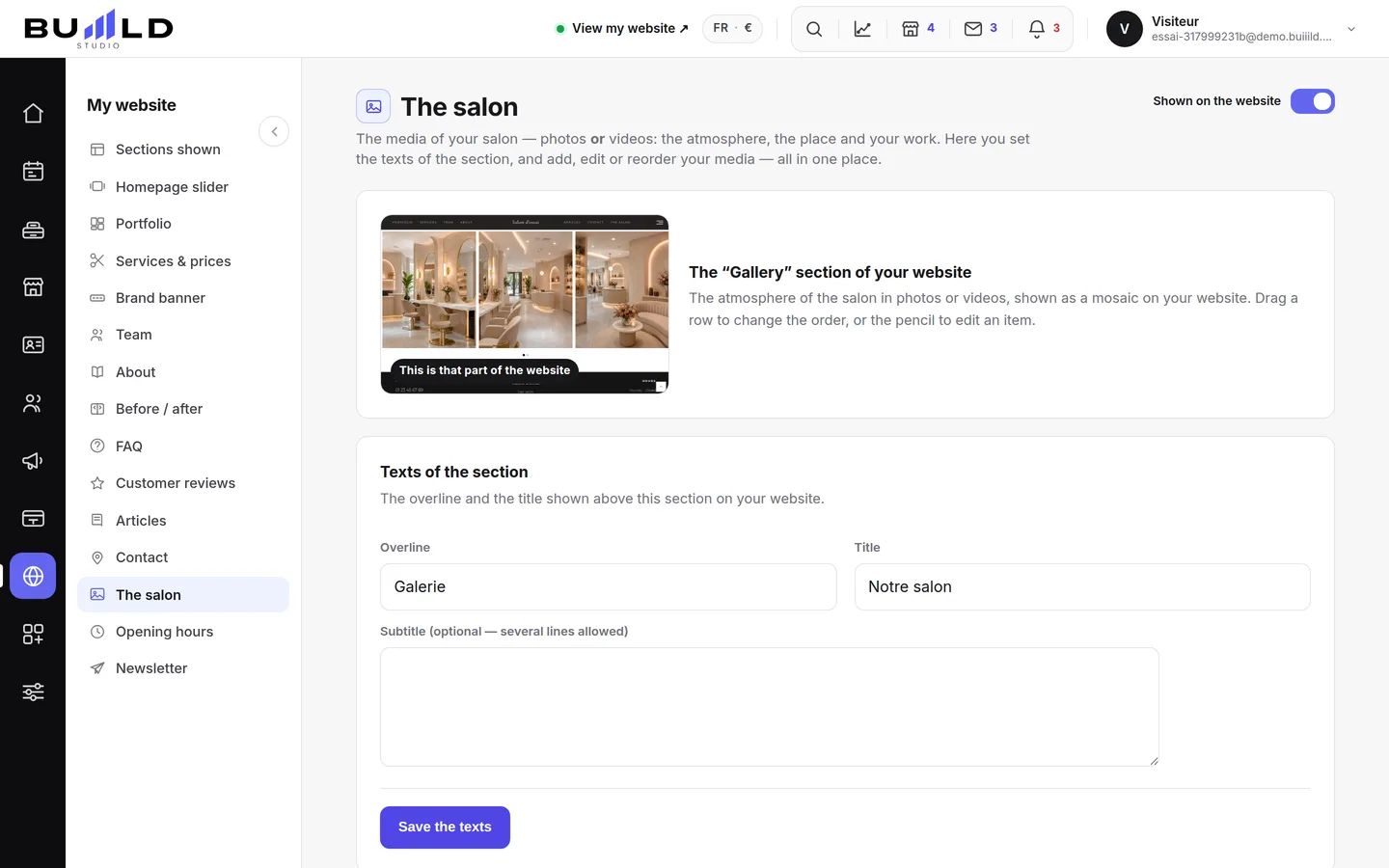
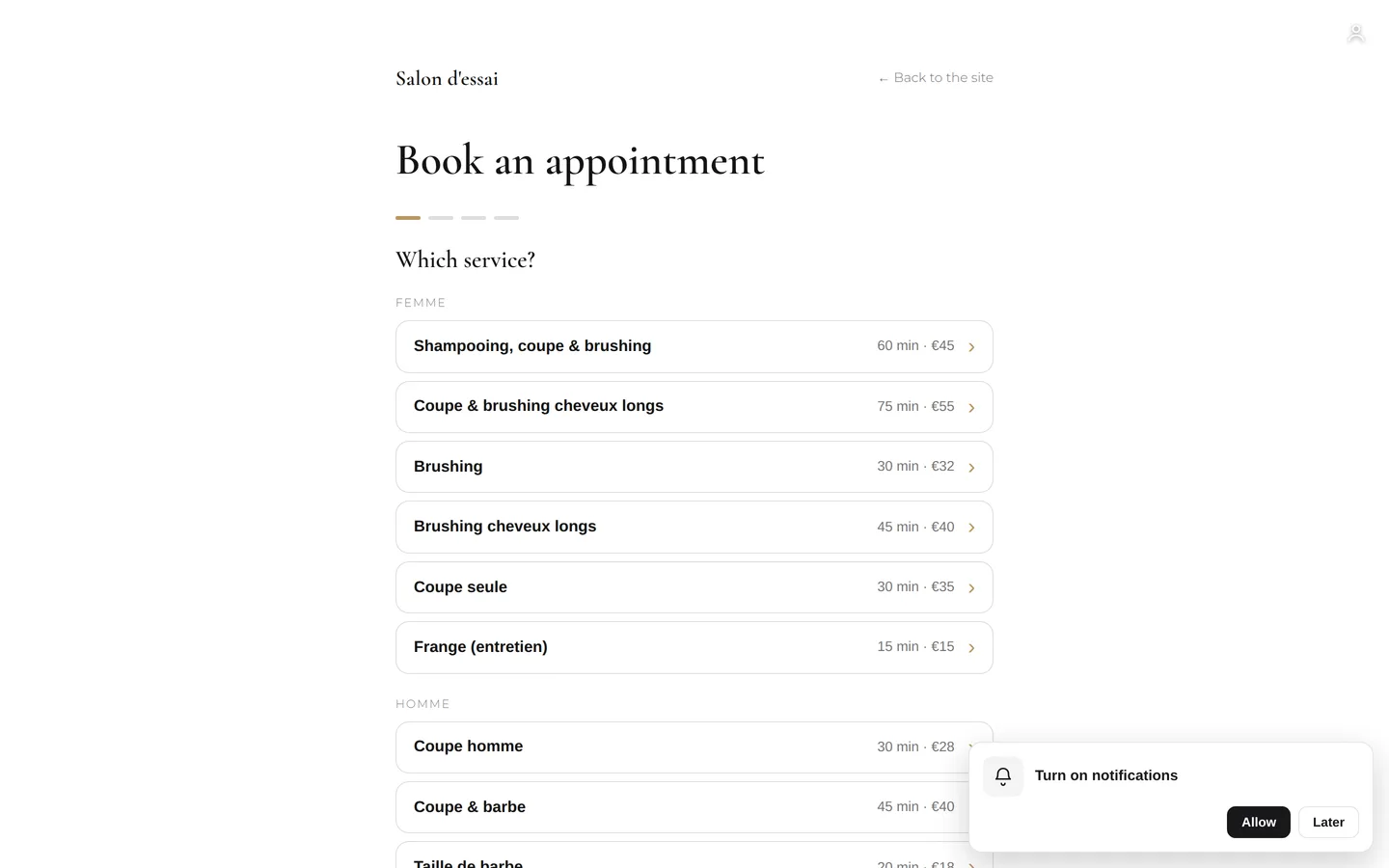
Your website is ready as soon as you sign up, with online booking built in. Show, hide and reorder its sections, add your logo, your fonts, your gallery and before/after photos, connect your own domain name and control how Google presents your salon.
On video · 2 min 16 s
"Your site's sections: show, hide, order"
Your homepage is made of stacked sections. Choose which ones show and in what order — your site's remote control — and the mechanics common to every "My site" screen.
Step by step
Every screen, explained
The help centre guides that cover this feature in detail, with screenshots.
 Logo and site appearanceYour site's visual identity: your logo — never mandatory — and your fonts, matched to your layout, with a live preview.Read the guide
- Gallery, portfolio and before/afterThe photos and videos that show the atmosphere, your work in a mosaic with category filters, and your transformations with a before/after slider.Read the guide
 Your own domain namesalon-durand.fr instead of a subdomain: you buy it and own it. Choosing, checking, buying from a registrar, connecting with two DNS lines, and your email on your domain.Read the guide
 "SEO: how Google presents your salon"The title and description that appear in search results, and the visibility report that says what your site is missing.Read the guide
Frequently asked questions
How do I change the order of my sections?
From the Sections screen: grab the handle and drag (on a phone, the up/down arrows). The order chosen applies to the site and to the "My site" menu at the same time.
How do I show or hide a section?
Not from the Sections screen: open the section's own tab, the switch is at the top there — a single place for this setting.
Can I move the homepage elsewhere in the order?
No, it always stays in first position.
Is a logo required?
No, never. With no logo, your salon's name is displayed nicely at the top of the site, in the typographic wordmark.
From when do these sections appear on the site?
As soon as the first media item is added. Before that, they stay invisible.
How long before it works?
A DNS change takes anywhere from a few minutes to a few hours to propagate. The check button tells you when it's ready.
Make room for what is next
Your next chapter bears your salon’s name.
Create your website. Discover your Studio. You have 30 days to decide for yourself.
Create my salon