
Buiiild features
Messaging A real inbox for your salon.
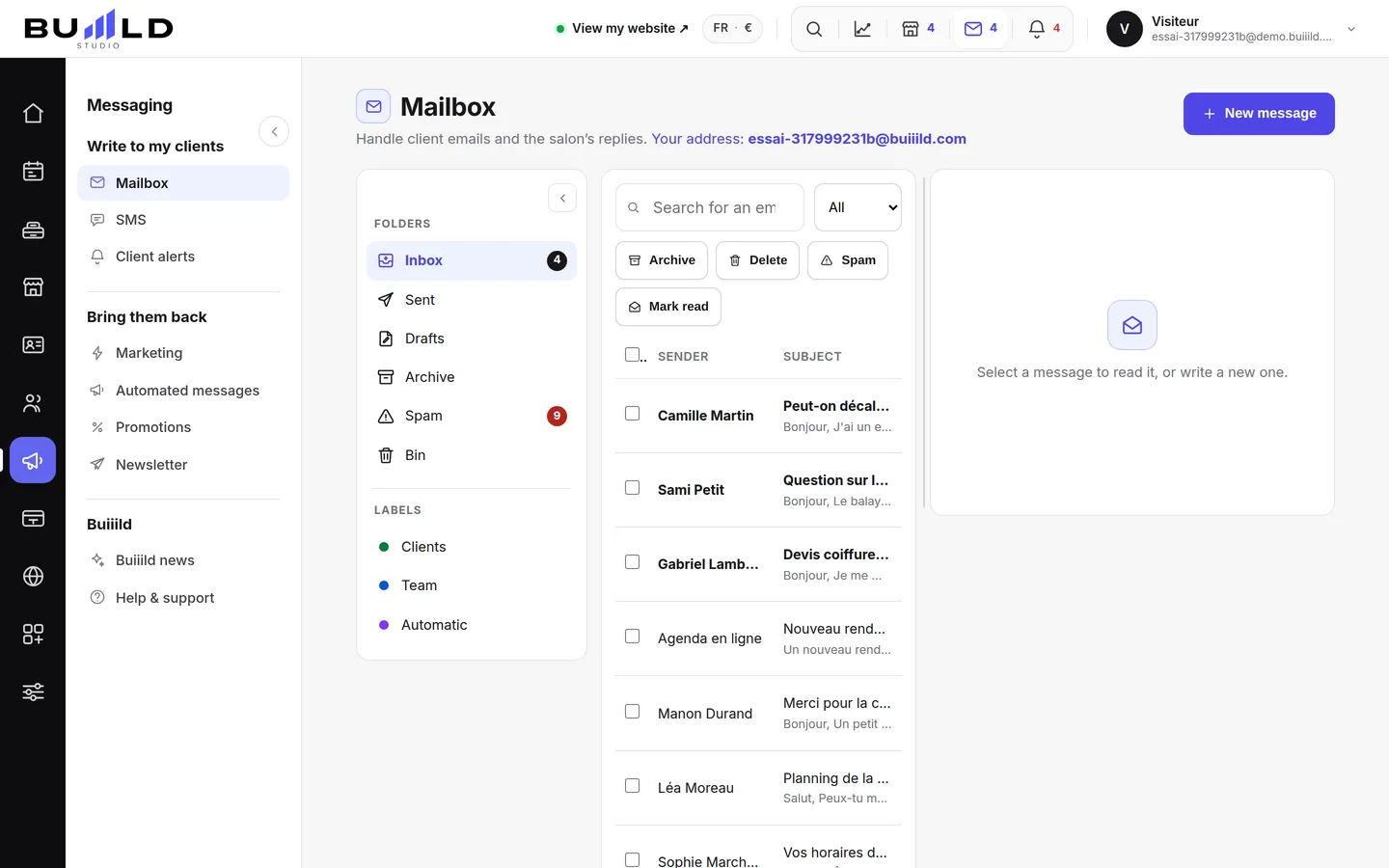
Requests from your website, your replies, your drafts: everything in one place, sorted into folders, with search and bulk actions. When the sender is a client, their record and a button to book them an appointment are right there.
On video · 2 min 36 s
The salon's messaging
A real mailbox for the salon: requests from your site, your replies, your drafts. Folders, search, bulk actions, reading, new message.
Step by step
Every screen, explained
The help centre guides that cover this feature in detail, with screenshots.
 Client alerts (phone notifications)A promotion, something new, a freed-up slot: notify visitors who've accepted notifications from your site, straight to their phone.Read the guide
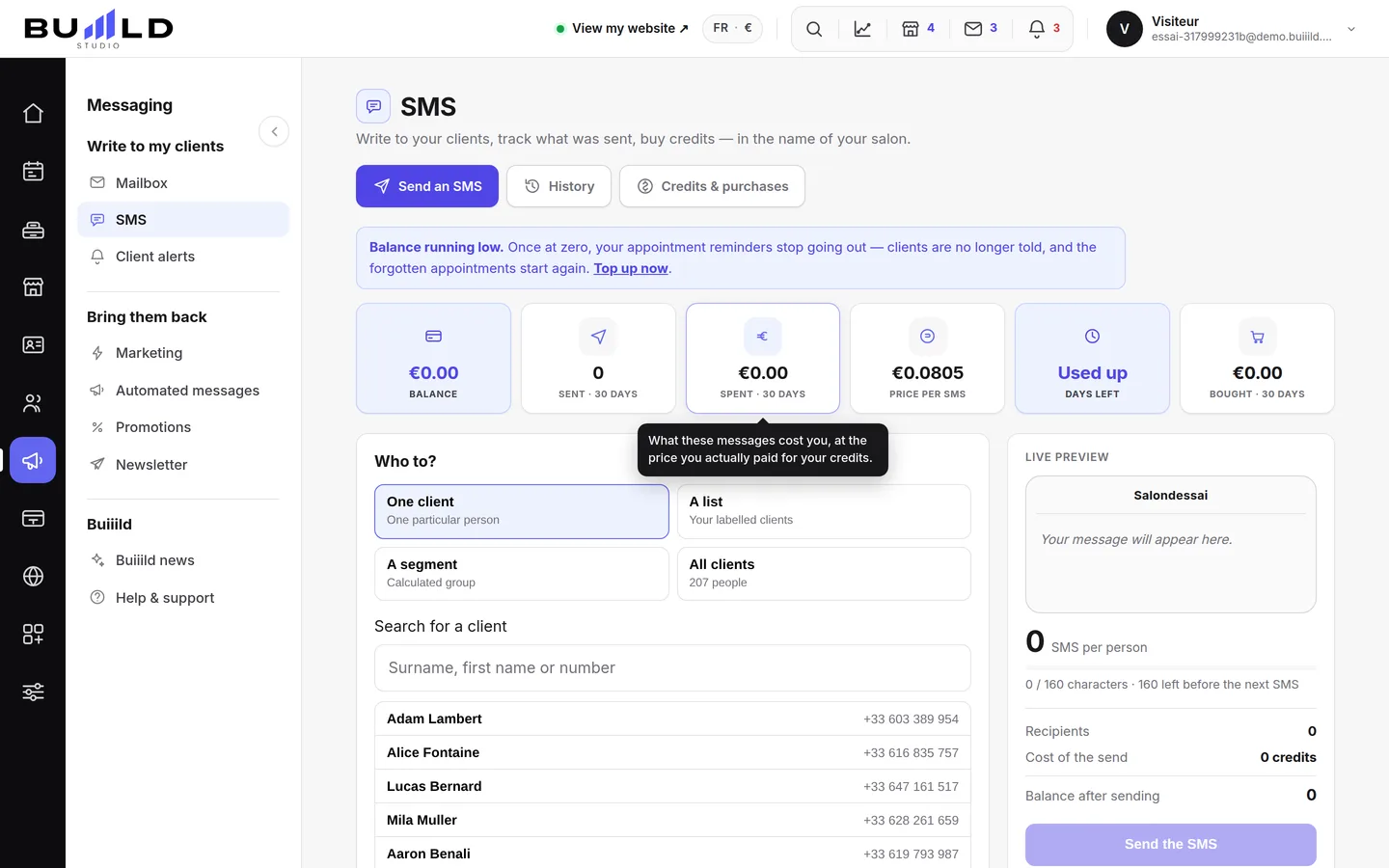 Sending an SMS to a client or a listAn offer, a freed-up slot, a word to one specific person: you write it, the message goes out in the salon's name. Recipients, preview, cost, confirmation.Read the guide
Frequently asked questions
Is an archived message deleted?
No, Archive simply files the message into the Archives folder, without deleting anything.
How do I reply to everyone when there are copies?
Use "Reply all": it's offered next to Reply as soon as there are recipients in Cc.
Can I attach any file?
Up to 5 MB, and every attachment is scanned by antivirus before sending.
Can a client with no email or number receive an alert?
Yes: only their acceptance of notifications from the "Stay informed" section of your site matters, not their email or phone.
Does a client who's opted out of messages appear in my send lists?
No, they're excluded automatically, whatever sending mode is chosen.
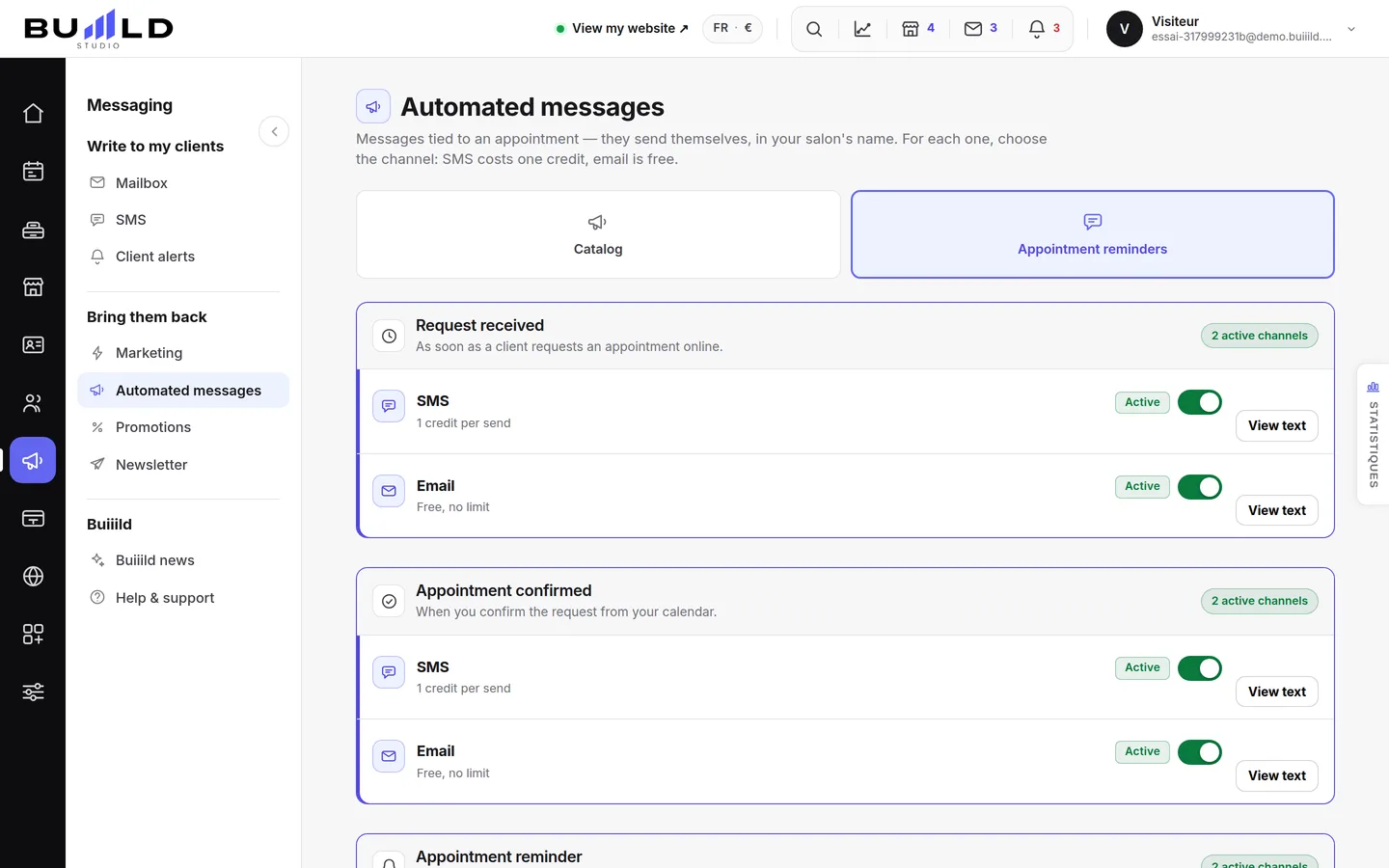
Do appointment reminders go through this messaging?
No, they go out on their own and are set in Automatic emails. This messaging is for messages you write yourself.
Make room for what is next
Your next chapter bears your salon’s name.
Create your website. Discover your Studio. You have 30 days to decide for yourself.
Create my salon