
Buiiild features
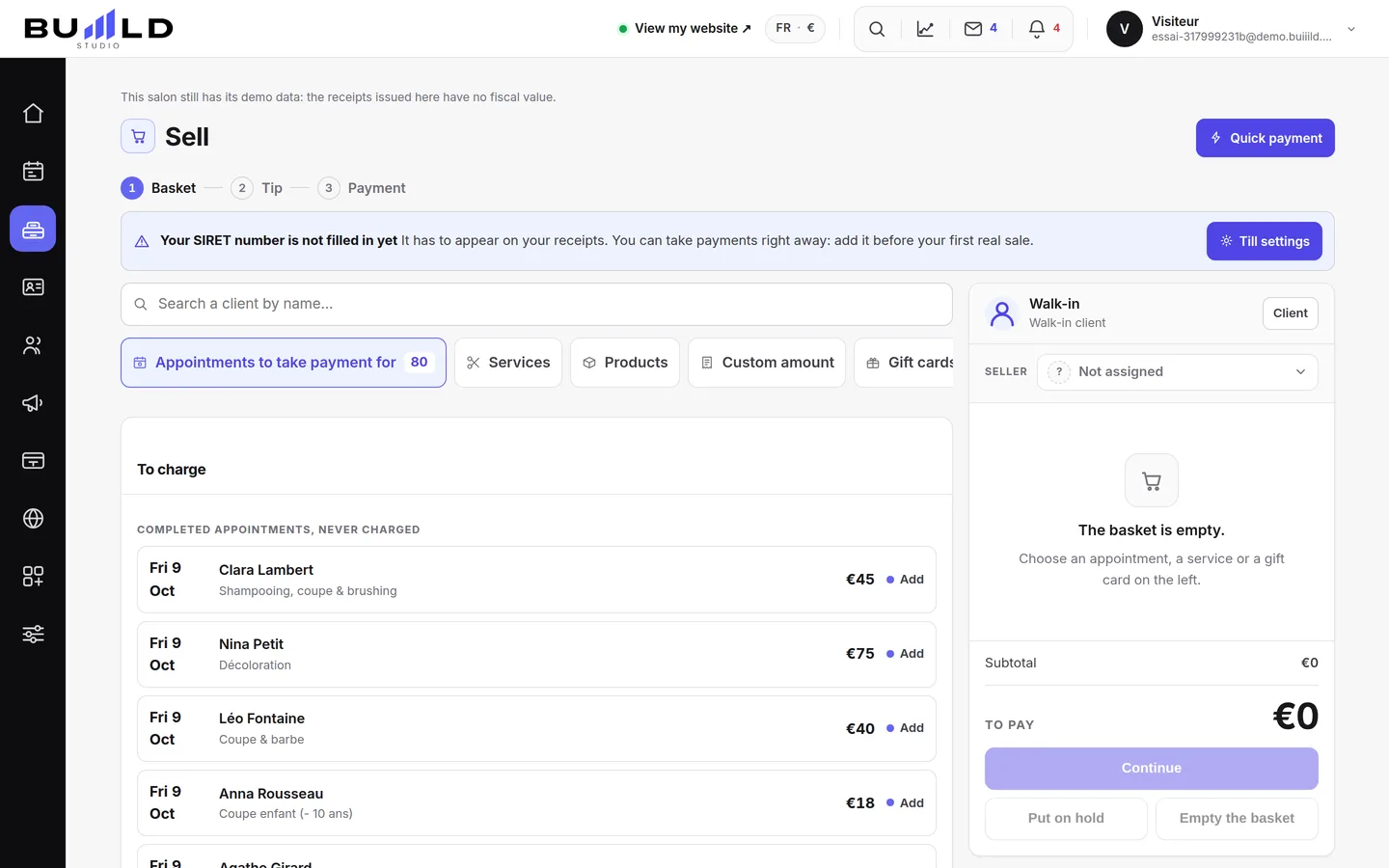
Point of sale Checkout in three steps, fully compliant.
Basket, tip, payment: an appointment or a walk-in sale is checked out in seconds, and the numbered receipt is final. Daily sales, closings, journal and archives: in France, the till meets the anti-fraud VAT law, with the publisher's certificate ready to print.
On video · 2 min 25 s
Taking a sale
Basket, tip, payment: a sale in three steps. Until you've taken payment, nothing is issued; after that, the receipt is final.
Step by step
Every screen, explained
The help centre guides that cover this feature in detail, with screenshots.
 Quick paymentAn amount, a payment method, it's done: for a counter sale that fits no other case. A real receipt, numbered and chained.Read the guide
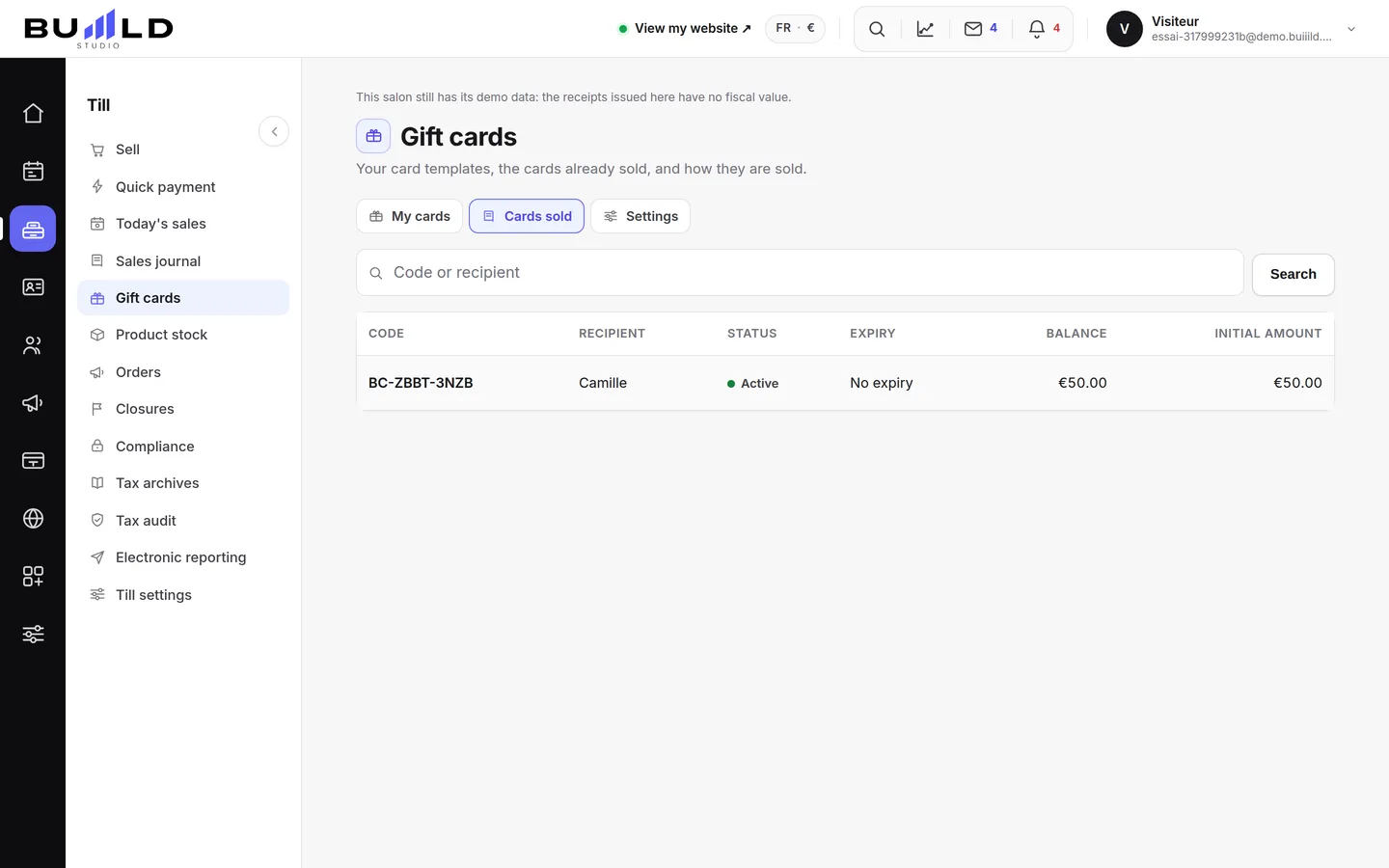
 Today's sales and closing the dayTaken, receipts, credit notes, tips; sold on one side, taken on the other; then the closing that locks the day and chains it to the previous one.Read the guide
 The sales journal: receipts, drafts, unpaid, credit notesFinding a receipt by number, name or amount; reprinting a duplicate; following up an unpaid one; issuing a credit note; reading the fingerprint that stands as proof.Read the guide
 Till compliance and the certificateUnalterability, security, retention, archiving: what the till guarantees, the extended integrity check you can rerun, the archive of a period, the FEC file and the certificate to print.Read the guide
Frequently asked questions
I got the price wrong on a receipt already paid
Open the receipt from the sales journal and issue a credit note, then redo the sale at the right price. The original receipt stays, the credit note cancels it: that's what the law requires.
The client pays part now, the rest later
Take payment for the part received: the receipt is issued with an unpaid balance, and it appears in the Unpaid tab of the journal until settled.
Can an employee take payments?
Yes. The screens that commit the business — closings, compliance, settings — only appear for management accounts: an employee takes payments, they don't close the till.
I got the amount wrong after taking payment
The receipt is final, like any till receipt. Find it in the sales journal, issue a credit note, then redo the quick payment at the right amount.
I forgot to close yesterday
The banner reminds you. Open yesterday with the arrows and close it: each day is closed separately, in order.
How do I cancel a sale?
Open the receipt, issue a credit note: it cancels all or part of the sale, with its own number. The original receipt stays in the journal, struck through by the credit note.
Make room for what is next
Your next chapter bears your salon’s name.
Create your website. Discover your Studio. You have 30 days to decide for yourself.
Create my salon