Quick payment
An amount, a payment method, it's done: for a counter sale that fits no other case. A real receipt, numbered and chained.
Type the amount on the pad and take payment: no basket to build. It's made for a counter sale that fits no other case — a quick fix, a top-up, a last-minute payment.
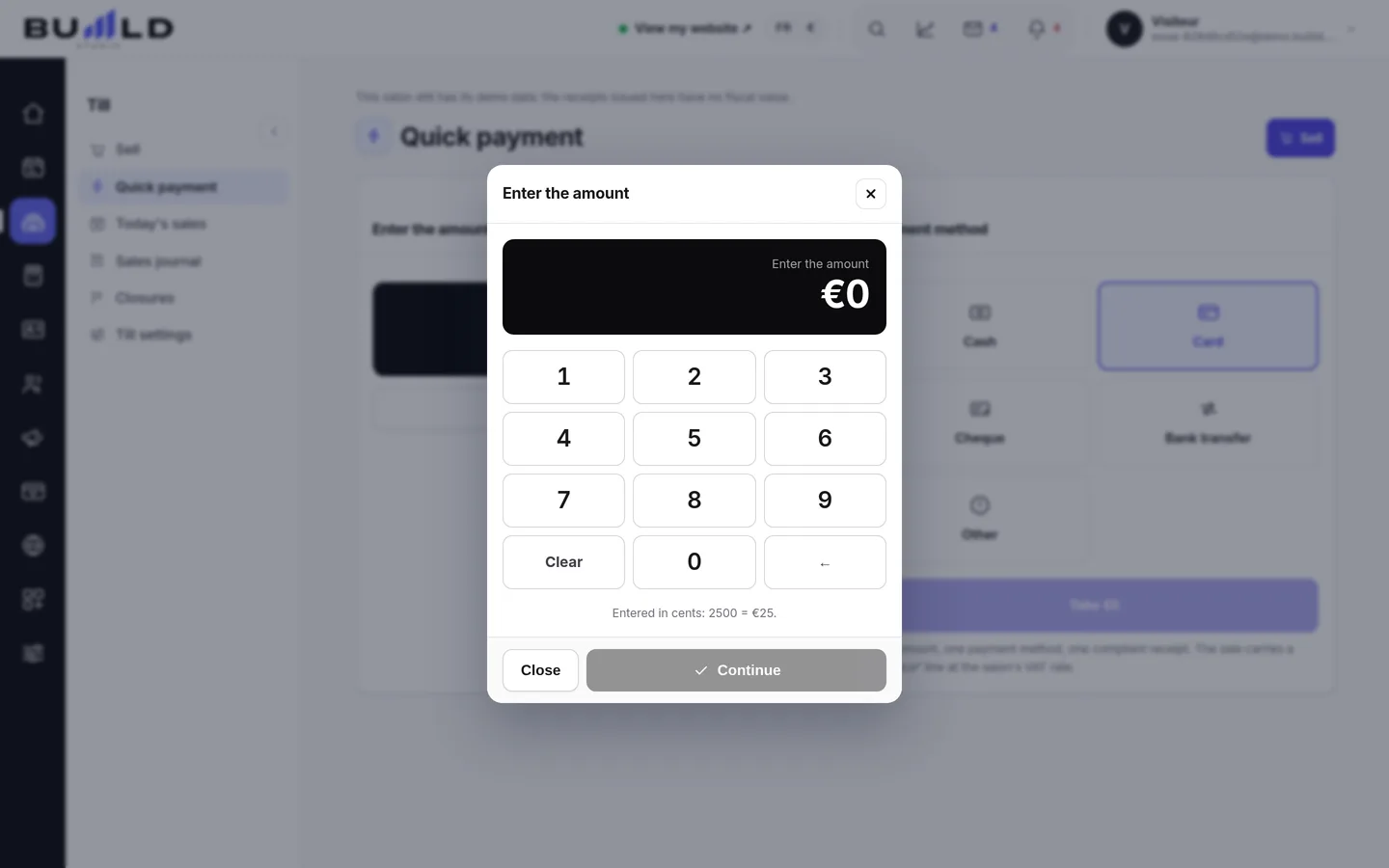
The three-step move
- The amount, right away. Type it on the pad, or on the keyboard. You can add the client and the team member if you want the sale to count for them.
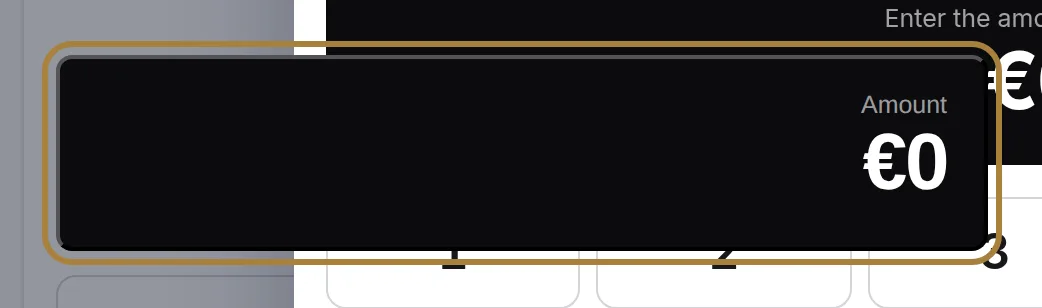
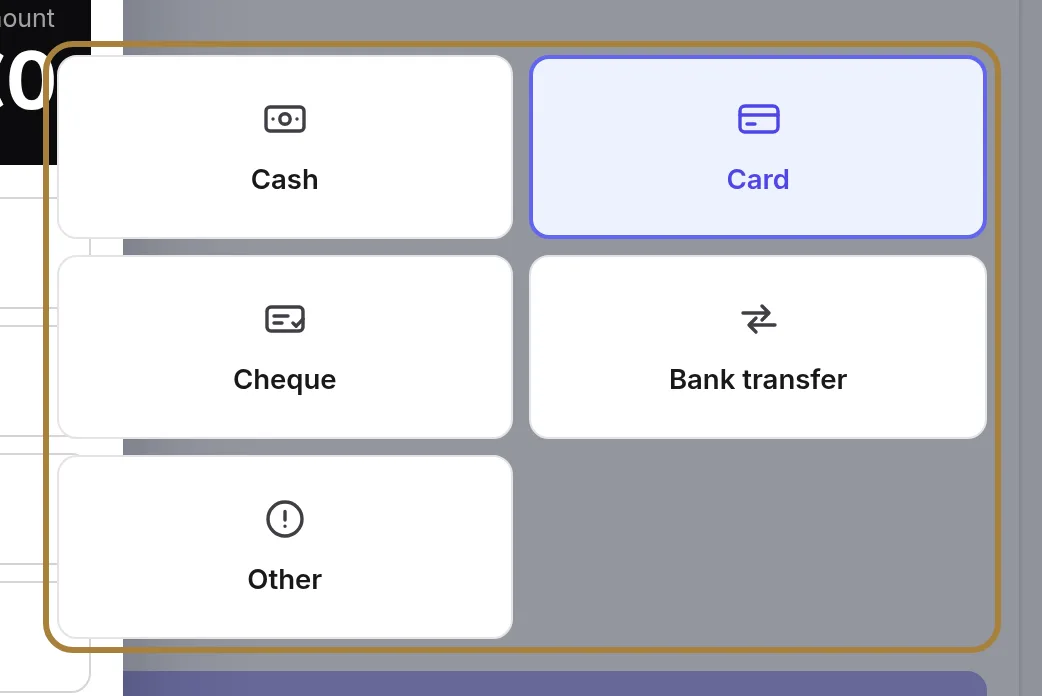
The amount, right away. - How you're paid. Cash, card, cheque, transfer or other. In cash, enter the amount received: the change due is shown, so you no longer have to work it out in your head in front of the client.
How you're paid. - Take payment. The button announces the amount it's about to take. One click, and the receipt is issued.

The amount is entered, the method chosen: all that's left is to take payment. 
The receipt is issued: numbered, chained, final.
The tabs at the top lead to the full sales flow, the journal, the day and closings. The screens that commit the business only appear for management accounts.
Frequently asked questions
I got the amount wrong after taking payment
The receipt is final, like any till receipt. Find it in the sales journal, issue a credit note, then redo the quick payment at the right amount.
Can I sell several products with quick payment?
No, it's a single overall amount, with no item breakdown. For a receipt that lists each product, use the full till from the tabs at the top.
Does this receipt count in today's closing?
Yes. It goes into the sales journal, into today's sales and into the closing, exactly like a receipt taken from the full till.
Can I use it without entering a client?
Yes, the client and the team member stay optional. Add them only if you want the sale to count in one's history and the other's commissions.
Go further
Basket, tip, payment: a sale in three steps. Until you've taken payment, nothing is issued; after that, the receipt is final.
Till and paymentsThe sales journal: receipts, drafts, unpaid, credit notesFinding a receipt by number, name or amount; reprinting a duplicate; following up an unpaid one; issuing a credit note; reading the fingerprint that stands as proof.
Till and paymentsToday's sales and closing the dayTaken, receipts, credit notes, tips; sold on one side, taken on the other; then the closing that locks the day and chains it to the previous one.
Need a hand?
Write to us from your studio, under “Help & support”: we answer quickly, with real people.