Client alerts (phone notifications)
A promotion, something new, a freed-up slot: notify visitors who've accepted notifications from your site, straight to their phone.
In this article
A promotion, something new, a freed-up slot: notify your clients straight on their phone — even with no email or phone number.
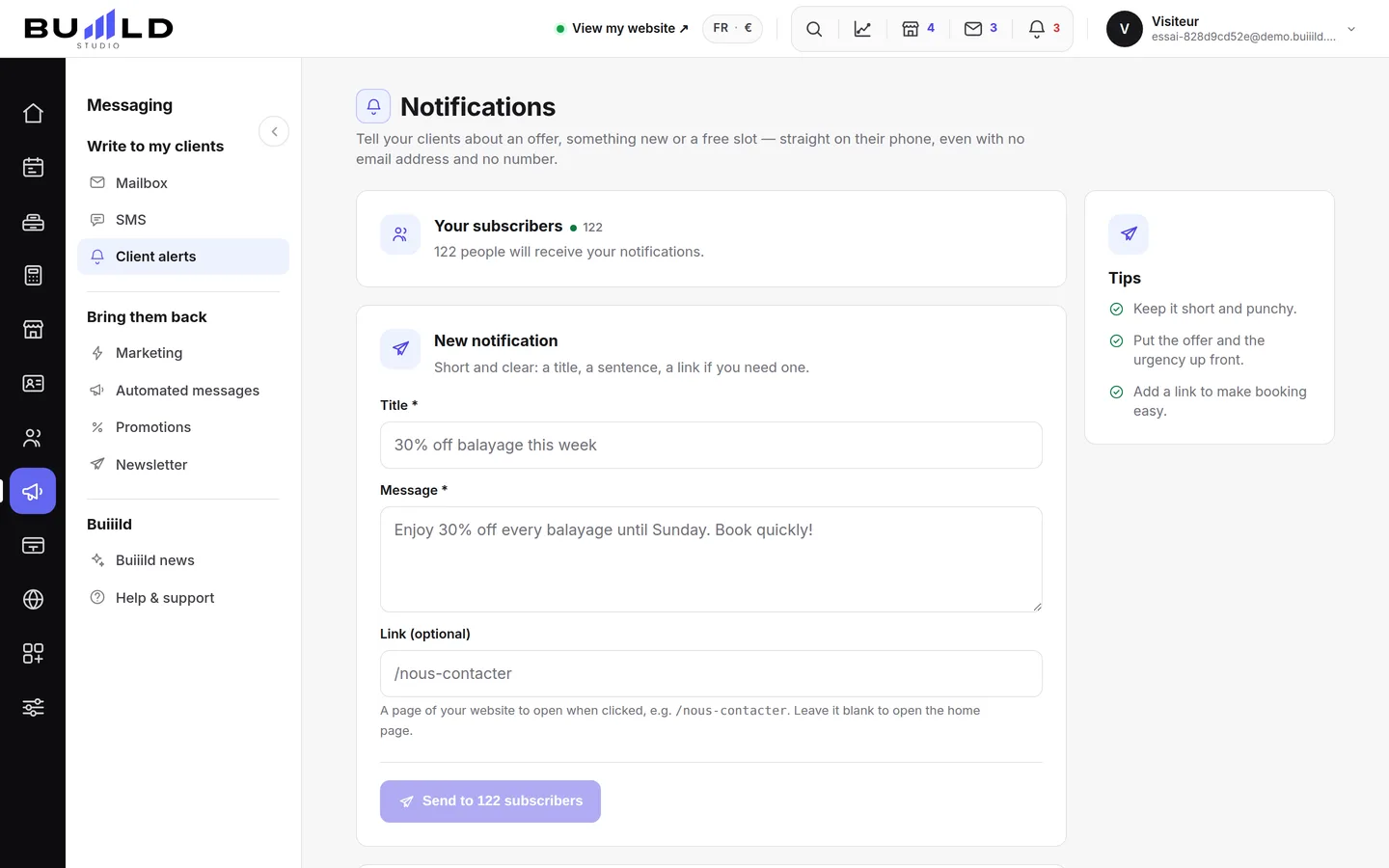
Who receives them?

Only visitors who've accepted notifications, with one click from the "Stay informed" section of your site. The counter tells you how many there are.
Writing a notification
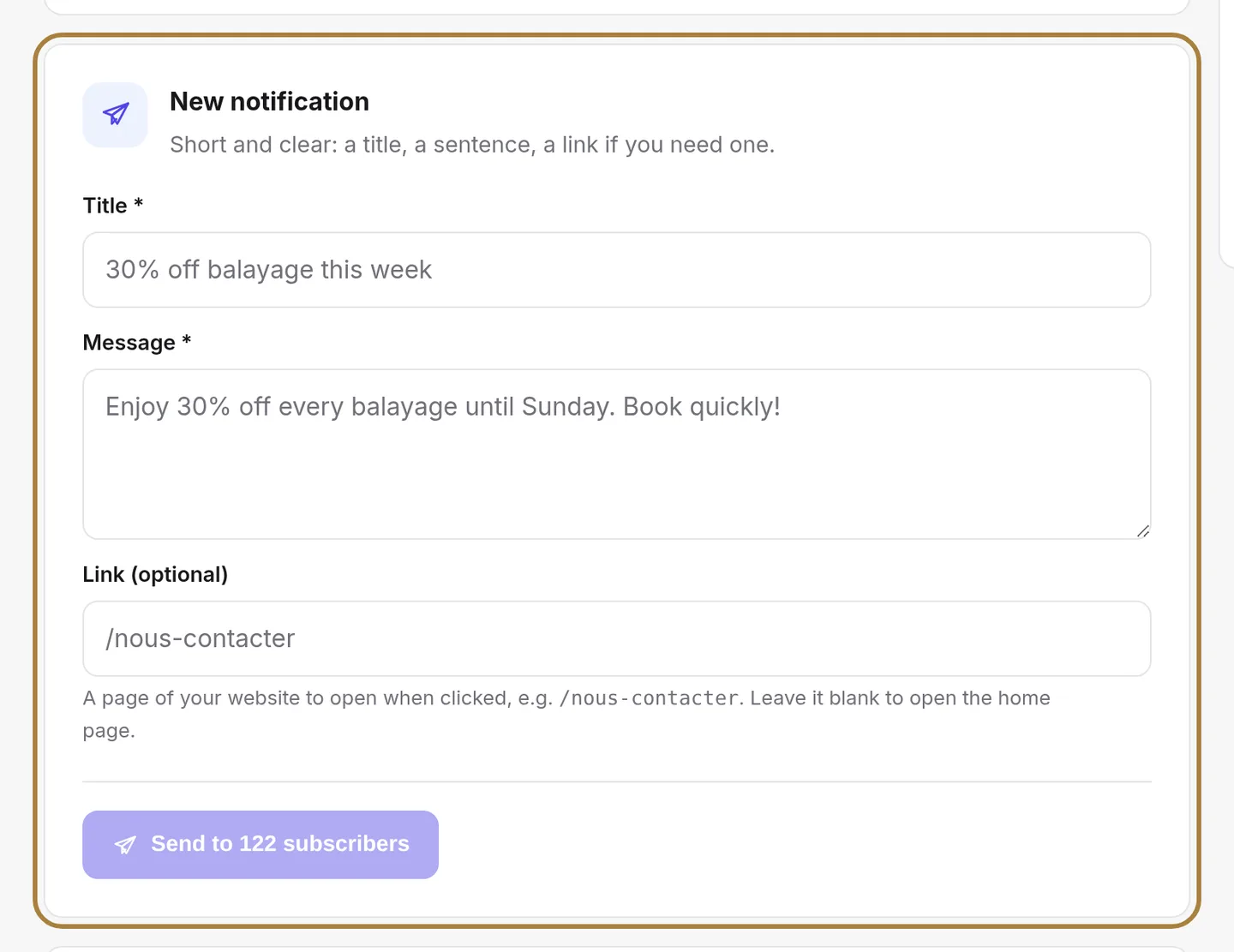
- Write a short title.
- Write your sentence.
- Add, if needed, a link to the page on your site that will open when the client taps the notification.
- Click Send — it announces how many subscribers the message will reach, and stays greyed out until the title and message are filled in.
Sending is immediate and can't be undone: reread before clicking.
Three simple rules for a notification that makes people want to act: a short message, a clear offer, a link to book.
Recent sends

The record of every notification, line by line: the text sent, the date, and how many subscribers received it — with the link opened on click, if there was one. One well-timed send now and then beats three a week.
Frequently asked questions
Can a client with no email or number receive an alert?
Yes: only their acceptance of notifications from the "Stay informed" section of your site matters, not their email or phone.
The service doesn't show up on my account, why?
Notifications are switched on salon by salon. If the screen says so, a word via "Help & support" and we'll turn them on for you.
Can I cancel a send after clicking?
No, sending is immediate and can't be undone: always reread before clicking.
How often should I send notifications?
One well-timed send now and then beats three a week.
Go further
An offer, a freed-up slot, a word to one specific person: you write it, the message goes out in the salon's name. Recipients, preview, cost, confirmation.
Marketing and reviews"Creating a promotion: last minute, happy hours, flash sale, premium hours"Four mechanics for filling quiet hours — or charging more for the ones everyone wants. What each promotion applies, what it brings in and what it costs.
My website"Your site's sections: show, hide, order"Your homepage is made of stacked sections. Choose which ones show and in what order — your site's remote control — and the mechanics common to every "My site" screen.
Need a hand?
Write to us from your studio, under “Help & support”: we answer quickly, with real people.