Your own domain name
salon-durand.fr instead of a subdomain: you buy it and own it. Choosing, checking, buying from a registrar, connecting with two DNS lines, and your email on your domain.
In this article
salon-durand.fr instead of a subdomain: it's possible, and you're the one who buys and owns it — never us. This page guides you through it from start to finish.

Where your site lives today

Your site's current address. It will stay alive throughout the process: nothing ever breaks.
The four-step journey

Choosing your address, buying it, connecting it, live. A milestone already reached can be clicked to go back — you're never locked in.
- Choosing your name. Type the name you want, with no "https://" or "www." — just the name and its extension, like salon-durand.fr. We cross-check several official registries to make sure it's genuinely available; it's a simple check, nothing is committed.
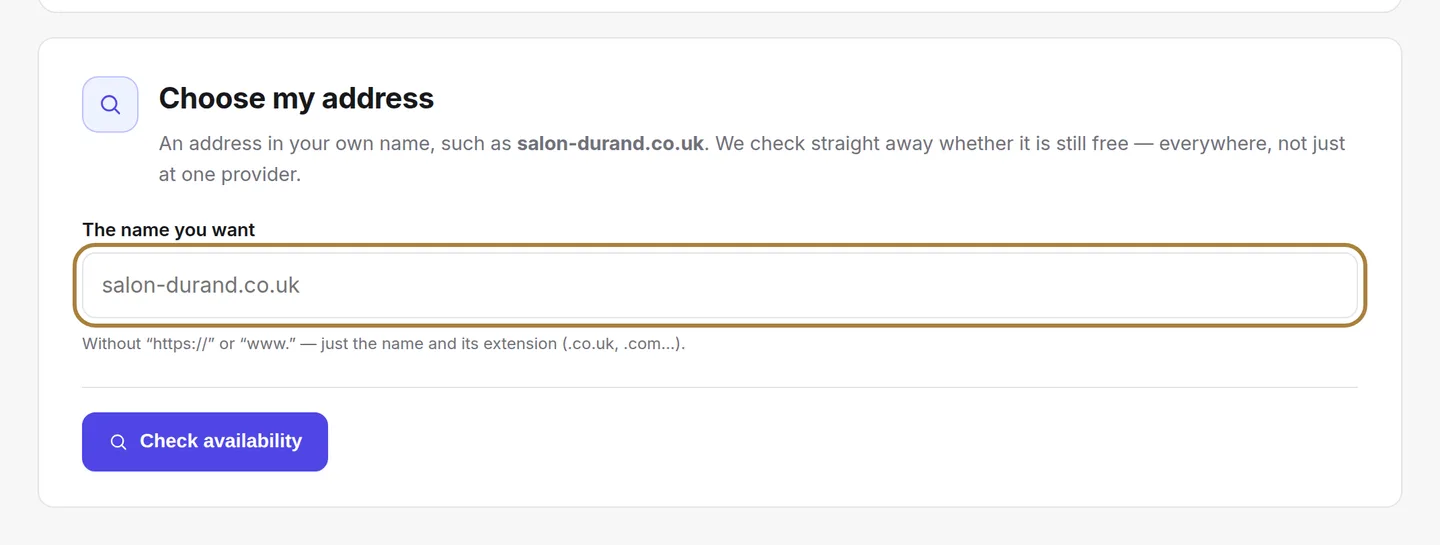
Choosing your name. - Buying it from a registrar. Click a card: you're taken to the registrar to make the purchase, around €10 to €15 a year, in your name. Hostinger is our recommendation. Then come back to confirm.
- Connecting the domain to the site. Two lines to copy over at your registrar, under "DNS Zone". Check my set-up then genuinely checks that everything points to the right place.
- Your domain is active. Your site answers to your own address. The "Your email on your domain" card guides you through receiving contact@your-domain in messaging — a simple redirect at your registrar. Go back to the subdomain remains possible at any time.
Frequently asked questions
How long before it works?
A DNS change takes anywhere from a few minutes to a few hours to propagate. The check button tells you when it's ready.
I already have a domain elsewhere
Perfect: skip straight to the "connect" step, with the two DNS lines to copy over at your current registrar.
Go further
The title and description that appear in search results, and the visibility report that says what your site is missing.
Messaging and SMSThe salon's messagingA real mailbox for the salon: requests from your site, your replies, your drafts. Folders, search, bulk actions, reading, new message.
Salon settingsThe salon's contact detailsAddress, phone, email, social networks: everything that lets a client find and reach you. Used on the contact page, the footer, the map and the directory listing.
Need a hand?
Write to us from your studio, under “Help & support”: we answer quickly, with real people.