Your site's legal pages
Legal notice, privacy, cookies: the required pages, already written. Check your information, edit the text, add a custom document.
In this article
Legal notice, privacy, cookies: the pages every site is required to have. They're already written — you just need to check your information.
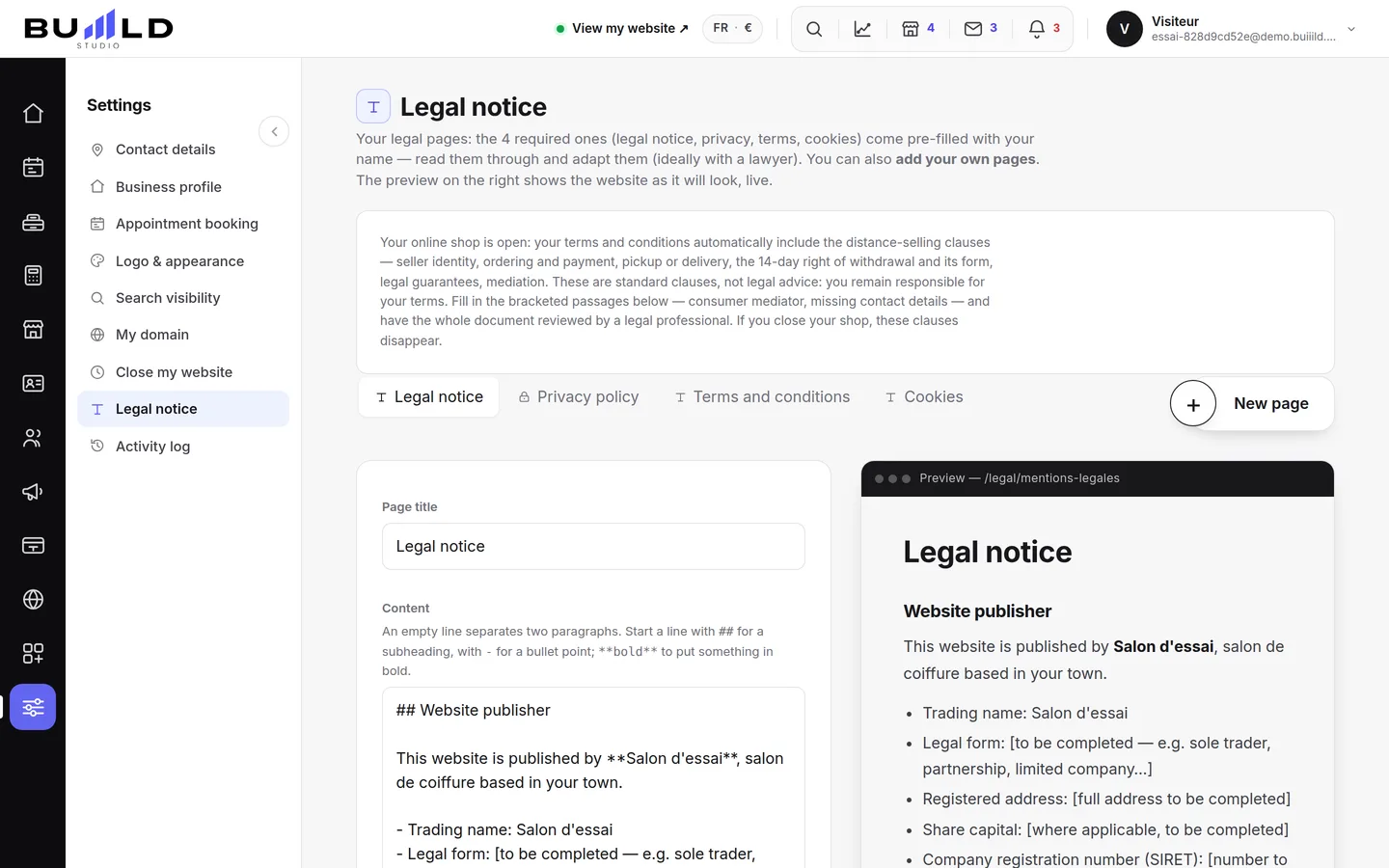
One tab per document

Switch from one document to another. The + button adds a custom document (terms of sale, charter…).
The document
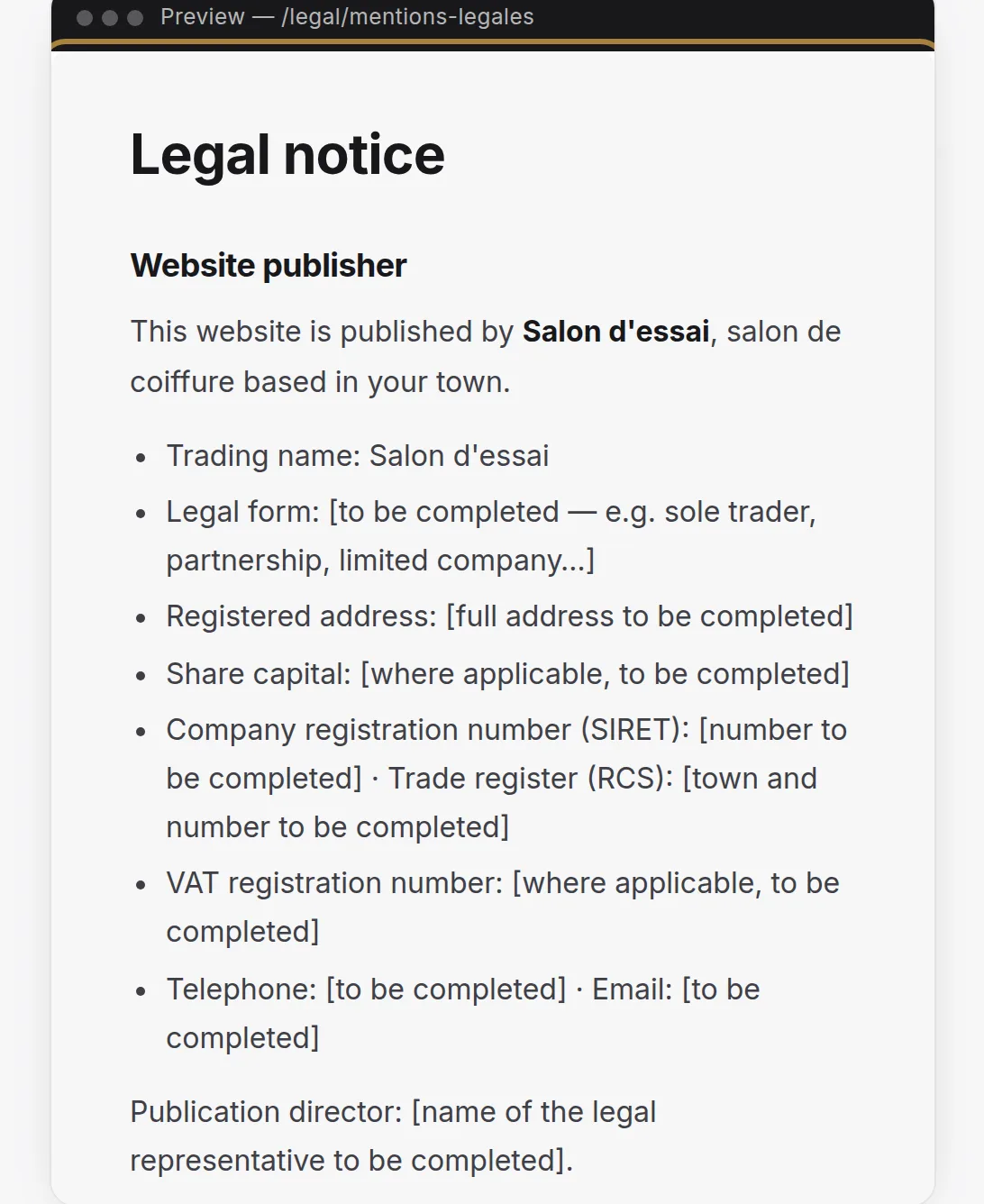
The text is directly editable. The preview shows the page exactly as your visitors will read it, accessible from the site's footer.
Frequently asked questions
Do I need to write my legal notices myself?
No, they're already written for you. You just need to check your information in the document.
How do I add a custom document, like terms of sale?
Click + next to the existing tabs: a new document is added, for you to write yourself.
Why is the company name shown here wrong?
Because it's pulled from the establishment's page. Fix it there: the legal pages follow automatically.
Where do my visitors find these pages on my site?
From the site's footer, accessible at any time.
Go further
The salon's identity card: presentation, legal information, amenities, where you work, your rules stated upfront. Filled in once, reused everywhere.
Till and paymentsSetting up the till: SIRET, VAT, payment methods, penaltiesThe required details on the receipt, the default VAT rate and the VAT exemption threshold, the methods you accept, cancellation and no-show penalties.
Till and paymentsTill compliance and the certificateUnalterability, security, retention, archiving: what the till guarantees, the extended integrity check you can rerun, the archive of a period, the FEC file and the certificate to print.
Need a hand?
Write to us from your studio, under “Help & support”: we answer quickly, with real people.