"Activity history: who did what"
Every important change leaves a trace: who, what, when. Useful when several people work together.
In this article
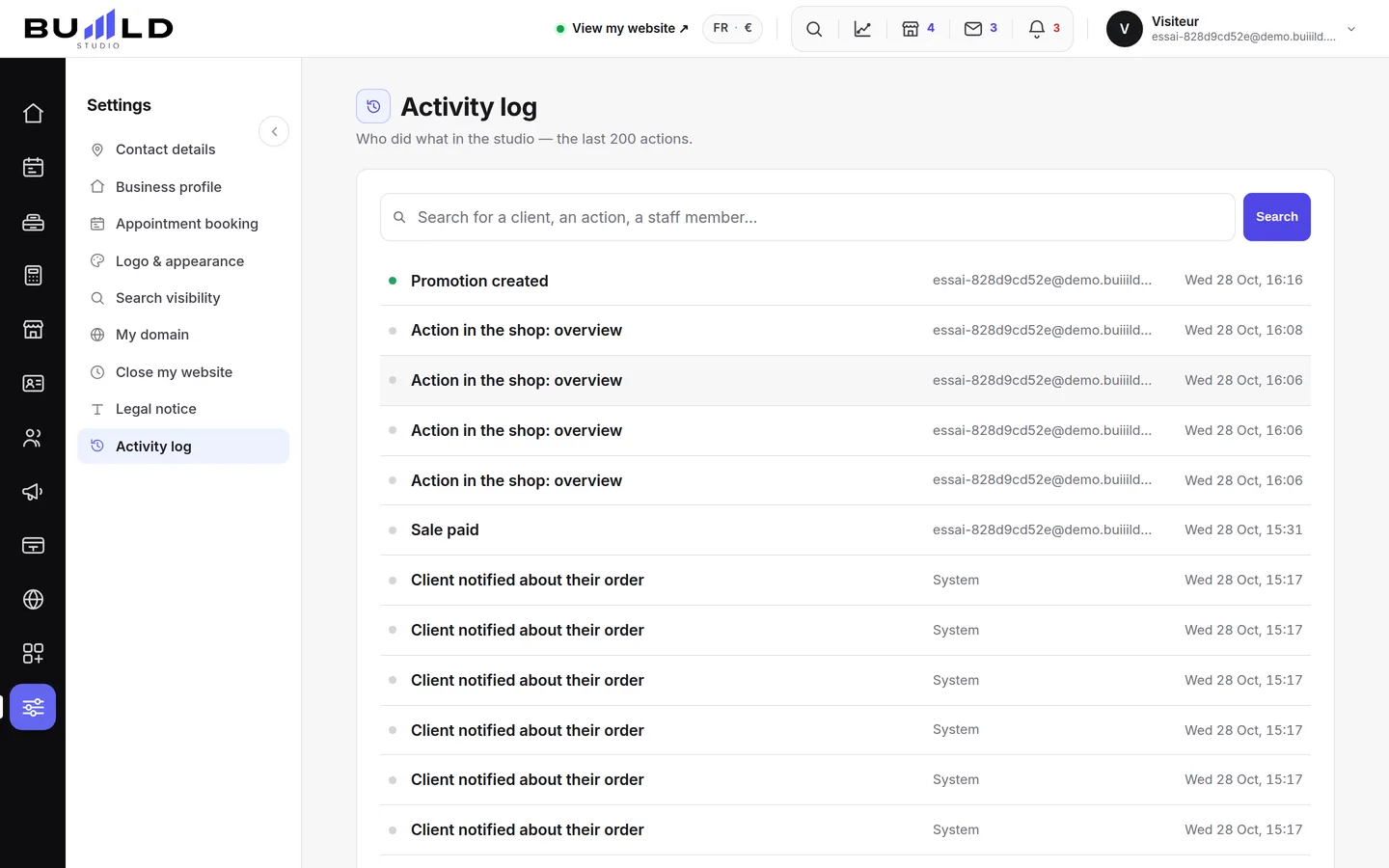
Who did what in the studio, and when: every important change leaves a trace. Useful when several people work together.
Searching
Filter by keyword: a name, a page, an action.
One line per action

The action in bold, the author and the date aligned to the right. The green dot flags a positive action (appointment kept, creation…). The list fills itself in as you scroll.
Frequently asked questions
How do I find a specific action in the history?
Filter by keyword in the search bar: a name, a page or an action is enough.
What does the green dot in front of a line mean?
It flags a positive action, such as an appointment kept or a creation.
Why does the team need one account per person?
Because every account leaves its signature in the history. A shared password makes it impossible to know who did what.
Does the list show everything at once?
No, it fills itself in as you scroll: scroll down to see older actions.
Go further
Who can get into the studio, and with what rights. One account per person, never a shared password; the manager sees everything, an employee sees the calendar, clients and messages.
Till and paymentsThe sales journal: receipts, drafts, unpaid, credit notesFinding a receipt by number, name or amount; reprinting a duplicate; following up an unpaid one; issuing a credit note; reading the fingerprint that stands as proof.
Calendar and appointmentsManaging an appointment: confirm, mark kept, move, cancelThe appointment record, the seven statuses, drag and drop, the session notes and what the client receives when you move it.
Need a hand?
Write to us from your studio, under “Help & support”: we answer quickly, with real people.