Setting up the till: SIRET, VAT, payment methods, penalties
The required details on the receipt, the default VAT rate and the VAT exemption threshold, the methods you accept, cancellation and no-show penalties.
In this article
Five cards to set up once, before your first sale.
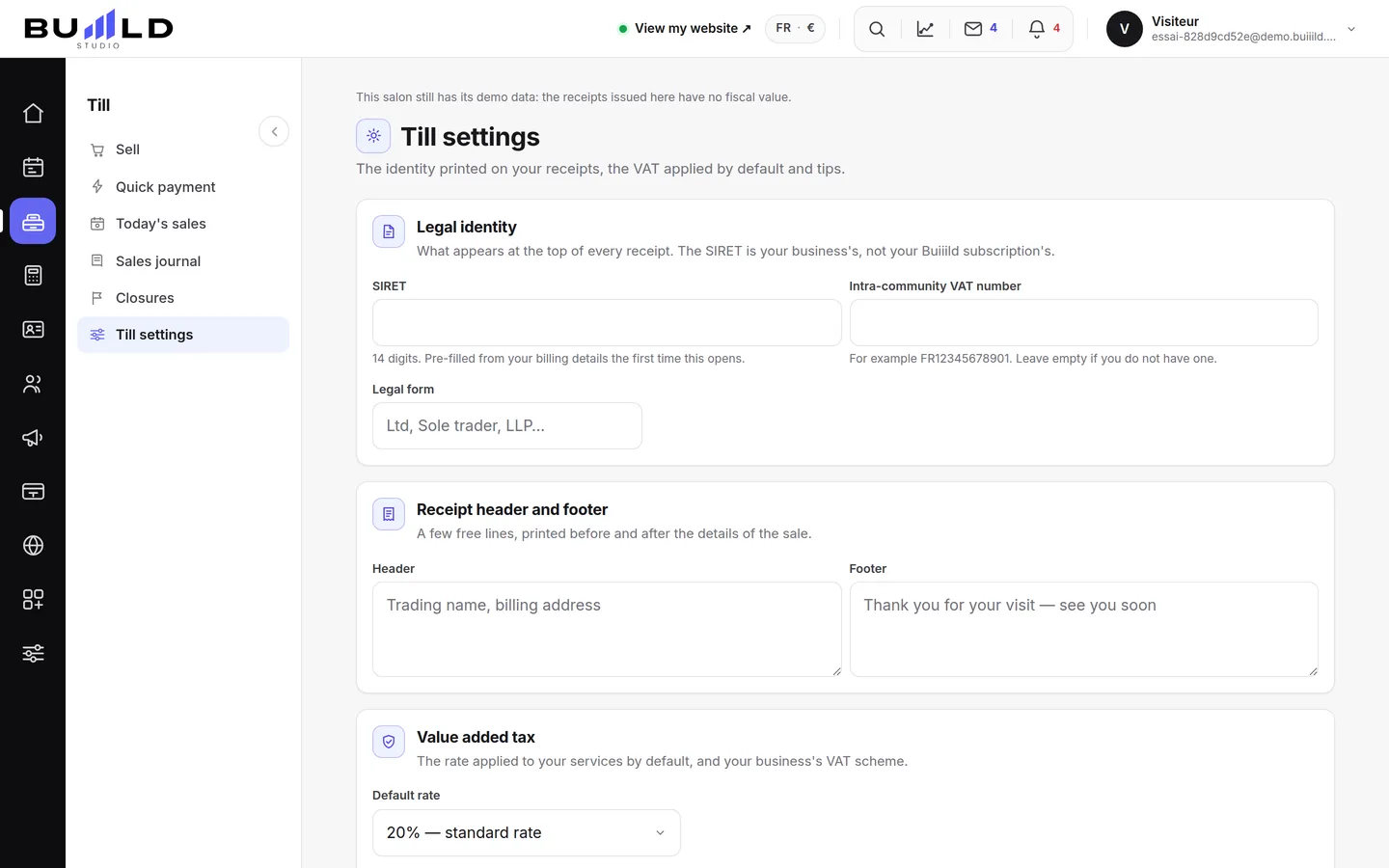
What prints on your receipts

SIRET, intra-community VAT number, legal structure: these details are required on an invoice and carry over automatically onto every document issued. Fill them in once.
The default VAT rate
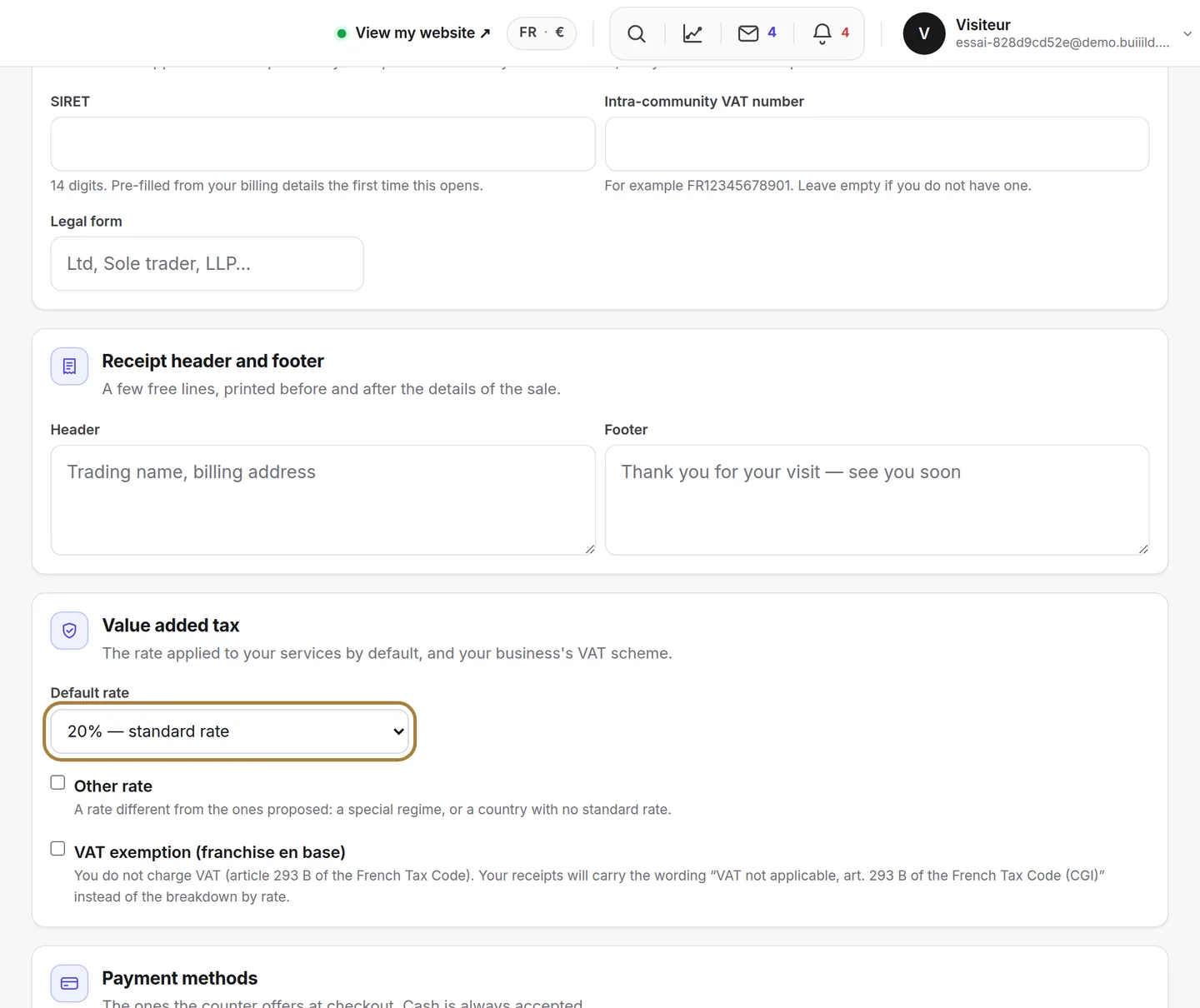
It applies to any line without its own rate — most of your services. If you're under the VAT exemption threshold, tick it just below: the legal notice "VAT not applicable, art. 293 B of the French tax code" will then appear on your receipts.
The methods you accept

Untick what you don't take: the payment screen gets lighter, and your team stops clicking the wrong thing. Cash always stays available, you can't refuse it.
Cancellation penalties

A fixed amount or a percentage, for a late cancellation and for a no-show. Once set here, the amount is offered to you at the till under "to invoice": you no longer have to decide case by case in front of the client.
Frequently asked questions
Can I refuse cash payments?
No, cash always stays available: you can untick the other methods you don't accept, but not that one.
I'm under the VAT exemption threshold, what do I need to do here?
Tick the box under the default rate: the legal notice "VAT not applicable, art. 293 B of the French tax code" will then appear automatically on your receipts.
If I change the VAT rate, do my old receipts change?
No. A receipt already issued keeps the details it had at the time it was made; only sales going forward follow the new setting.
What are the penalties set here used for?
Once the amount is set, it's automatically offered to you at the till under the "To invoice" tab: you no longer have to decide the amount case by case in front of the client.
Go further
Basket, tip, payment: a sale in three steps. Until you've taken payment, nothing is issued; after that, the receipt is final.
Till and paymentsTill compliance and the certificateUnalterability, security, retention, archiving: what the till guarantees, the extended integrity check you can rerun, the archive of a period, the FEC file and the certificate to print.
Calendar and appointmentsBooking settings: slots, delays, deposit, cancellationThe slot interval, the buffer, the notice period, the horizon, automatic switching to kept, the deposit, the cancellation policy and notifying of moves.
Need a hand?
Write to us from your studio, under “Help & support”: we answer quickly, with real people.