The salon's contact details
Address, phone, email, social networks: everything that lets a client find and reach you. Used on the contact page, the footer, the map and the directory listing.
In this article
Address, phone, email, social networks: everything that lets a client find and reach you. This information carries over to the contact page, the footer, the map, your directory listing and the "Book an appointment" phone button.
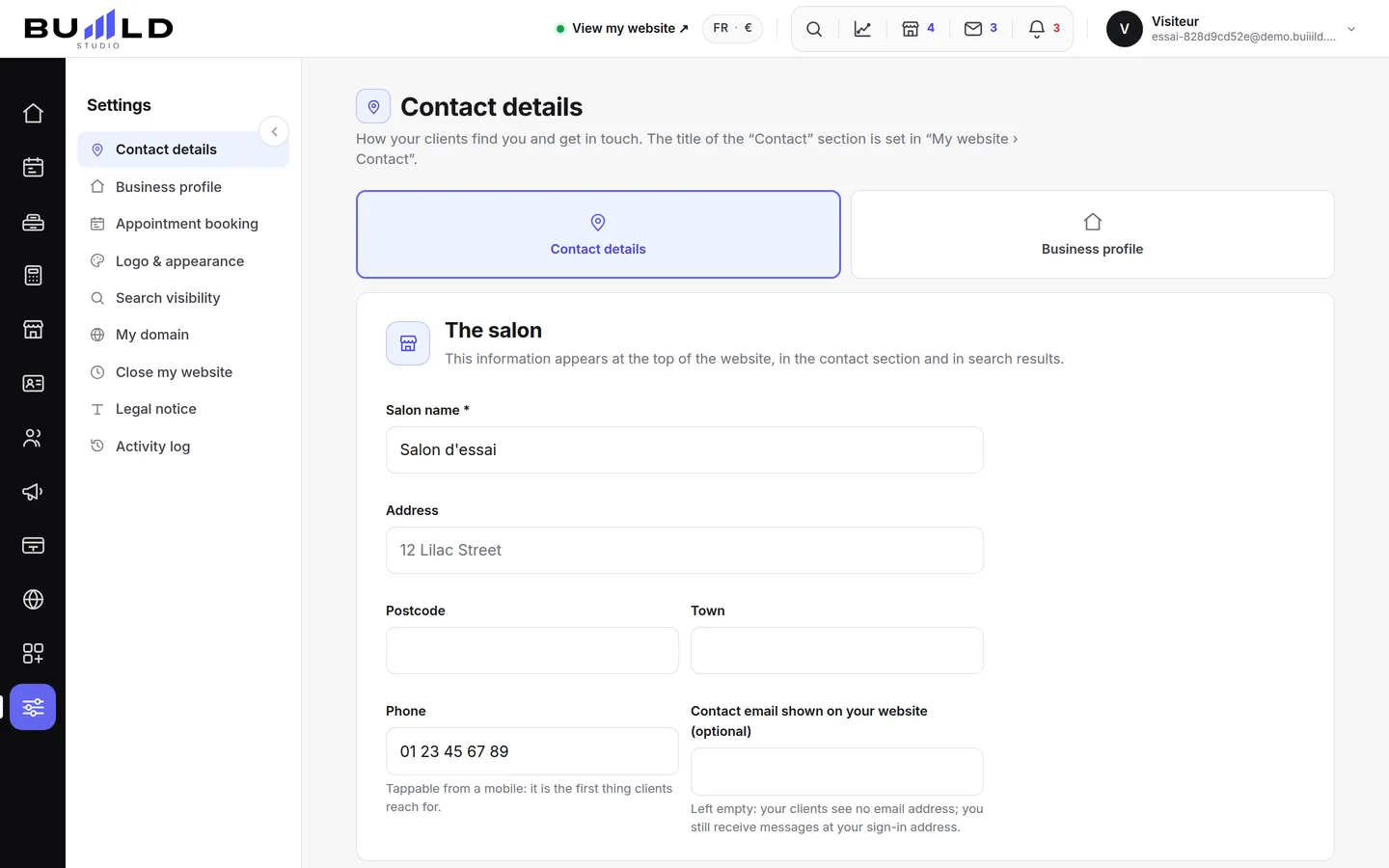
The form
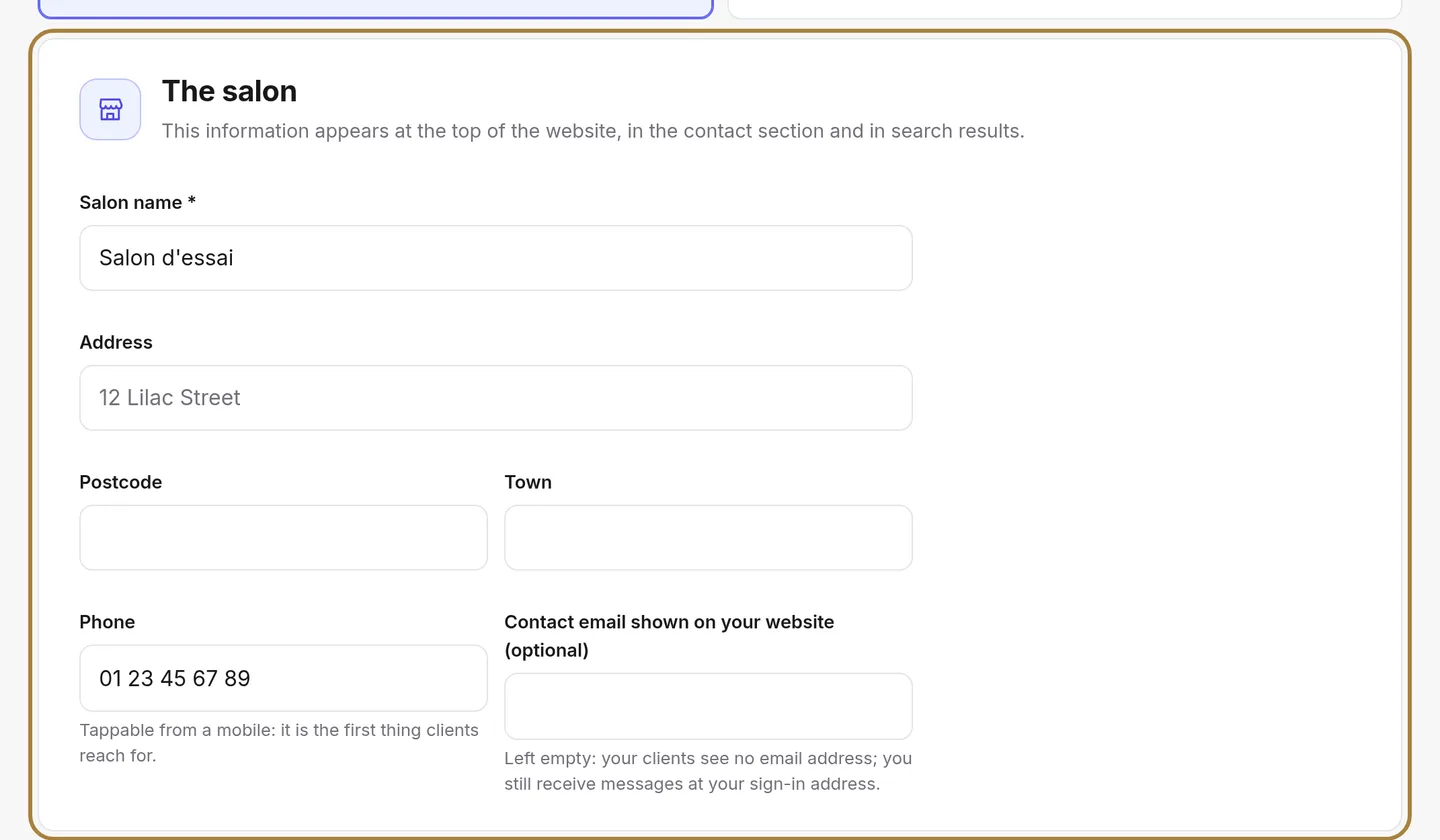
The address feeds the map on the contact page and your directory listing — a wrong address, and a client rings the wrong doorbell. The phone number is clickable from a mobile. Fill in your social networks to show their icons on the site.
Saving
Nothing changes on the site until you save.
Frequently asked questions
Why does my address need to be exact to the metre?
Because it feeds the map on the contact page and your directory listing. A wrong address makes a client ring the wrong doorbell.
Is the phone number clickable on mobile?
Yes: a client on their phone can call you with a single click on the number shown.
Where do I enter my SIRET and VAT number?
Not here: this information lives in the till settings, for your receipts and invoices.
Where do I describe my salon and its amenities?
In the establishment's page: presentation, amenities and salon rules are set there, not here.
Go further
The salon's identity card: presentation, legal information, amenities, where you work, your rules stated upfront. Filled in once, reused everywhere.
Online bookingYour listing in the Buiiild directoryA client who doesn't know you is looking for a salon nearby: this is the listing she finds. What the public sees, your services and prices, what decides your ranking.
My websiteFAQ, newsletter banner and Contact sectionThe questions you're asked non-stop on the phone, the newsletter sign-up banner, and the texts of the "Contact us" section.
Need a hand?
Write to us from your studio, under “Help & support”: we answer quickly, with real people.