The salon's hours and exceptional closures
Your opening days and hours, up to two slots a day. The site shows "open" or "closed", the calendar and online booking follow. Holidays, public holidays, training.
In this article
Your opening days and hours. The site shows "open" or "closed" on its own depending on the time, and online booking only offers these slots.
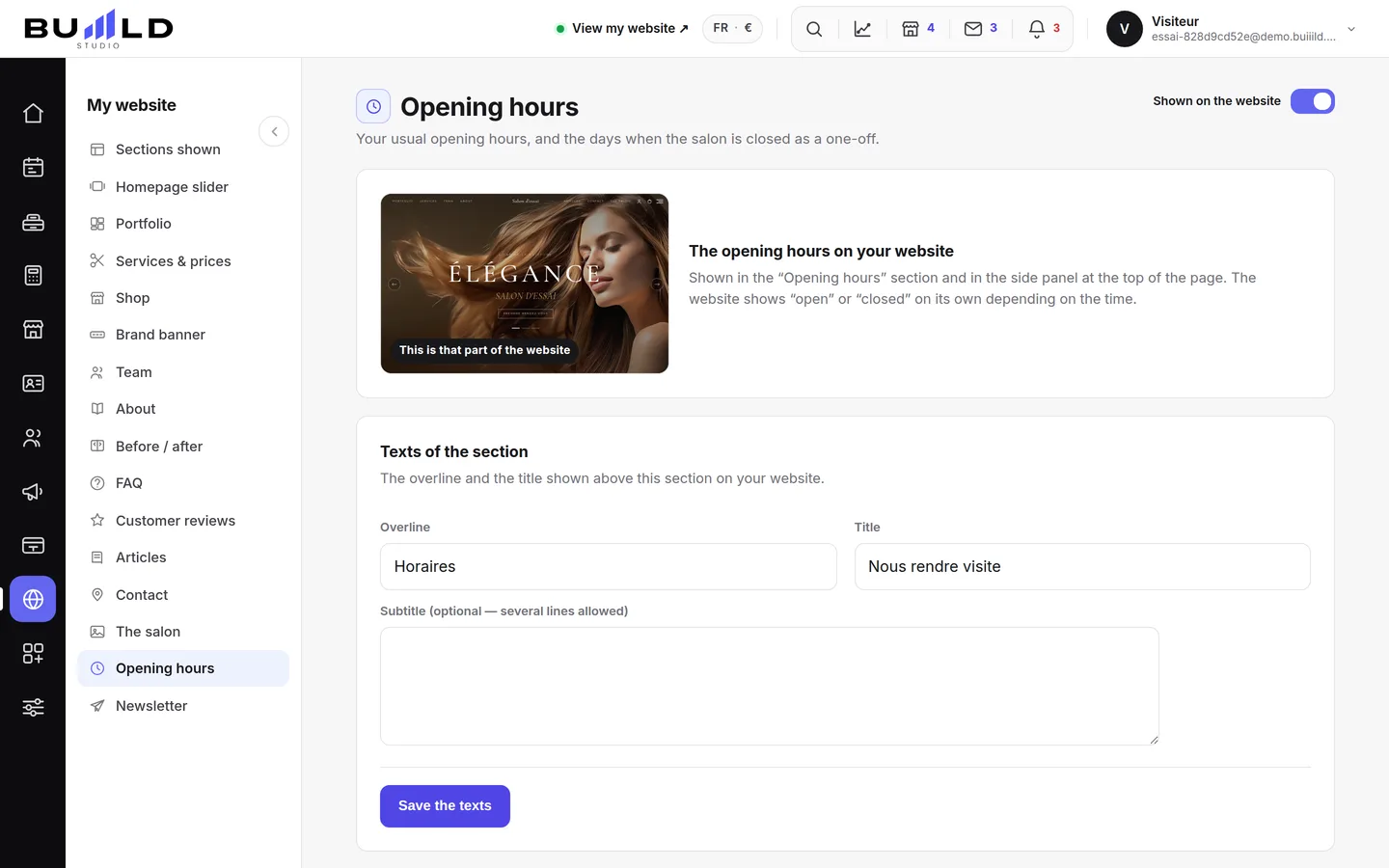
The typical week
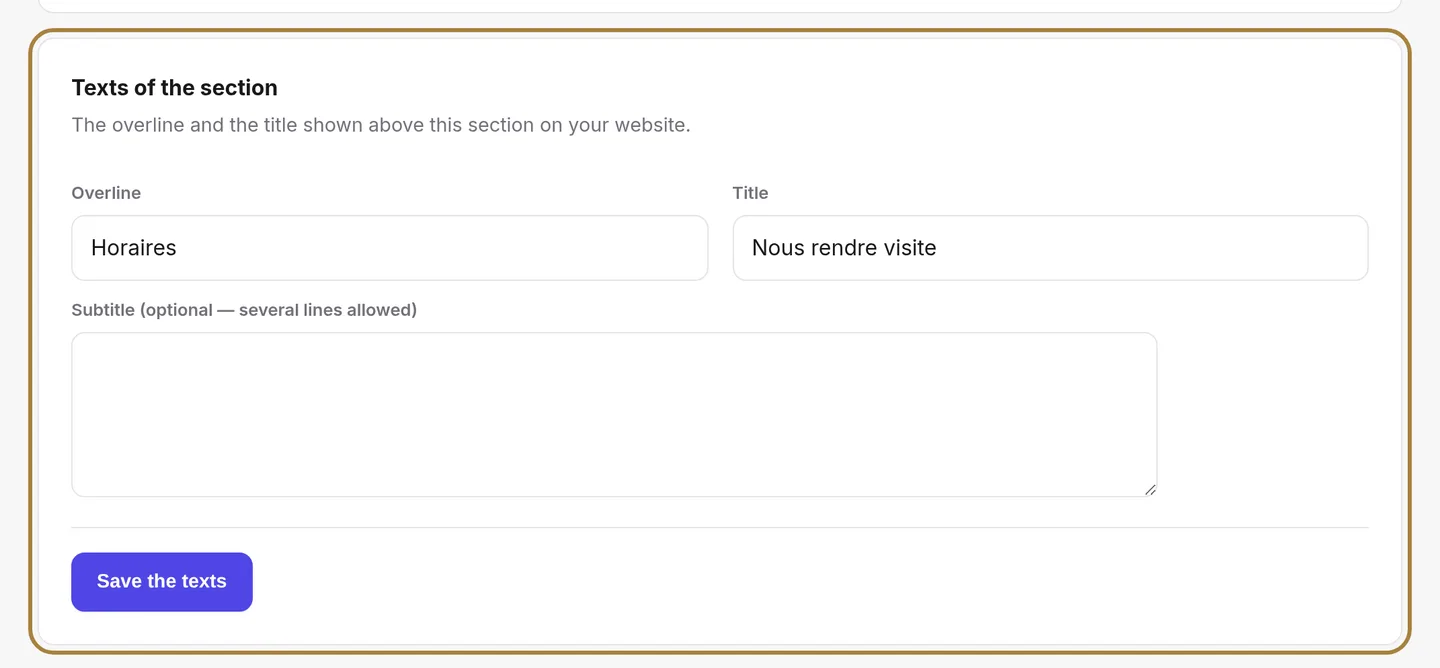
Day by day: open or closed, and up to two slots (morning and afternoon) for the lunch break. The calendar and online booking follow these hours.
Exceptional closures
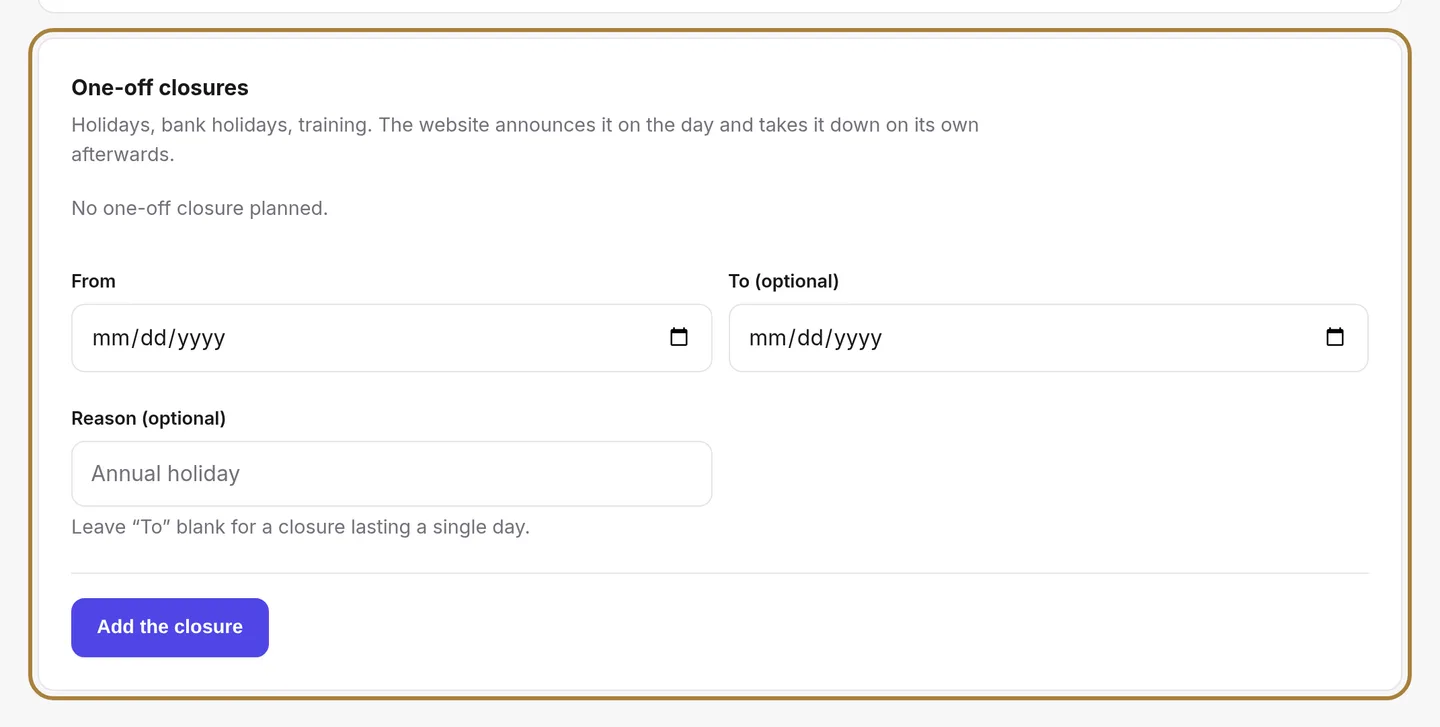
Holidays, public holidays, training: add dates, the site announces it when the day comes and removes the notice on its own afterwards. The bin removes a closure.
Saving
Hours only change on the site once saved.
Frequently asked questions
How many slots can I set per day?
Up to two: morning and afternoon, to leave a lunch break.
How do I declare a holiday or a public holiday?
Add a date to the exceptional closures: the site announces it when the day comes and removes the notice on its own afterwards.
A stylist who only works three days, how do I handle that?
Set their case in the team's schedule: by default everyone follows the salon's hours, but you can adjust it person by person.
Do the new hours apply right away?
No, only after clicking Save. Before that, nothing changes on the site.
Go further
Who works when: each stylist's hours, up to two slots a day, and their time off. The calendar and online booking adapt on their own.
Calendar and appointmentsBooking settings: slots, delays, deposit, cancellationThe slot interval, the buffer, the notice period, the horizon, automatic switching to kept, the deposit, the cancellation policy and notifying of moves.
My website"Your site's sections: show, hide, order"Your homepage is made of stacked sections. Choose which ones show and in what order — your site's remote control — and the mechanics common to every "My site" screen.
Need a hand?
Write to us from your studio, under “Help & support”: we answer quickly, with real people.