"Services and prices: your catalogue"
Your salon's menu: what you offer, at what price, in what order. Creating a service, its categories, the duration that blocks the calendar, the price type, who performs it.
In this article
Your salon's menu: what you offer, at what price, in what order. Everything you change here shows immediately on your site, in online booking and at the till.
The catalogue
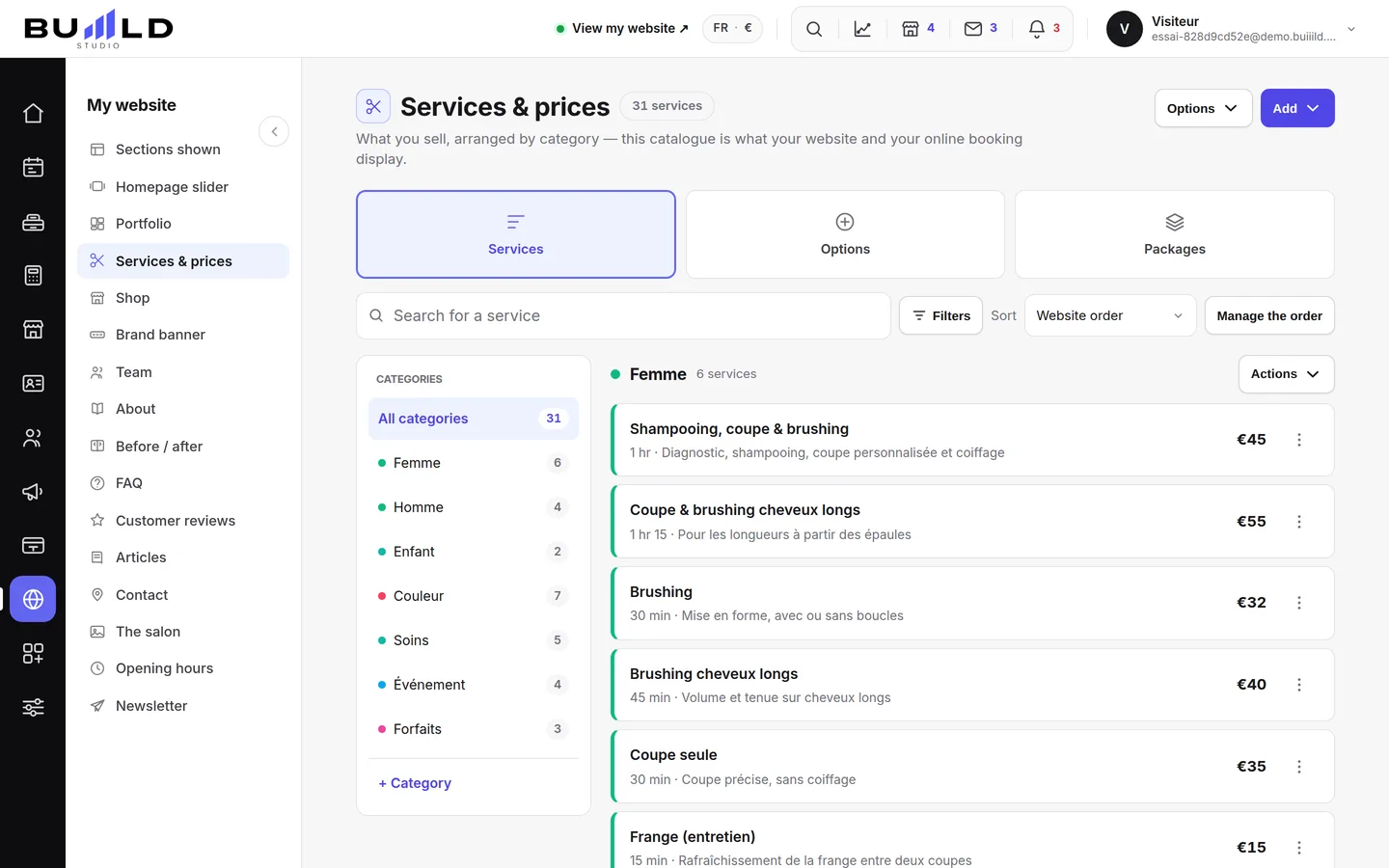
Add creates a service or a category. Options copies your booking link, opens bulk price editing, downloads the catalogue as CSV or prints it.

Search for a service by name, filter archived ones, change the sort. Manage the order brings up the arrows to arrange your services in the exact order your site will show them.
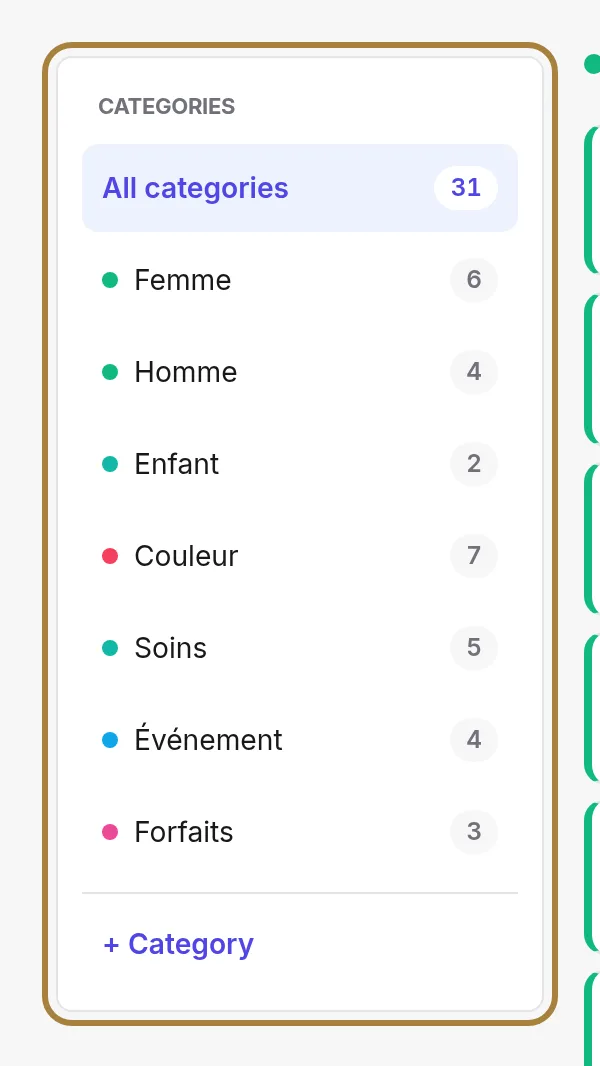
Your categories, with the number of services in each. Click to show only that one; "Actions" lets you rename it or archive it entirely.
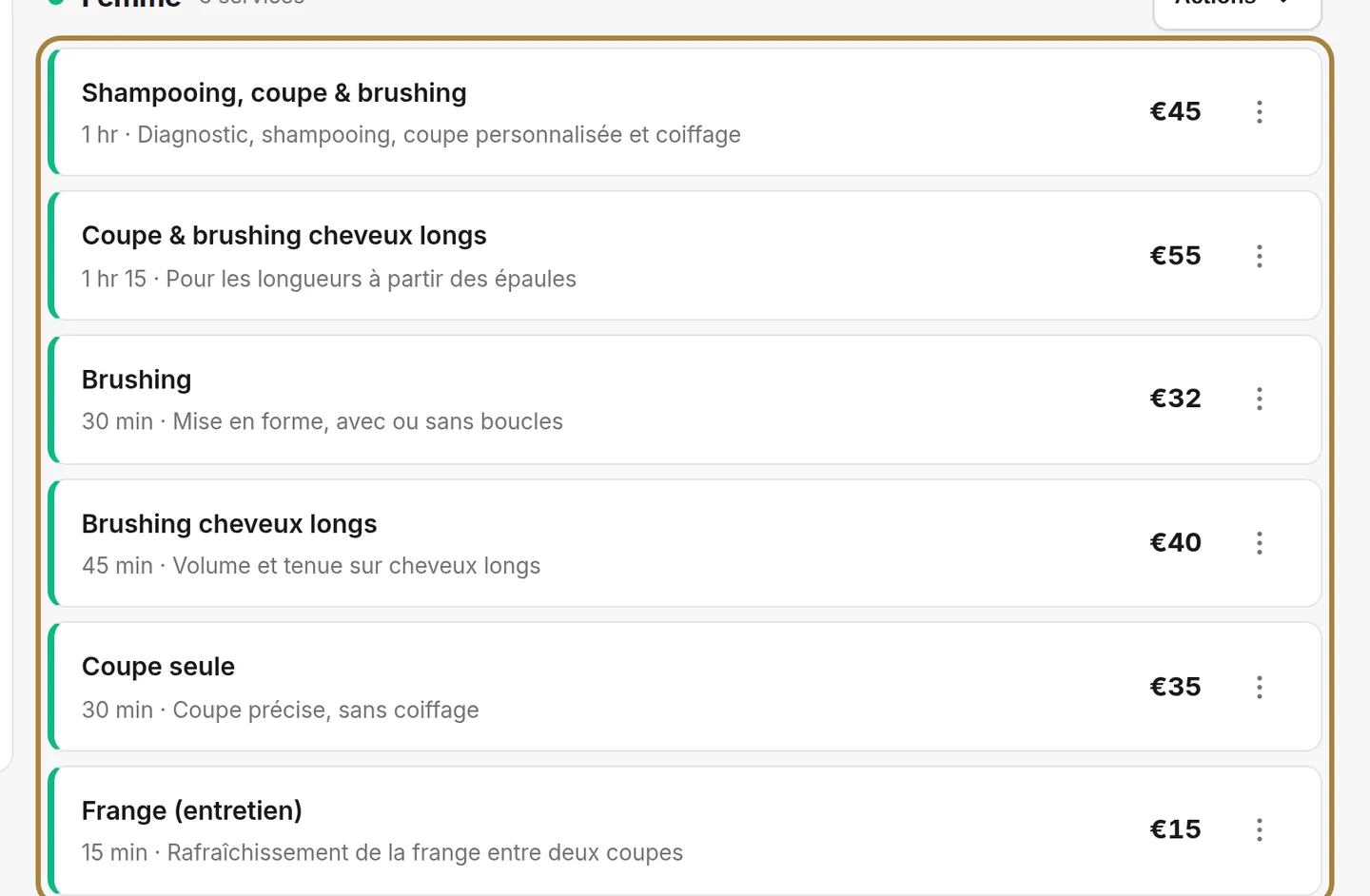
One line per service: its name, its duration, its price. The ⋮ button opens everyday actions — edit, duplicate, archive, delete. A service used by appointments or sales gets archived: it disappears from the site and from booking, but the history stays readable.
Creating a service
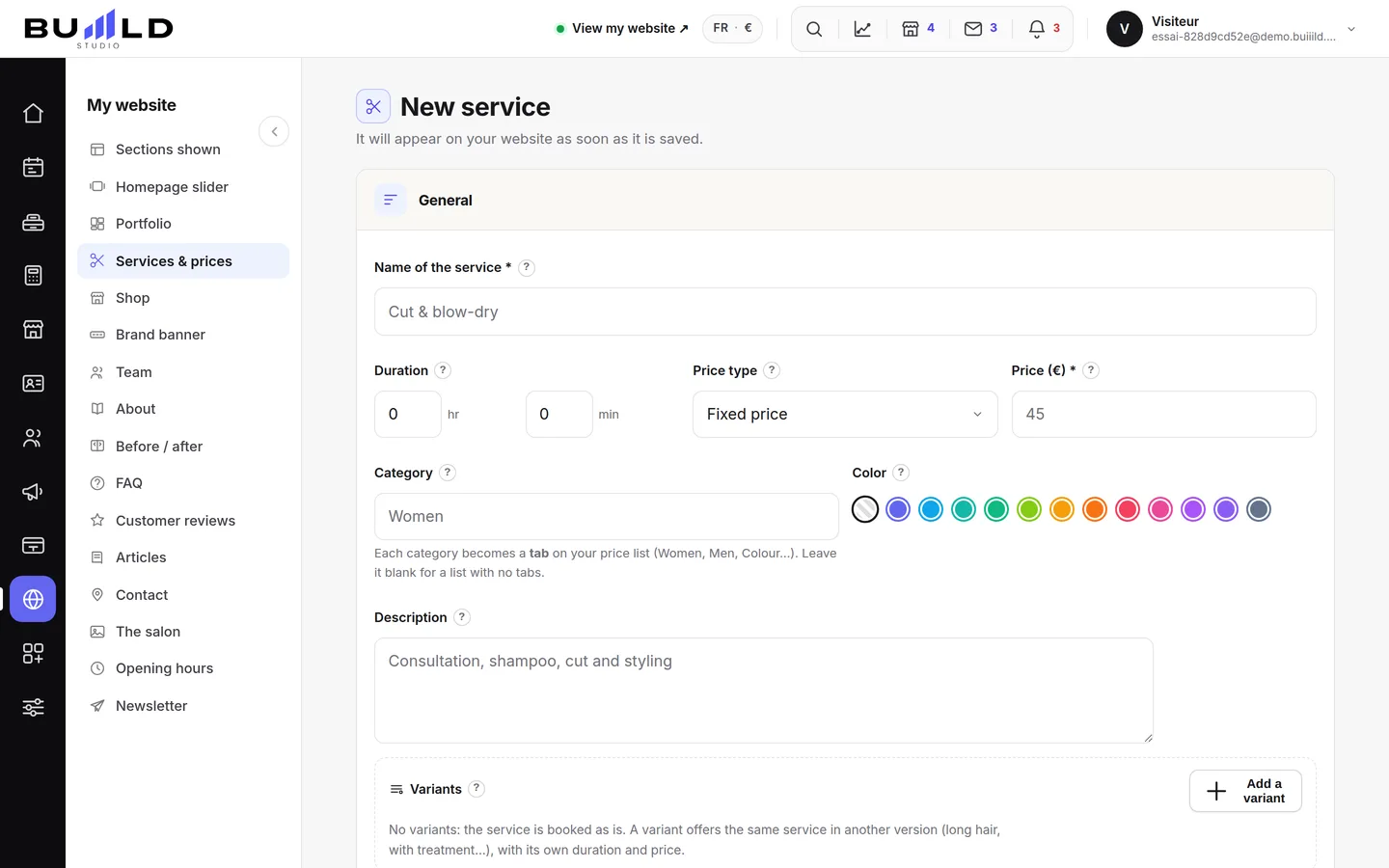
A service is three things at once: a name the client understands, a time that takes up your day, a price that goes to the till.
- The name the client reads. It shows on your site and in online booking. "Long hair balayage" is understood from the outside; "BAL LG 2" is only understood at the salon.
- The duration. Count the real time, application and finishing included. Too short, and you're running late by eleven o'clock; too long, and you lose slots you could have sold.

The duration takes up your day. - Fixed, starting at, or on quote. "Starting at" avoids promising a price on a length you haven't seen. A hidden price gets discussed at the chair, but the client books blind: keep it for services that genuinely vary.

Fixed, starting at, or on quote. - The category. It files the service on your site and in the catalogue. Reuse an existing category rather than creating one that's nearly identical.
- Who performs it. Only ticked people are offered for online booking of this service. This is how a colour never lands with someone who doesn't do it.

Who performs it.
The page also carries the description read by the client, the deposit specific to this service, the questions to ask at booking, and the forms to sign.
Frequently asked questions
How do I raise all my prices by 5%?
Options › bulk price editing: a percentage or an amount, applied to a category or the whole catalogue, with a preview before confirming.
A service doesn't show on the site
It's archived, or the Services section is hidden (switch at the top of the screen). Also check it has at least one person ticked for online booking.
Go further
An option adds to a service with its own duration and price; a package books several services at once, chained or simultaneous.
Calendar and appointmentsCreating an appointmentService, stylist, day, slot, client: the form only offers truly free slots, and creates the client record if needed.
My website"Your site's sections: show, hide, order"Your homepage is made of stacked sections. Choose which ones show and in what order — your site's remote control — and the mechanics common to every "My site" screen.
Need a hand?
Write to us from your studio, under “Help & support”: we answer quickly, with real people.