Options and packages
An option adds to a service with its own duration and price; a package books several services at once, chained or simultaneous.
In this article
Services, options, packages: three ways to sell the same skill, set from the catalogue's tabs.
Options
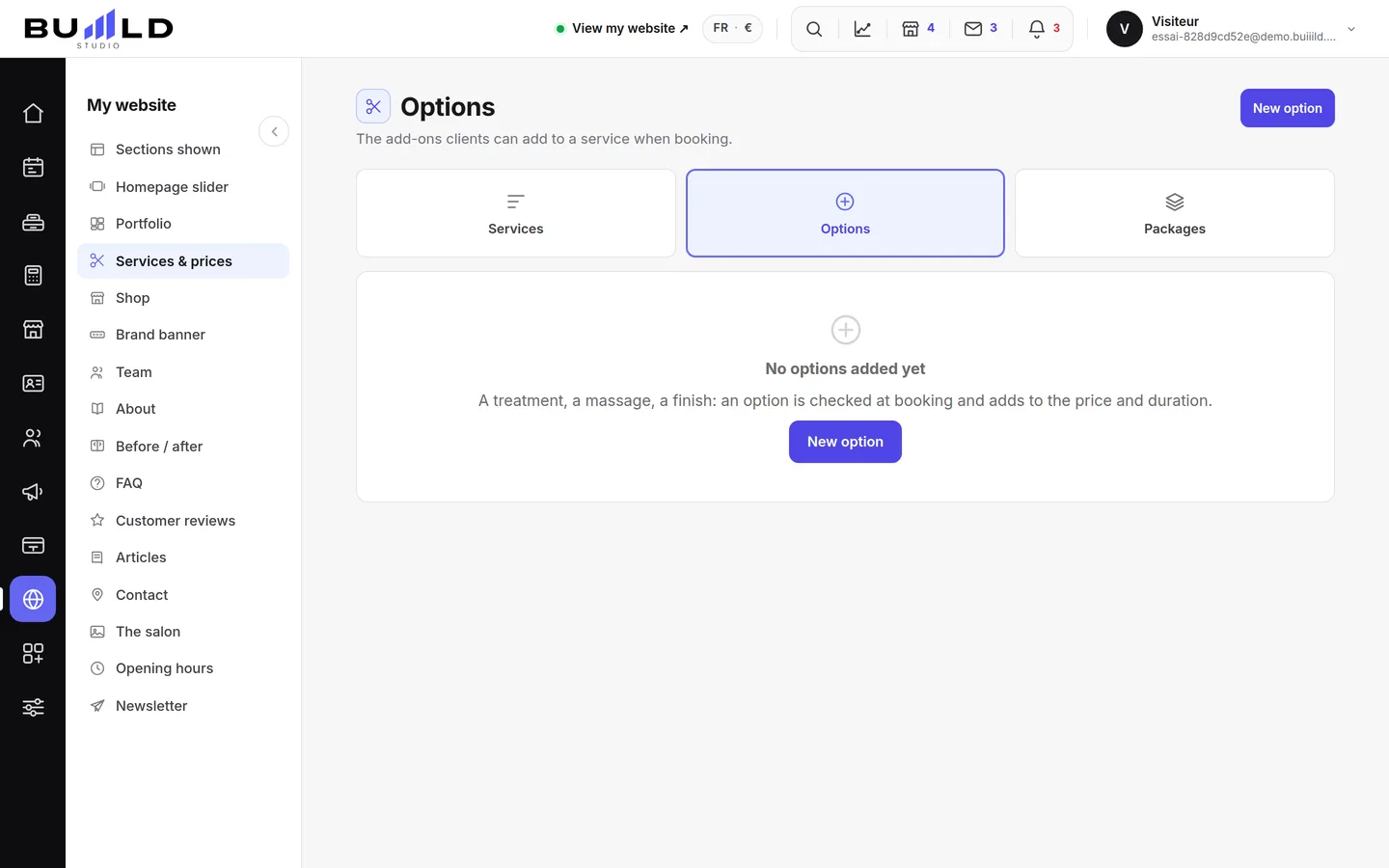
A treatment, a beard outline, a special shampoo: the option adds to a service with its own duration and price. It never sells on its own. An option sold on top is extra average-basket value gained without chasing a new client.
Each card recalls the time added to the appointment and the services the option is offered on. The price adds to the chosen service's price, in online booking as at the till.
Creating an option
- The name the client sees: "Deep treatment", "Beard outline". It shows next to the service when booking, and on their receipt.
- The added time: these minutes are added to the appointment. Forget them, and your day slips by a quarter hour with every option sold.
- The added price: a fixed price in most cases. "Free" is for the little courtesy touches you offer: the client then sees it's a gift, not a pricing oversight.
- How many times per appointment: for a treatment, sometimes twice; for a beard outline, never.

How many times per appointment. - Valid for which services: the option only appears on ticked services. With no box ticked, no one will ever see it.
Packages

Cut, colour and blow-dry booked together: one appointment, one line in the calendar, and a time calculated for the sequence. A package isn't just a price: it's above all a calendar that fits neatly into a long morning.
Creating a package
- The name sold: "Bridal day", "Cut + beard". This is the name the client chooses, not the list of services it contains.
- The services, in chair order. A declared break between two — the processing time — frees the person up for another client during that time.
- Chained or simultaneous. Chained: one person, one after another. Simultaneous: two people at the same time, so two availabilities required at once. This setting decides which slots are offered.
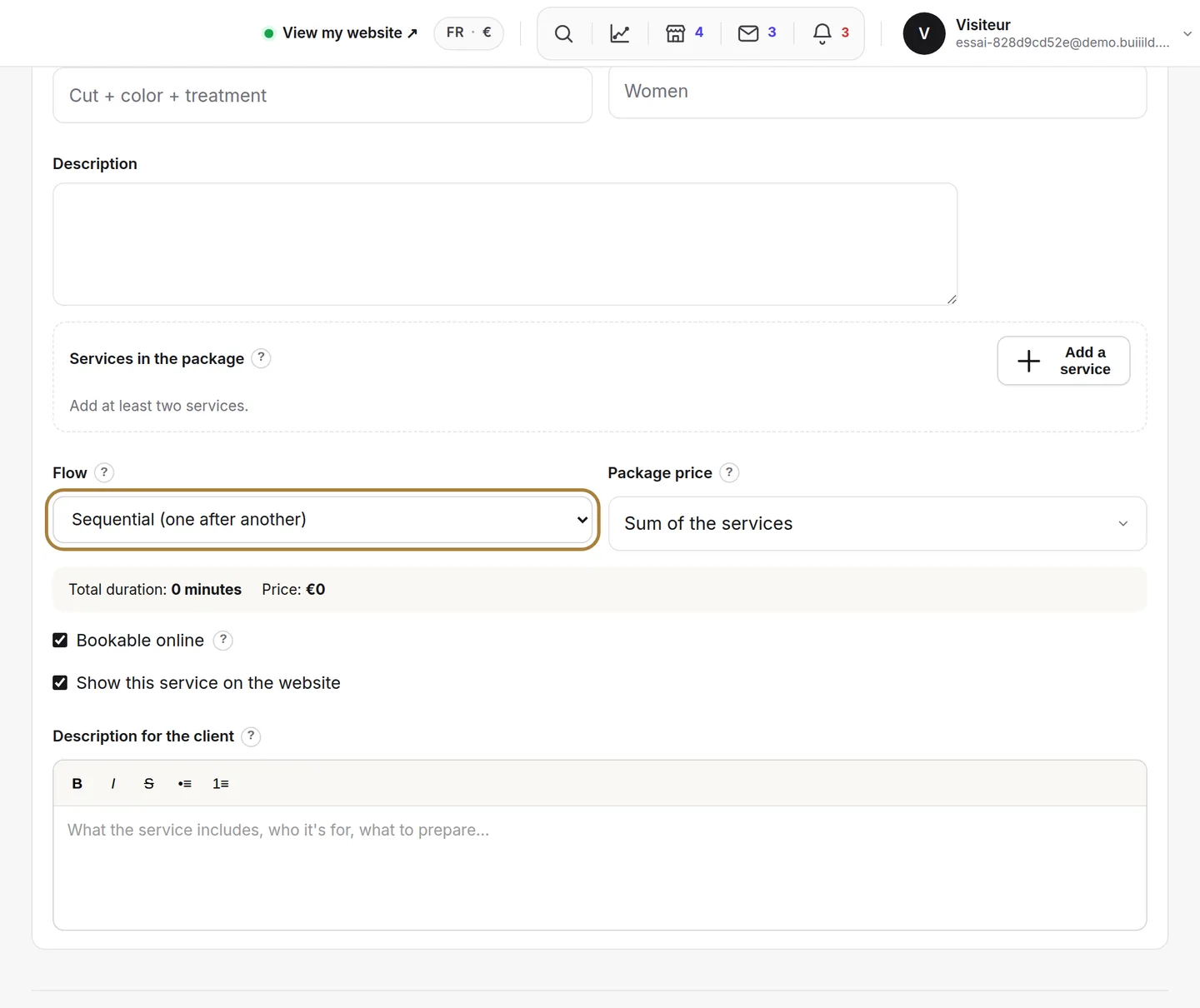
Chained or simultaneous. - Sum, or package price. The package price lets you show a round figure or an overall discount. It doesn't change the time blocked in the calendar — and a displayed discount is given on every sale: check that it still leaves you a margin.
- The summary: total duration and price are calculated live, exactly what the client will see.
Frequently asked questions
Can an option be sold on its own?
No, never. It always adds to a service, with its own duration and price.
What's the difference between chained and simultaneous in a package?
Chained: one person performs the services one after another. Simultaneous: two people at the same time, which requires two availabilities at once.
Does the package price change the time blocked in the calendar?
No. It only changes what the client pays, never the duration reserved in the calendar.
Which services does an option appear on?
Only those you've ticked on its page. With nothing ticked, the option appears nowhere.
Go further
Your salon's menu: what you offer, at what price, in what order. Creating a service, its categories, the duration that blocks the calendar, the price type, who performs it.
Calendar and appointmentsCreating an appointmentService, stylist, day, slot, client: the form only offers truly free slots, and creates the client record if needed.
Team"Equipment: basin, chair, cabin"A resource that's missing as soon as it's taken. Declare it, and two clients won't be able to book the salon's only cabin at the same time.
Need a hand?
Write to us from your studio, under “Help & support”: we answer quickly, with real people.