"Equipment: basin, chair, cabin"
A resource that's missing as soon as it's taken. Declare it, and two clients won't be able to book the salon's only cabin at the same time.
In this article
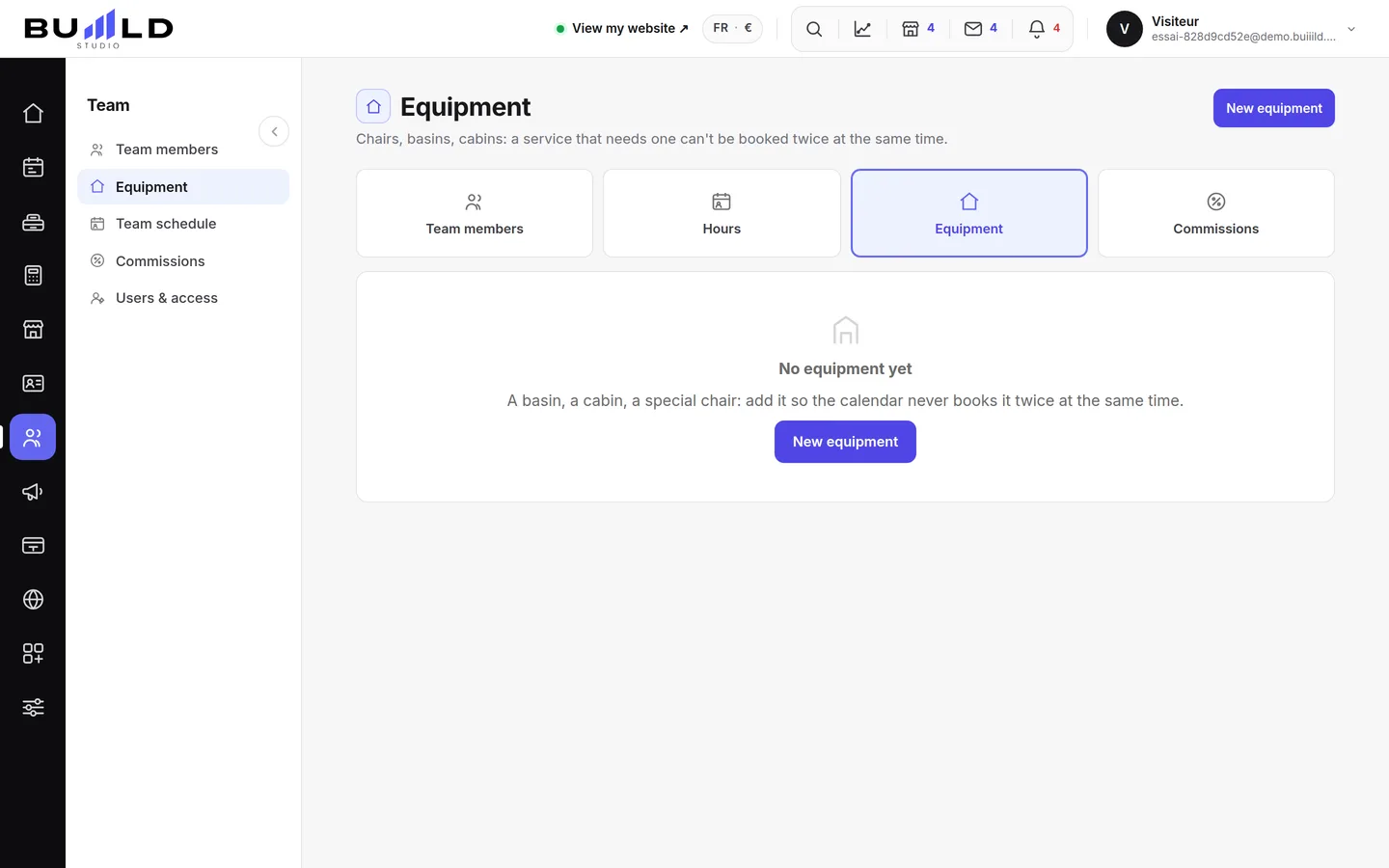
A piece of equipment is a resource that's missing as soon as it's taken. Declare it here, and the calendar will automatically refuse two appointments that would need the same equipment at the same time.
Declaring a piece of equipment

- The name you use. "Basin 1", "Back cabin": this is the word you'll see when a slot is blocked for lack of free equipment.

The name you use. - The services that require it. Tick only those that can't do without it. A ticked service can no longer be booked in the calendar if the equipment is already taken.

The services that require it. - Its own hours. By default the equipment is available during the salon's hours. Tick this if the cabin is only rented in the afternoon, or if the device isn't used on Saturdays.

Its own hours, if the equipment isn't always available. - Save. The effect is immediate on the slots offered to your clients: check a day in the calendar right after, to make sure nothing has closed off too much.
What the card shows
The name, the services that need it, and whether the equipment follows the salon's hours or its own.
Frequently asked questions
Do I need to declare all my equipment?
No, only what genuinely limits you — a single basin, a single straightening device. Nothing else needs to exist here.
I ticked a service by mistake on a piece of equipment, what effect does that have?
That service can no longer be booked in the calendar as soon as the equipment is taken elsewhere. Untick it if it doesn't really need it.
The cabin is only rented in the afternoon, how do I flag that?
Tick "Its own hours" and set its own hours, different from the salon's.
How do I check I haven't closed off too much after saving?
Check a day in the calendar right after: it's the surest way to see the effect on the slots offered.
Go further
A page for each person: the name shown everywhere, the trade written for clients, the services they're allowed to perform. Then their hours and their access to the software.
My website"Services and prices: your catalogue"Your salon's menu: what you offer, at what price, in what order. Creating a service, its categories, the duration that blocks the calendar, the price type, who performs it.
Calendar and appointmentsCreating an appointmentService, stylist, day, slot, client: the form only offers truly free slots, and creates the client record if needed.
Need a hand?
Write to us from your studio, under “Help & support”: we answer quickly, with real people.