Visuals to share on your social networks
Ready-to-publish images, in your salon's colours: choose a template, check the preview, download.
A service, a promotion, a client review: the image draws itself in your site's colours, in the right format for Instagram and Facebook. You have nothing new to enter.
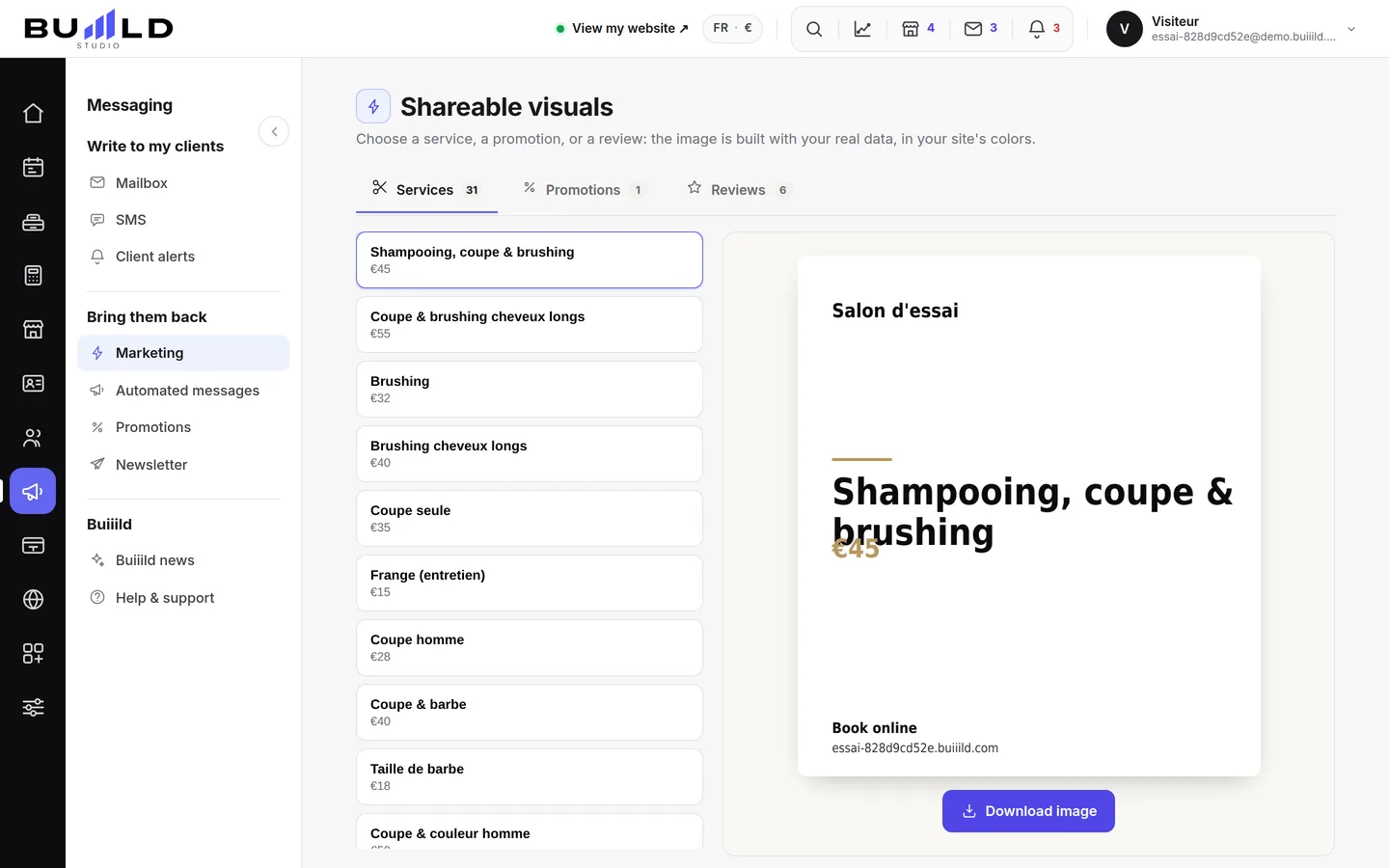
Creating a visual
- Choosing the subject. Three subjects, three effects: a service makes what you do known, a promotion gets people booking right away, a review reassures those who are hesitating.
- The content comes from your salon. The list only shows what you've already entered: your prices, your texts, your clients' own words. Nothing is invented — fix the original record and the image follows.

The templates. - Checking before publishing. The preview is exactly what will be published. Reread the price: a shared image gets copied, and a pricing mistake follows you around for months.
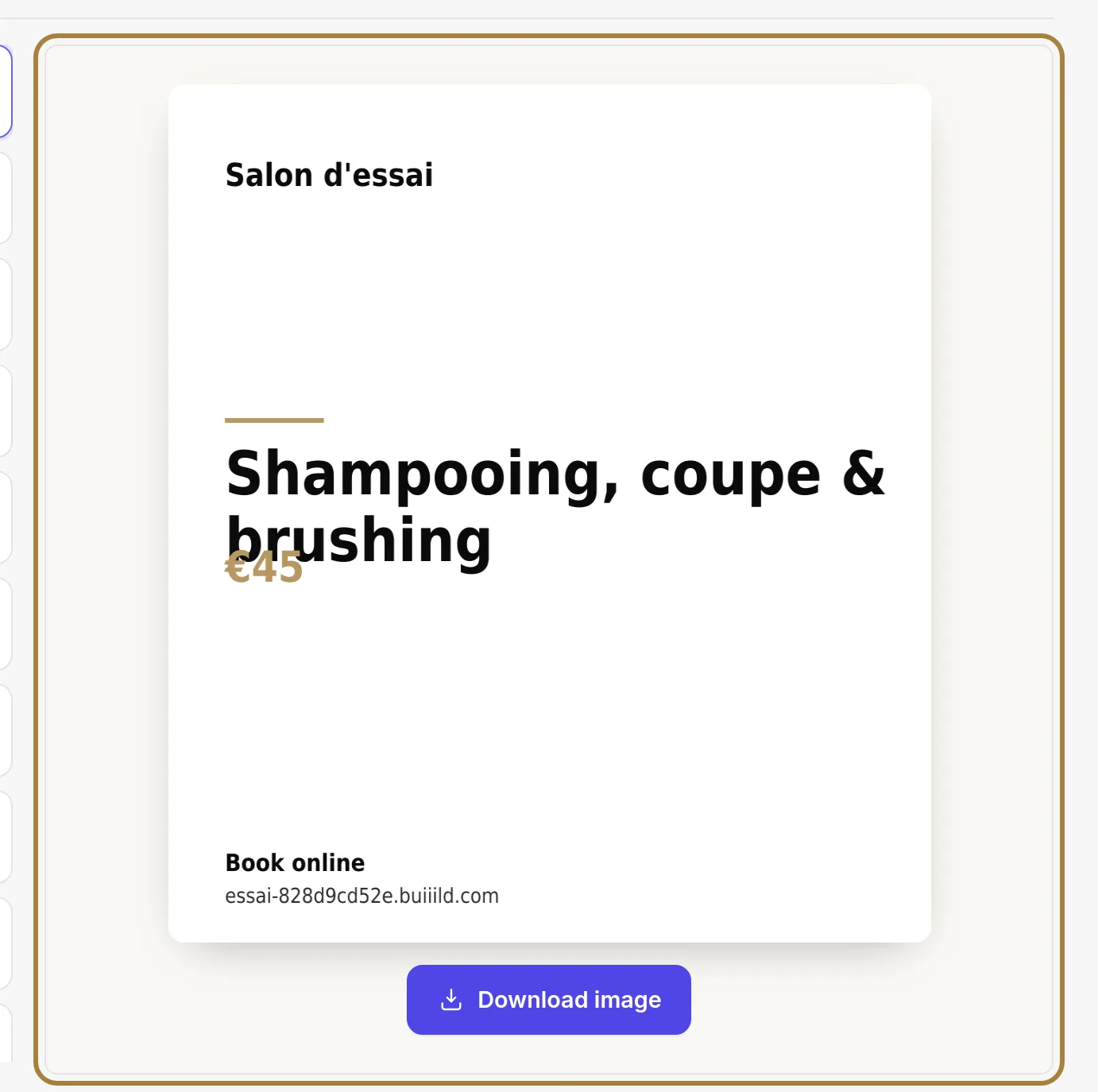
The preview, in your salon's colours. - Downloading the image. It downloads onto your computer or phone: it's up to you to publish it from your own account. Buiiild never publishes anything on your networks for you. Remember to include your booking link in the post.
Frequently asked questions
Does Buiiild publish the image for me?
No. The image downloads onto your device, and you're the one who publishes it from your own Instagram or Facebook account.
Where does the information shown on the image come from?
From what you've already entered in your salon: prices, texts, client reviews. Nothing is invented — fix the original record and the image follows.
What should I check before downloading?
The price shown, above all: a shared image gets copied, and a pricing mistake follows you around for months.
Is the image in the right format for Instagram and Facebook?
Yes, it draws itself automatically in the right format for both networks, in your site's colours.
Go further
Seven levers gathered on one screen: reviews, client file, automatic messages, promotions, visuals, newsletter. Where you really stand, and where to start.
Online bookingBooking links to shareYour addresses for getting booked: to paste into Instagram, Facebook, your Google listing, your email signature. One link per service, and the right way to copy without mistakes.
Marketing and reviews"Creating a promotion: last minute, happy hours, flash sale, premium hours"Four mechanics for filling quiet hours — or charging more for the ones everyone wants. What each promotion applies, what it brings in and what it costs.
Need a hand?
Write to us from your studio, under “Help & support”: we answer quickly, with real people.