Booking links to share
Your addresses for getting booked: to paste into Instagram, Facebook, your Google listing, your email signature. One link per service, and the right way to copy without mistakes.
In this article
These addresses open your booking calendar. Paste them into your Instagram profile, your Facebook page, your email signature: everywhere someone might feel like booking an appointment.
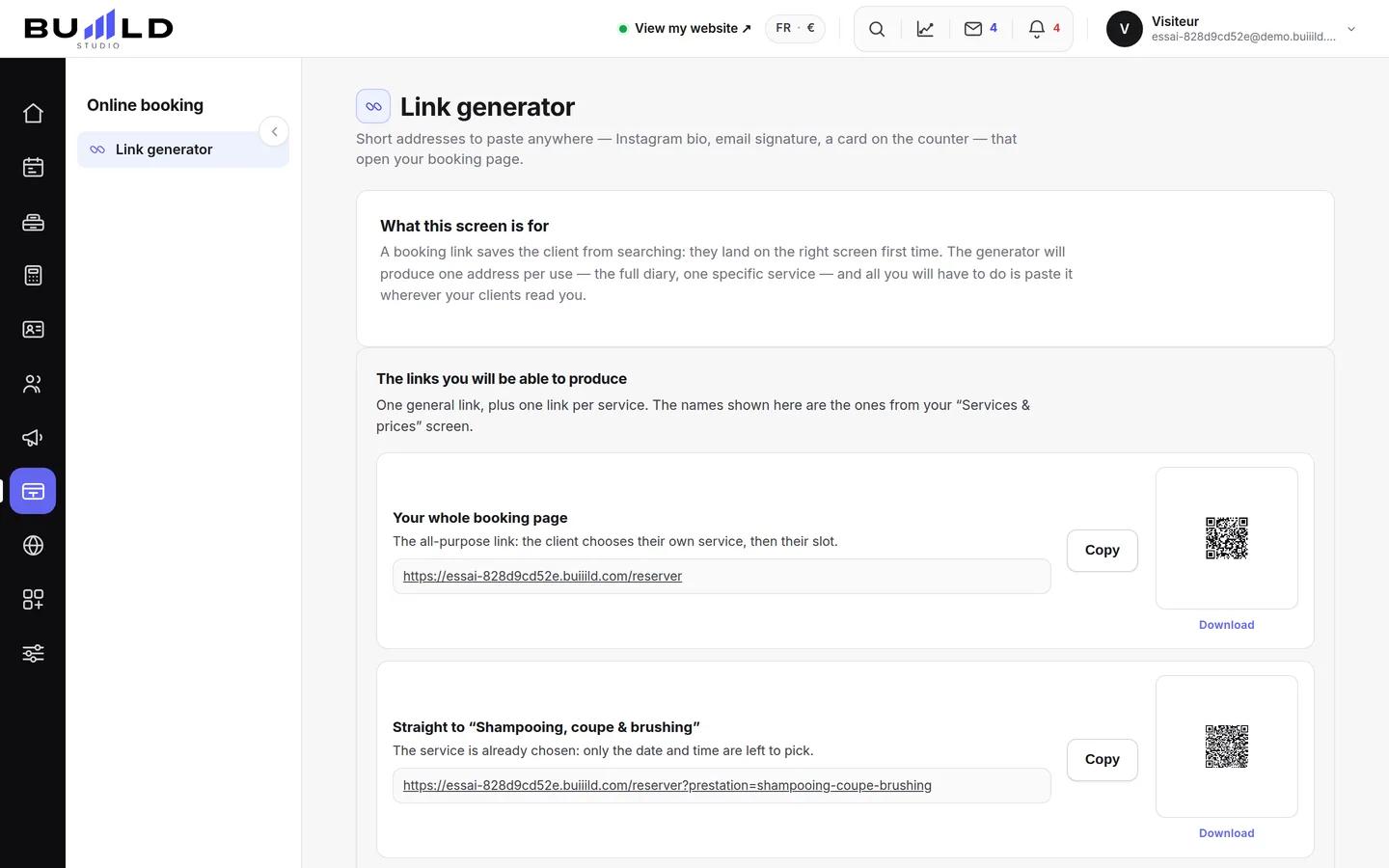
The address, as it is
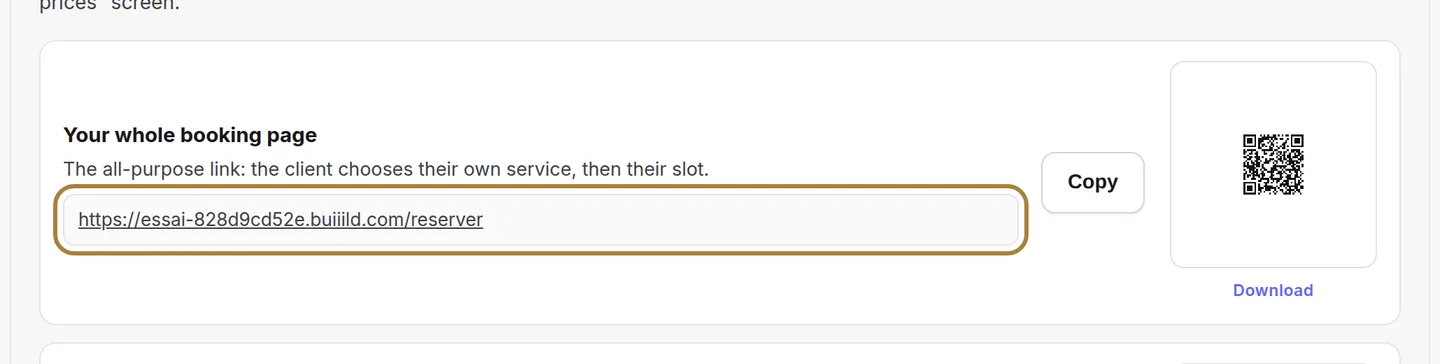
This is the real address of your salon online. Click it to see what your clients will see — it's the only way to check that what you're sharing works. The Copy button puts the address on the clipboard: always copy it from here rather than by hand. One extra letter, and your Instagram post leads to an error page all weekend.
One link per service
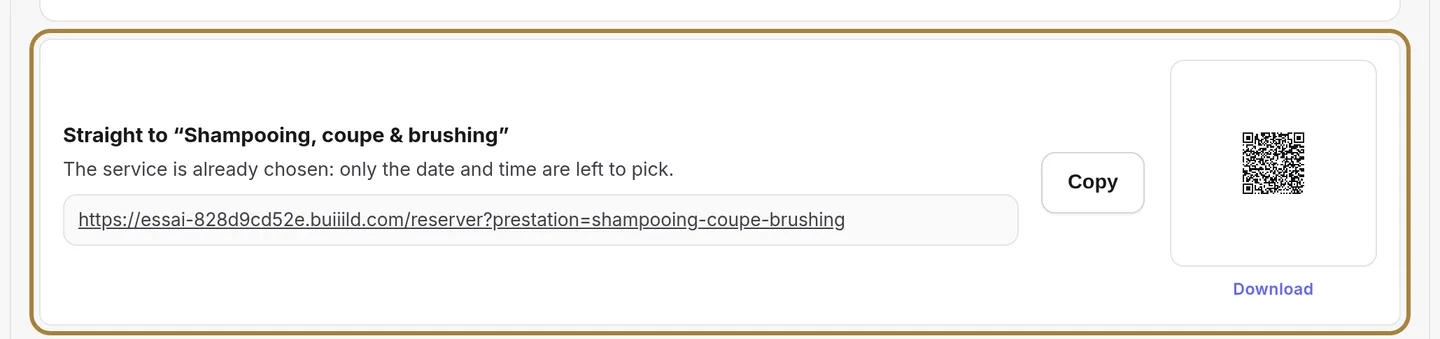
This one opens directly on a specific service, already chosen. On a balayage photo, put the balayage link: fewer clicks before the appointment, more appointments.
Where to put them

The list of places that pay off: Instagram bio, Facebook button, Google listing, email signature, QR code on the counter. Do them once, they work every day.
Frequently asked questions
What's a link per service for?
It opens directly on the service already chosen: fewer clicks before the appointment, so more appointments booked.
Where should I paste these links first?
Instagram bio, Facebook button, Google listing, email signature, QR code at the counter: do it once, it works every day.
How do I check that a link really works?
Click it yourself: it's the only way to see what your clients will see when they click it in turn.
Go further
What happens when a client taps "Book an appointment" on your site: your calendar, your phone, another service, or nothing. You can change it whenever you like.
Online bookingYour listing in the Buiiild directoryA client who doesn't know you is looking for a salon nearby: this is the listing she finds. What the public sees, your services and prices, what decides your ranking.
Marketing and reviewsCollecting Google reviewsFrom finding your Google listing to the request sent automatically after every appointment: five steps, a collection link, and the rules not to cross.
Need a hand?
Write to us from your studio, under “Help & support”: we answer quickly, with real people.