Taking a deposit online: connecting Stripe, PayPal or Viva
The money goes to your bank account, not Buiiild's. Choosing the provider, setting up the application, understanding where the money goes.
In this article
This screen connects the collection of deposits and gift cards sold online. The money goes to your bank account, not Buiiild's: it's your application with the provider, and your bank details.

Where you stand

This card says whether you can take payments today, yes or no. Until it turns green, no client can pay a deposit, even if the rest of the screen is filled in.
Choosing who takes payment for you
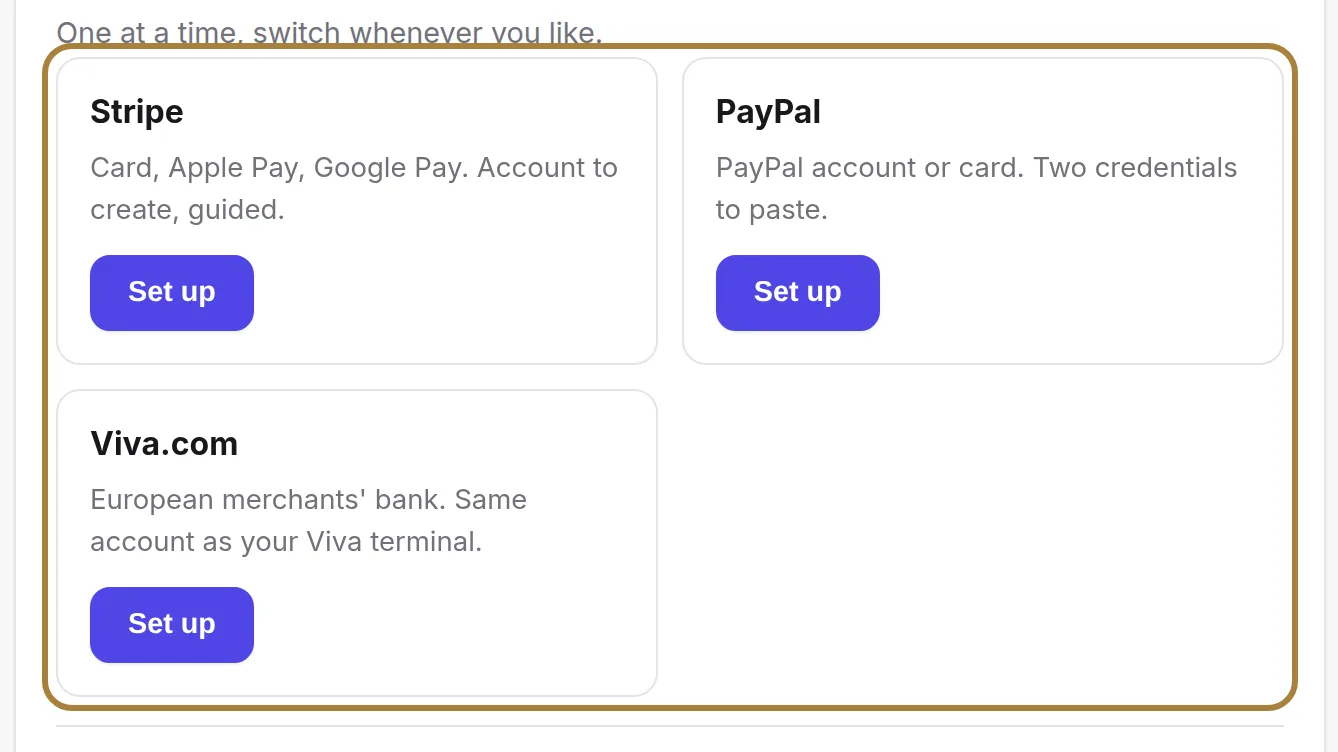
Stripe, PayPal or Viva: one at a time. Compare the commission taken on each payment and the transfer delay — that's what really changes for your cash flow.
The step-by-step application
The guide walks you through it screen by screen at the provider's site. Prepare your ID, your business number and your IBAN: without the complete application, transfers stay blocked even if payments go through.
Where the money goes
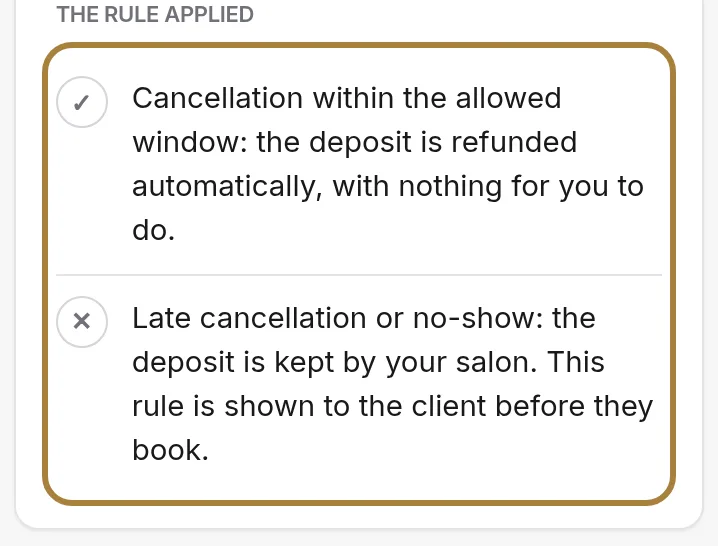
What the client pays, what the provider keeps, what lands in your account and when. Read it before announcing a deposit to your clients: it's real money, theirs first, then yours.
Setting the deposit amount
How much to ask, and on which services, is decided in Booking settings — this screen only connects the payment collection. A service can also carry its own deposit, on its own record.
Frequently asked questions
Can I use Stripe and PayPal at the same time?
No, only one provider at a time: compare the commission and transfer delay of each before choosing.
Where is the deposit amount set?
In Booking settings: this screen only connects the payment collection, it doesn't decide the amount.
How do I refund a deposit?
From your space at the payment provider, or from the appointment record when the provider allows it.
What do I need to prepare before starting the application?
Your ID, your business number and your IBAN: without these three, transfers stay blocked even if payments go through.
Go further
The slot interval, the buffer, the notice period, the horizon, automatic switching to kept, the deposit, the cancellation policy and notifying of moves.
Online bookingTurning on online bookingWhat happens when a client taps "Book an appointment" on your site: your calendar, your phone, another service, or nothing. You can change it whenever you like.
Online bookingSelling gift cards onlineYour clients buy a gift card from your site, paid online into your account. The templates, the validity, and what happens at the counter.
Need a hand?
Write to us from your studio, under “Help & support”: we answer quickly, with real people.