"Marketing: everything that brings clients in"
Seven levers gathered on one screen: reviews, client file, automatic messages, promotions, visuals, newsletter. Where you really stand, and where to start.
In this article
This screen doesn't do anything itself: it gathers the levers that fill your calendar, so you no longer have to hunt for them in the menu. Reviews, messages, promotions, visuals, newsletter.
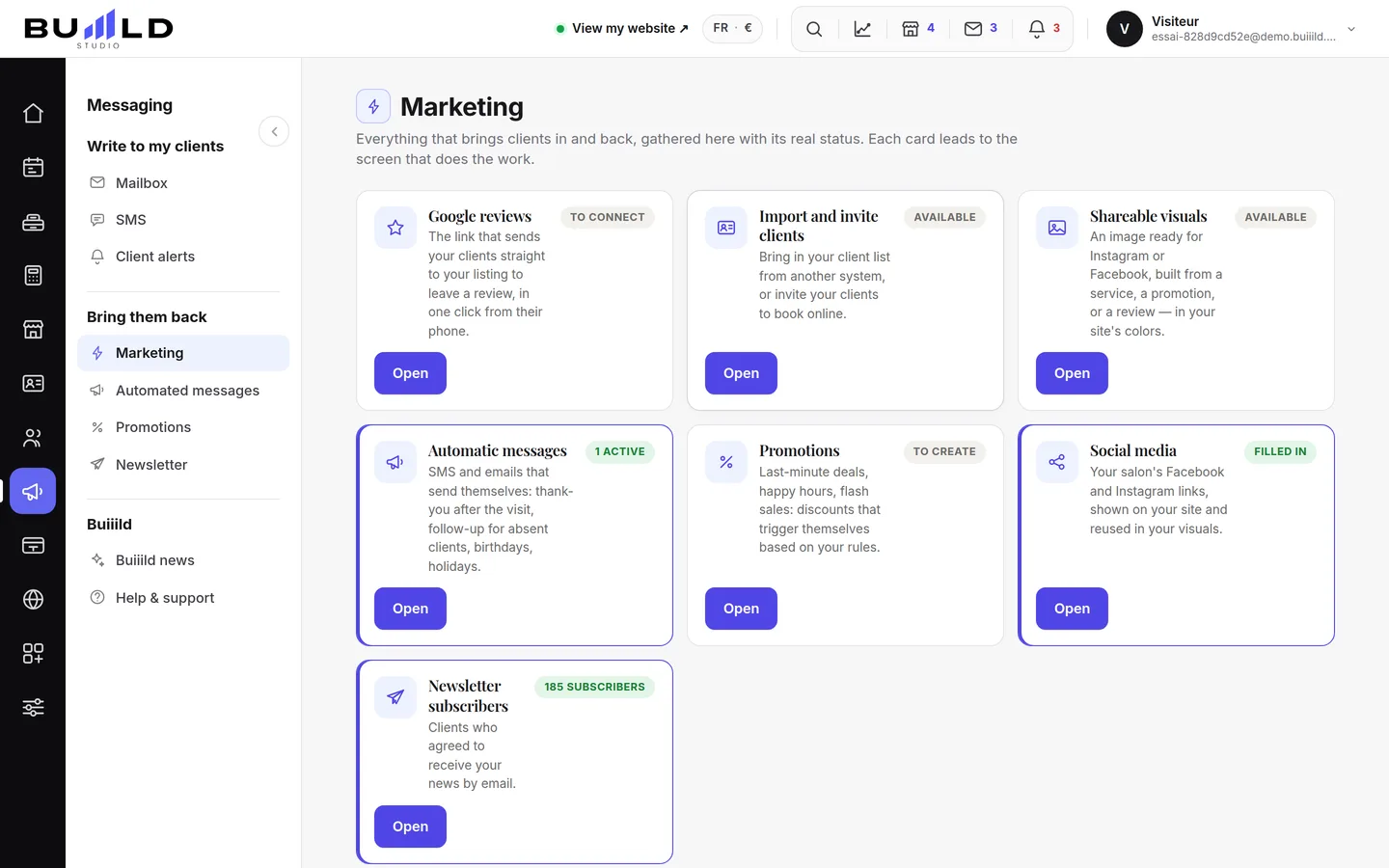
One card, one lever
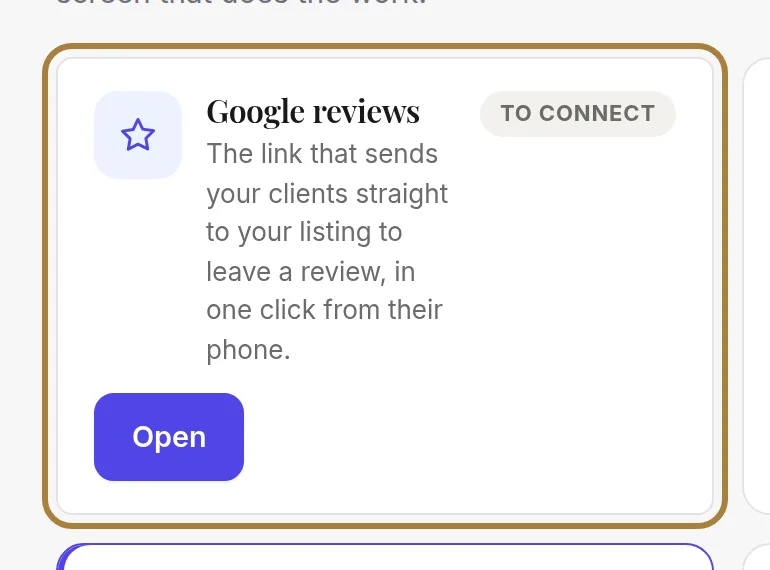
Each card says what the lever does for you. Start with the ones at the top: reviews and the client file pay off faster than anything else.
Where you really stand
The badge on each card reads your data, it promises nothing: "3 active", "to connect", "no subscribers". A lever "to connect" is a lever that isn't working for you yet.
Opening a lever
The button takes you to the screen that does the work. Nothing is set here: you always come back to see the overall picture from this page.
| Lever | The guide |
|---|---|
| Client reviews and Google | Client reviews, Collecting Google reviews |
| Automatic messages | Messages that go out on their own |
| Promotions | Creating a promotion |
| Visuals to share | Visuals to share |
| Newsletter | Newsletter subscribers |
| Client file | Client groups |
Frequently asked questions
What does a "to connect" badge mean?
It flags a lever that isn't hooked up yet: it isn't working for you yet. Click its card to go and set it up.
Which lever should I start with?
Reviews and the client file: these are the two that pay off fastest, ahead of all the others.
Does this screen set anything up directly?
No. It only gathers your levers; each card's button takes you to the screen that actually does the work.
Where do I manage my client file from this page?
From the Client file card, which leads to the Client groups guide.
Go further
The average rating, the breakdown, twelve months of reviews, automatic collection after every visit, your review link, moderating what your clients write, and the reviews shown on the site.
Marketing and reviews"Messages that go out on their own: welcome, follow-up, birthday"Twenty-five ready-to-use messages, sorted by moment in the relationship. You turn them on, they go out without you — and you see what they bring in.
Marketing and reviews"Creating a promotion: last minute, happy hours, flash sale, premium hours"Four mechanics for filling quiet hours — or charging more for the ones everyone wants. What each promotion applies, what it brings in and what it costs.
Need a hand?
Write to us from your studio, under “Help & support”: we answer quickly, with real people.