"Client reviews: reputation, moderation, replies"
The average rating, the breakdown, twelve months of reviews, automatic collection after every visit, your review link, moderating what your clients write, and the reviews shown on the site.
In this article
The Reviews screen brings together what your reviews say about you — the average rating, the volume, your replies — and the tools to collect more.

The three figures that matter

The rating your site's visitors see, the number of published reviews, and the share of reviews you've replied to publicly. Below, the breakdown by rating (a run of low ratings stands out at a glance) and twelve months of reviews: a month at zero is a sign to relaunch collection.
Automatic collection

The real status of the message sent after every visit: turned on, every client receives their personal review link once the appointment is kept. The setting lives in your automatic messages — both buttons lead there.
Your review link
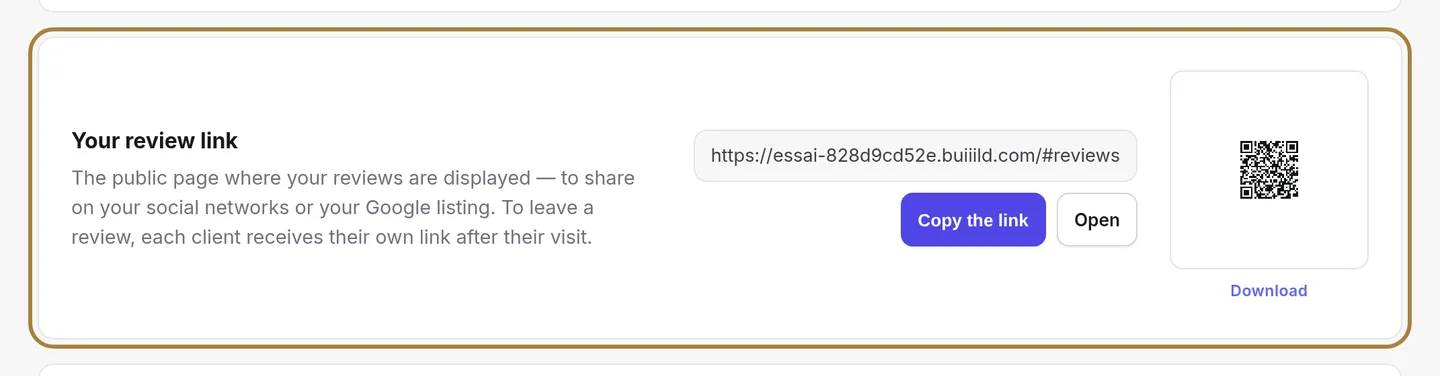
The public page where your reviews are shown, ready to copy — for your social networks, your Google listing or an email signature.
Reviews received from your clients

In the second tab, those your clients write themselves from the link sent after their visit. Accept publishes them, Edit fixes a typo, Reply adds a word from your salon under the review, Delete removes them.
The reviews shown on the site
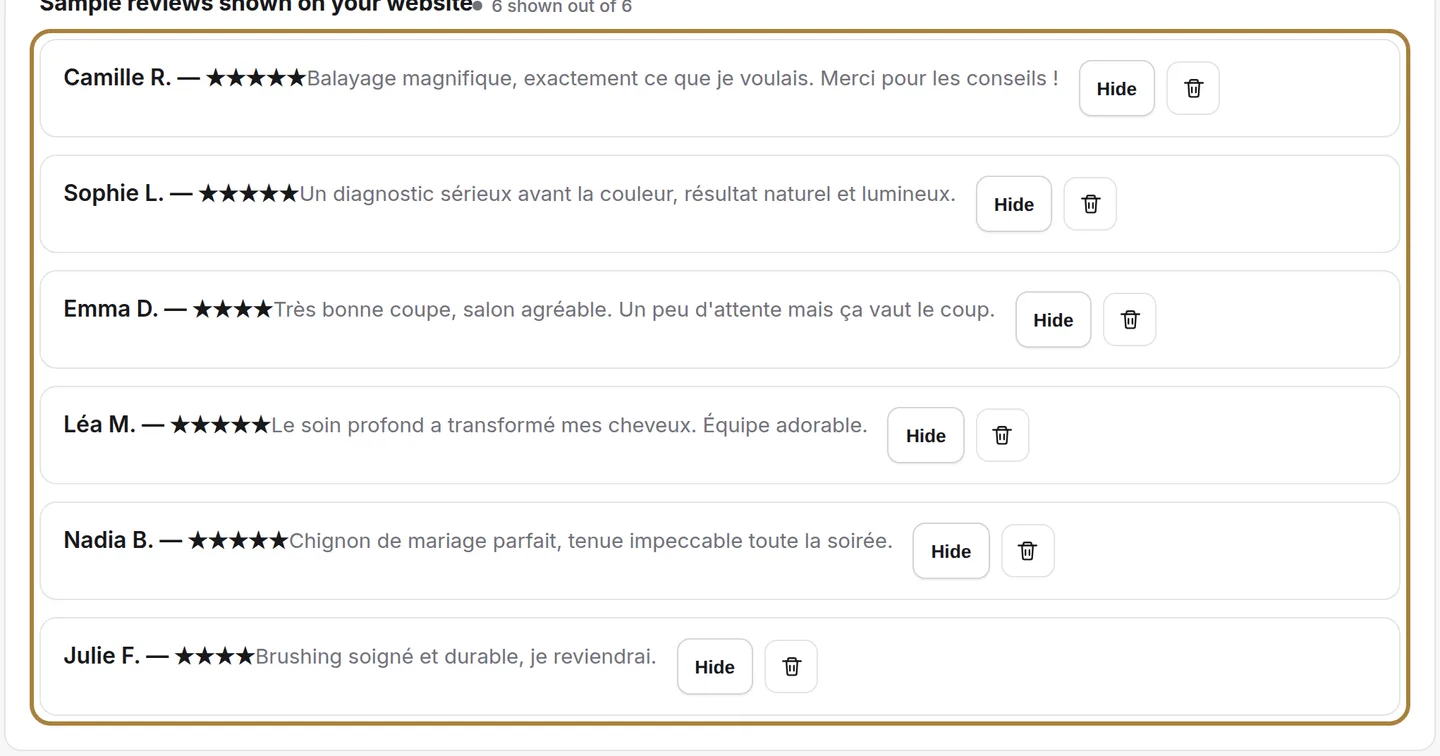
Every review with its author and its stars. The "Hidden" badge flags those the site doesn't show: Show publishes, Hide removes without losing it. You can also add a review by hand — the author, the rating, the text, a photo — and set the section's text and background image.
Frequently asked questions
How do I reply to a review received?
In the second tab, on the review in question, click Reply: your message shows under the review, visible to everyone.
Can I hide a review without losing it?
Yes. Hide removes it from the site without deleting it; Show republishes it whenever you want.
How does automatic collection work?
Once turned on, every client receives their personal review link as soon as their appointment is kept. The setting is found in the automatic messages.
Can I add a review I received in person or saw on Google?
Yes, by hand: the author, the rating, the text and a photo. It must always be a real testimonial, never invented.
Go further
From finding your Google listing to the request sent automatically after every appointment: five steps, a collection link, and the rules not to cross.
Messaging and SMS"Automatic SMS: reminders, confirmations, thank-yous"The messages that go out on their own around an appointment. A switch per message, the cost in credits, the text to rewrite in your own words.
My website"Your site's sections: show, hide, order"Your homepage is made of stacked sections. Choose which ones show and in what order — your site's remote control — and the mechanics common to every "My site" screen.
Need a hand?
Write to us from your studio, under “Help & support”: we answer quickly, with real people.