Importing your clients from another system
Coming from another system, a spreadsheet or a notebook: upload a CSV or Excel file, or paste a list. Each line becomes a record.
In this article
Coming from another system, a spreadsheet or a notebook? Upload your list here: each line becomes a record, ready for your appointment reminders and your calendar.
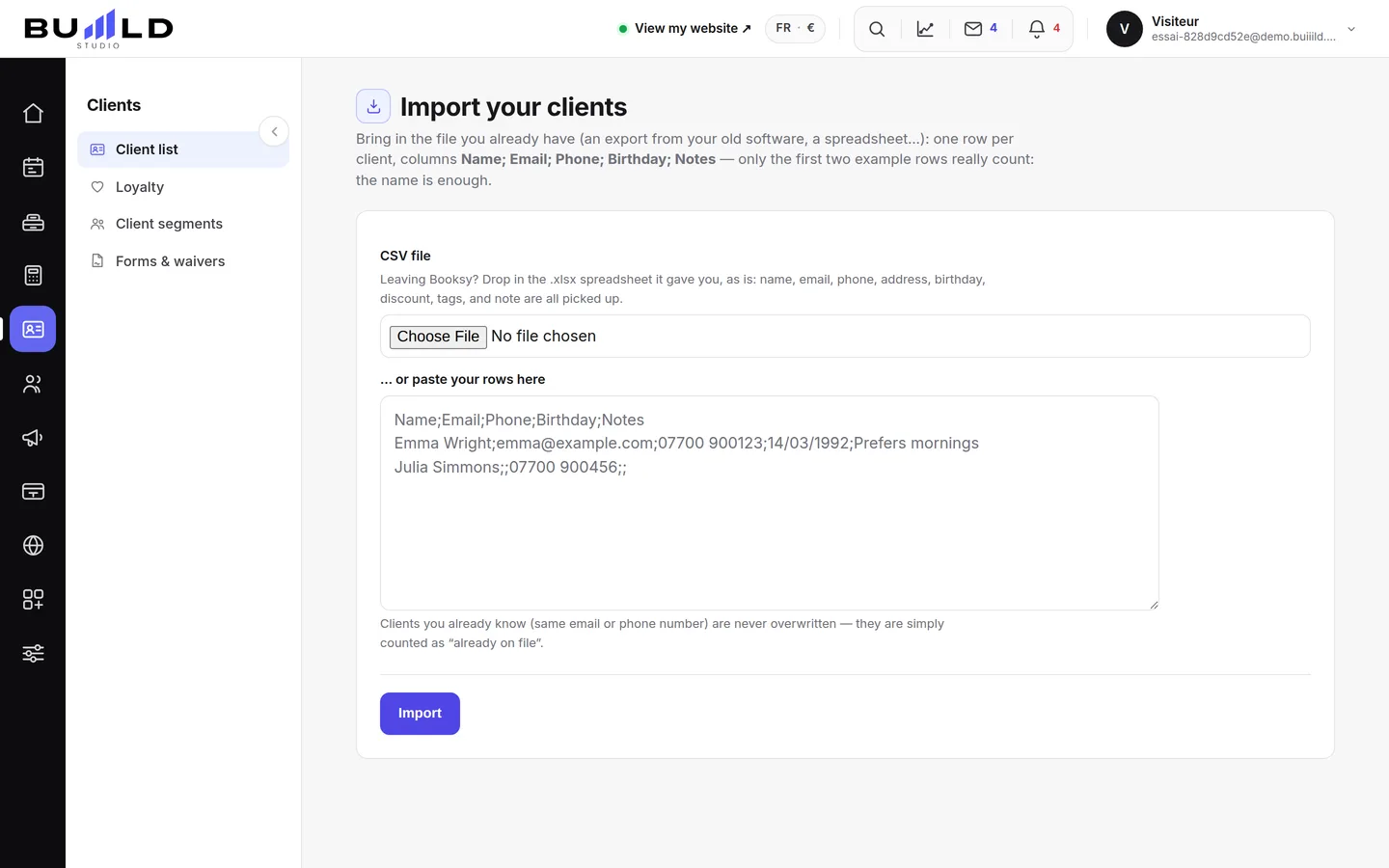
From a file
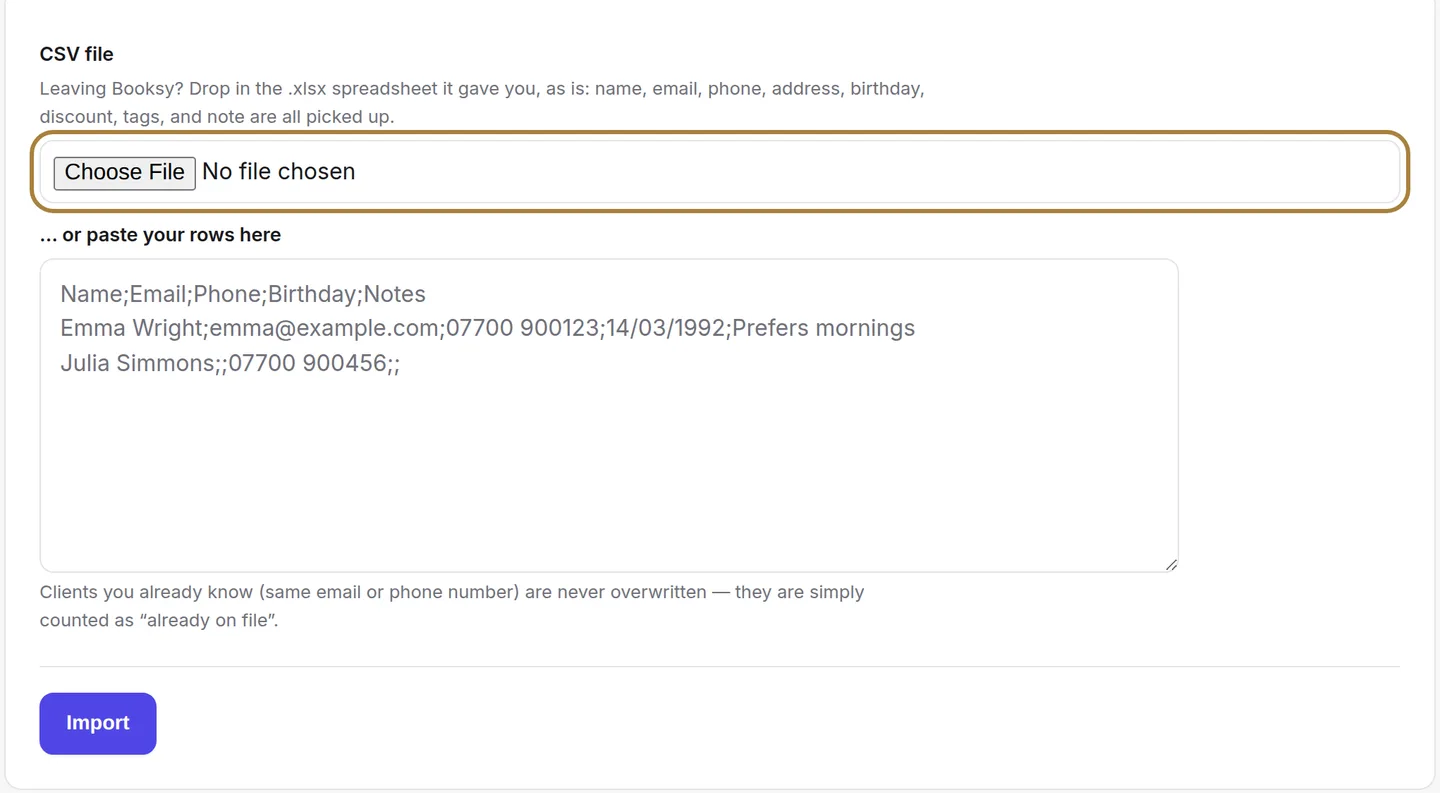
Export your clients from your old software (Booksy, Planity, Fresha, a spreadsheet…): a CSV or Excel file with first name, last name, phone and email. Extra columns are ignored, and anything missing can be filled in later, record by record.
By pasting a list
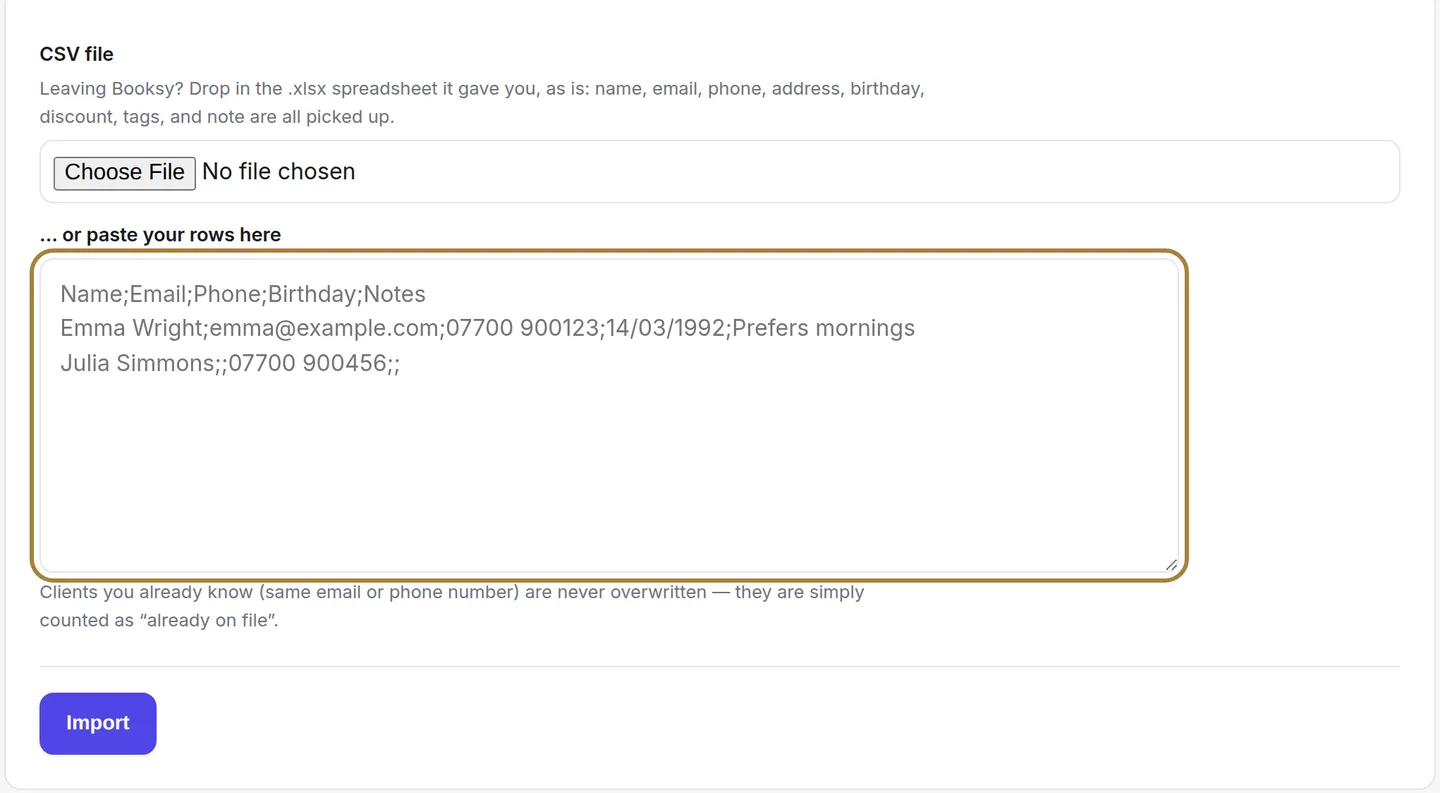
For ten clients noted in a book, no need to build a file: paste them here, one per line. A client already known with the same number is updated, not duplicated.
Running the import
The import happens all at once. Then open two or three records in your client file: a shaky import is far easier to fix right away than six months later.
Frequently asked questions
My file has columns in a different order
It doesn't matter: the import recognises columns by their header (first name, last name, phone, email). Others are ignored.
Phone numbers are written in different ways
Spaces, dots and dashes are accepted. A number with no country code is read in the salon's country.
I imported the same file twice
Records are recognised by their phone number: the second pass updates, it doesn't duplicate.
Go further
Everyone who books has their own record, created on its own. Finding a client, reading their status, filtering, sorting, exporting.
Clients and loyaltyCreating a client record by handFor a walk-in client or someone noted in a book: the first name used at the salon, the phone number used for reminders, the tags, the formula and consent for promotions.
Clients and loyaltyThe client recordThe salon's memory: contact details, indicators, absences, technical record, last session, preferences, private notes, allergies, team alert, GDPR.
Need a hand?
Write to us from your studio, under “Help & support”: we answer quickly, with real people.