Import your calendar from Booksy, Fresha or Planity
Bring over the upcoming appointments from your old software, with your stylists and clients: upload its export, check the preview, import.
In this article
Switching software? The appointments you've already booked shouldn't be lost. Upload the export from your old calendar: the upcoming appointments are recreated here, confirmed, with the right stylist and the right client record — with no message sent, since your clients have already been told.
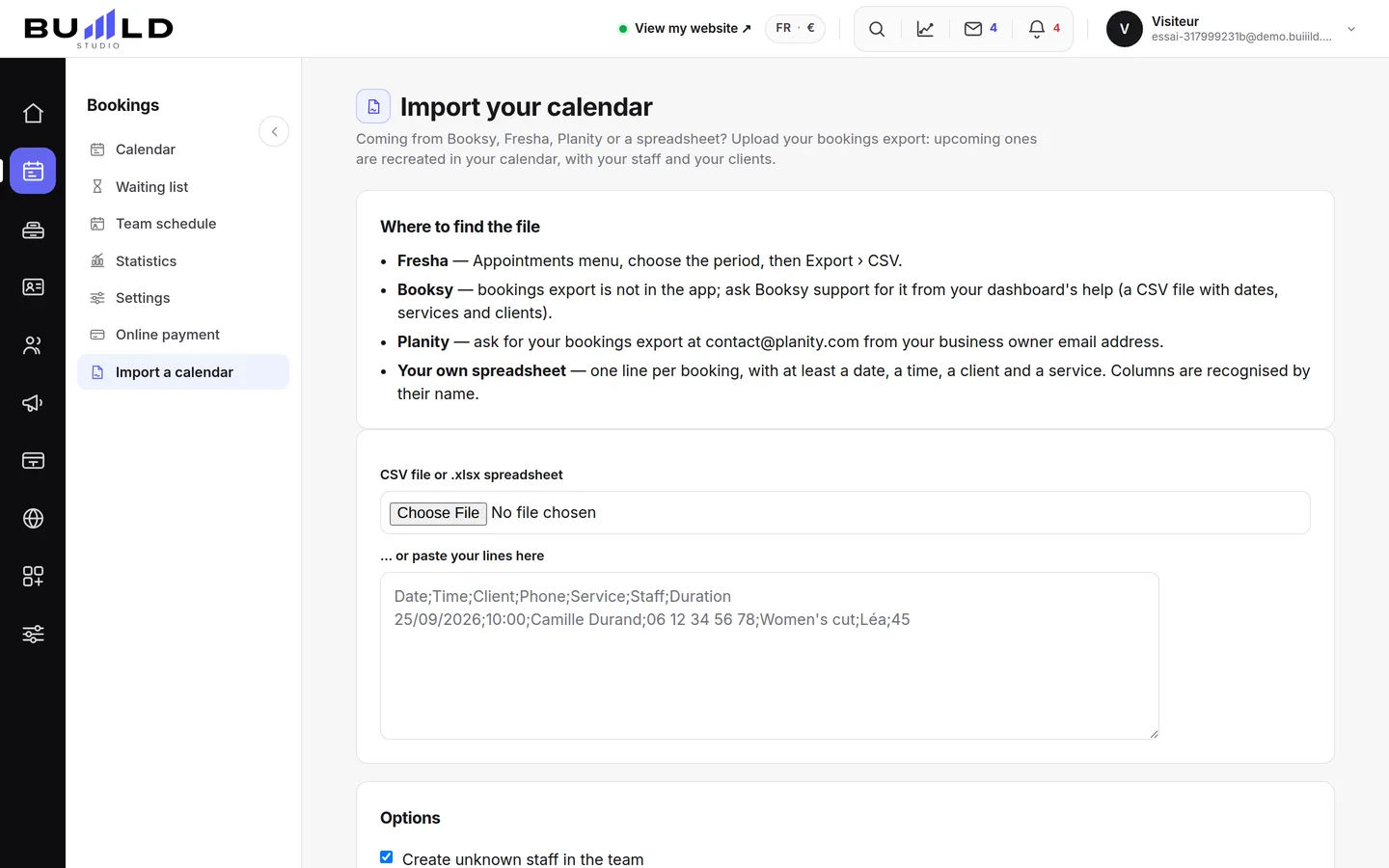
Where to find the file
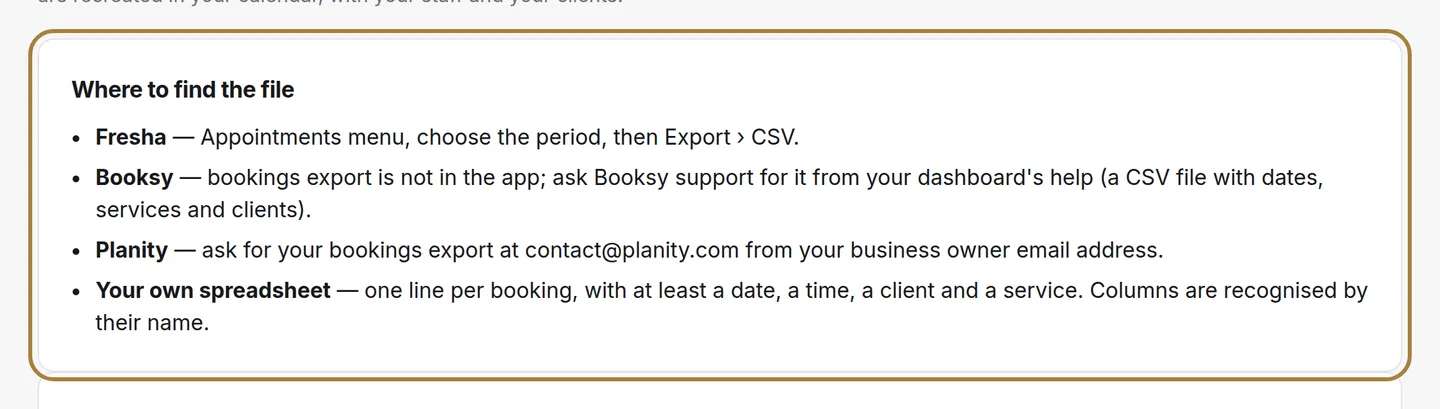
- Fresha: Appointments menu, choose the period, then Export › CSV.
- Booksy: exporting appointments isn't available in the app; ask support for it from your dashboard's help section.
- Planity: request the export from contact@planity.com, using your manager's email address.
- Your own spreadsheet: one line per appointment, with at least a date, a time, a client and a service.
Columns are recognised by their name, in any language the product supports. Extra columns are ignored.
The file, then the preview
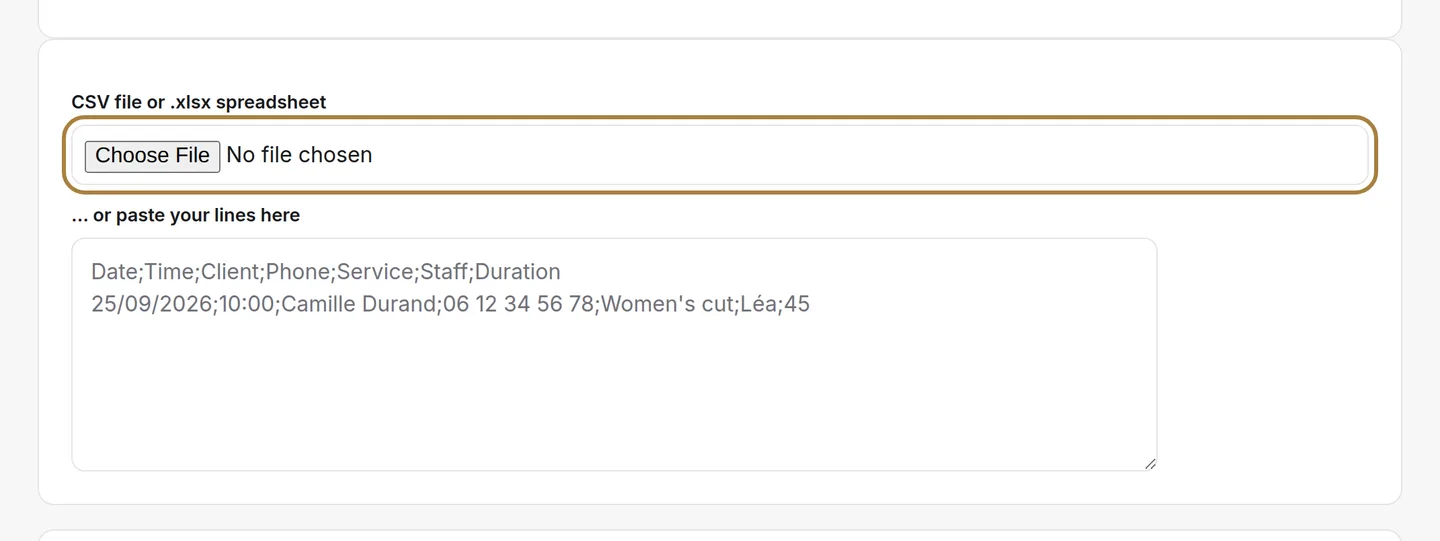
Upload the CSV or Excel file — or paste your lines — and click Analyse the file. Nothing is written at this stage: the screen shows what it understood (how many upcoming appointments, how many unreadable lines and why, which stylists are missing from your team) and lets you correct the match for each column.
Stylists and clients
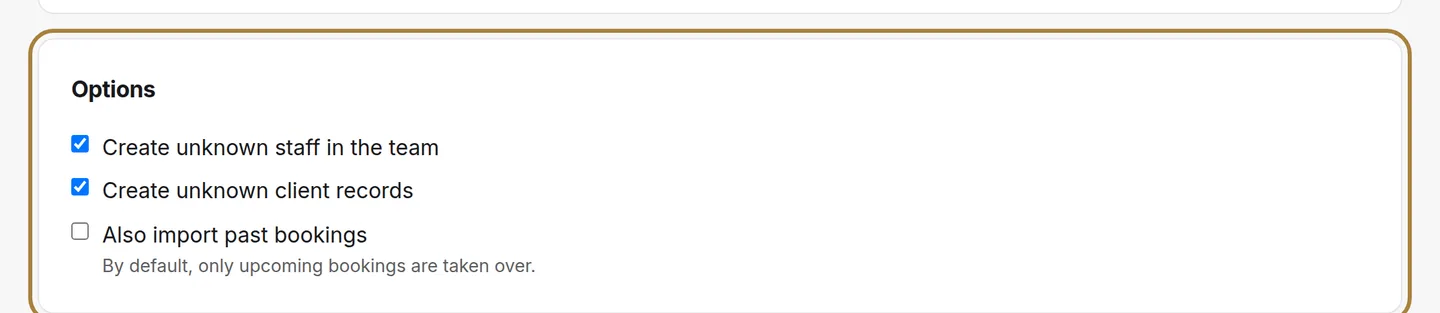
A stylist named in the file who isn't in your team is created in the team, if the box is checked; you'll complete their record afterwards. An unknown client gets their own record, later recognised by their email or phone number: no duplicate with a client import done before or after.
Frequently asked questions
Are past appointments brought over too?
No, by default: only the upcoming calendar is brought over. Tick "Also import past appointments" to bring over the history, for your statistics for example.
What about an appointment cancelled in the old software?
It's left out: the status column is read, and "cancelled" or "no-show" doesn't enter the calendar.
What if the service doesn't exist under that name with us?
The appointment is created with the file's name, the file's duration, or 30 minutes. If the name matches one of your services, its duration and price fill in what's missing.
Go further
Coming from another system, a spreadsheet or a notebook: upload a CSV or Excel file, or paste a list. Each line becomes a record.
Calendar and appointmentsCreating an appointmentService, stylist, day, slot, client: the form only offers truly free slots, and creates the client record if needed.
Calendar and appointmentsThe team's schedule: hours and time offWho works when: each stylist's hours, up to two slots a day, and their time off. The calendar and online booking adapt on their own.
Need a hand?
Write to us from your studio, under “Help & support”: we answer quickly, with real people.