Invoices received from your suppliers (Factur-X, UBL, CII)
Upload an electronic invoice received from a supplier: it is read automatically, matched to a pending order when the amounts line up, and kept on file with its original.
In this article
Receiving an electronic invoice from your suppliers — Factur-X, UBL or CII — has been mandatory for all businesses since 1 September 2026, as covered in Electronic reporting (e-reporting) and e-invoicing. This screen reads it, tries to match it to an order in progress, and keeps it on file: you have nothing to re-enter.
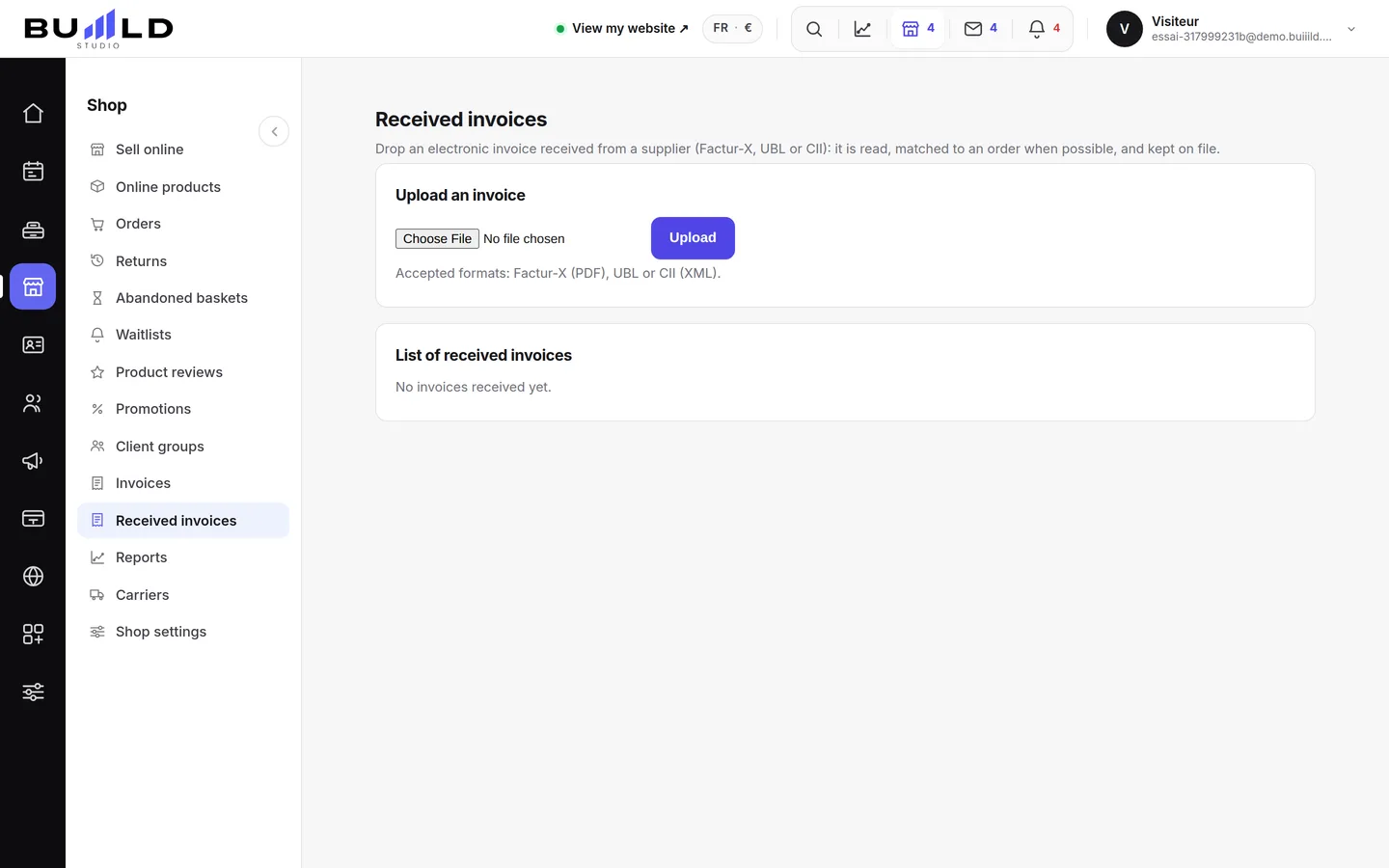
Upload an invoice

One file at a time, up to 15 MB: a Factur-X (a PDF with the invoicing data embedded), a UBL or a CII (XML). The format is recognised on its own when the file is read, you don't need to specify anything. Click Upload: the invoice is read right away, matched if possible, and added to the list.
What the reading found
Number, supplier, date, currency, net/VAT/gross totals, the VAT breakdown by rate, and each line — description, quantity, price, rate. A field the invoice didn't carry stays blank, never guessed, and joins that invoice's reading warnings, visible when you open its line.
Matching to a supplier order
As soon as it's uploaded, the invoice is compared with your supplier orders awaiting delivery: if the supplier's name and the net amount look alike, the Matched tag appears; otherwise, Not matched. It's a helping hand, not a certainty: check the suggested match before relying on it, especially if two recent orders carry similar amounts.
Each line, and its original
Click a line to unfold its detail: the invoiced items, the totals, and the reading warnings if there are any. The Download original button returns exactly the file that was uploaded, its checksum verified on every download to guarantee it hasn't changed since it was received.
Frequently asked questions
Which formats are accepted?
Factur-X, a PDF with the invoicing data embedded, as well as UBL and CII, two XML formats. The right reader is picked on its own from the file's content.
Some information is missing on the invoice shown, why?
Because the uploaded file didn't carry it: nothing is guessed to fill a missing field. It's listed in that invoice's reading warnings.
The invoice isn't matched to my order, what should I do?
Automatic matching only kicks in when the supplier's name and the net amount look alike with an order awaiting delivery. Outside of that, the invoice stays uploaded and viewable, simply marked "Not matched".
Can I get back the original file I uploaded?
Yes, at any time: Download original on its line returns exactly the file that was received, checksum verified.
How do I place an order with a supplier?
This page receives what your supplier sends you; to create and track an order, see Supplier orders and suppliers.
Go further
What this screen prepares for the e-invoicing reform: till aggregates by day and rate, consistency with your closings, shop invoices as Factur-X — and where to set your VAT scheme and your accredited platform.
Stock and suppliersSupplier orders and suppliersPreparing a purchase order, filling it in one go with products below their threshold, sending it by email to the supplier, then receiving it: stock comes in with no double entry.
Online shopInvoices, credit notes and reports for the shopA gapless invoice sequence, credit notes that reference the invoice they correct, payment tracking, and six reports including VAT due — exportable for your accountant.
Need a hand?
Write to us from your studio, under “Help & support”: we answer quickly, with real people.