Monthly tax archives
Every finished month produces its own archive on its own: sales, closings and events for the period, with a fingerprint you can check in one click.
In this article
As soon as a month ends with real transactions, the till files its own archive on its own: nobody needs to ask for it.
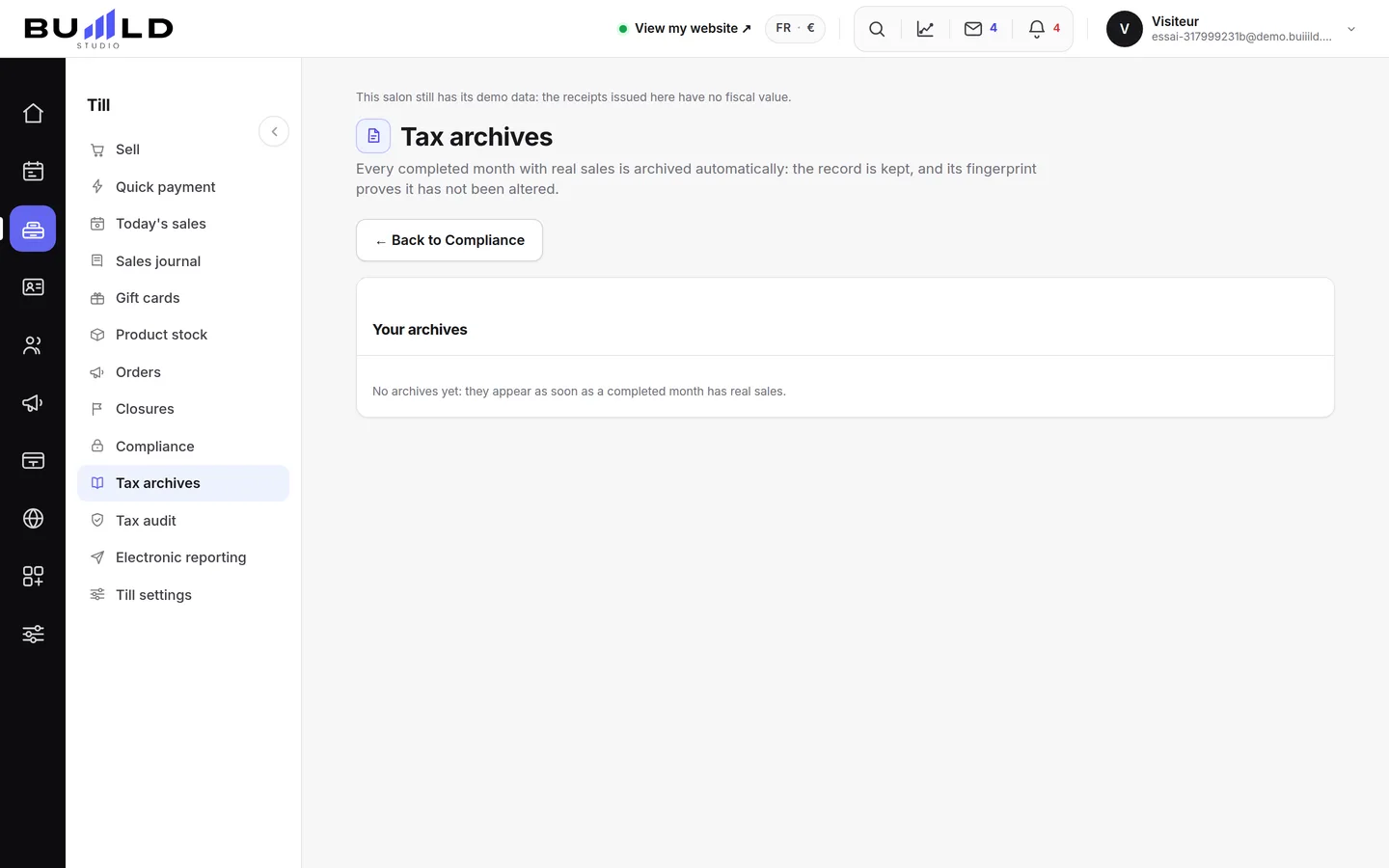
One line per month
The period covered, what it contains — sales, closings, events — its size, and who produced it: most of the time, the maintenance job itself, with no action from you.
Its fingerprint
Each archive carries a fingerprint calculated at the moment it was made: that's the proof it hasn't moved since. The Check button recalculates it in front of you and says whether it still matches.
Download, or check
The file downloads in one click. "Check" doesn't download anything: it recalculates the fingerprint from the till's current data and compares them — a result that no longer matches would be a sign of data changed afterwards.
Frequently asked questions
Do I need to generate the month's archive myself?
No, it's produced on its own as soon as the month ends and holds real transactions. You only need to download it.
What does "fingerprint" mean?
A signature calculated from the archive's exact content. The Check button recalculates it and confirms it still matches what was generated.
A month has no archive, why?
Either it isn't over yet, or it carried no real sale at all — a month entirely in demo mode doesn't produce one.
What's the difference with the tax audit file?
The archive covers one full month, produced automatically. For a precise period or a full file to hand over to an inspector, see Preparing a tax audit.
Go further
One or more till "Z" readings a day depending on your sessions, closings that chain themselves on their own, month after year, and the perpetual grand total.
Till and paymentsTill compliance and the certificateUnalterability, security, retention, archiving: what the till guarantees, the extended integrity check you can rerun, the archive of a period, the FEC file and the certificate to print.
Till and paymentsPreparing a tax auditBuilding, for a chosen period, the full file to hand over to an inspector: sales, closings, integrity, and what your country requires on top.
Need a hand?
Write to us from your studio, under “Help & support”: we answer quickly, with real people.