"Reports: your salon's figures"
Ready-made analyses, calculated from your real appointments and sales: activity, money, team, clientele. Finding the right one, reading what it measures, pinning your favourites.
In this article
Ready-made analyses: your revenue, each stylist's work, what your clients spend, what sells. They're calculated from your real appointments and sales, and export as CSV for your accountant.

Finding the right analysis

Type what you're looking for — "loyalty", "payroll", "cancellations" — rather than browsing the grid.
Sorted by subject
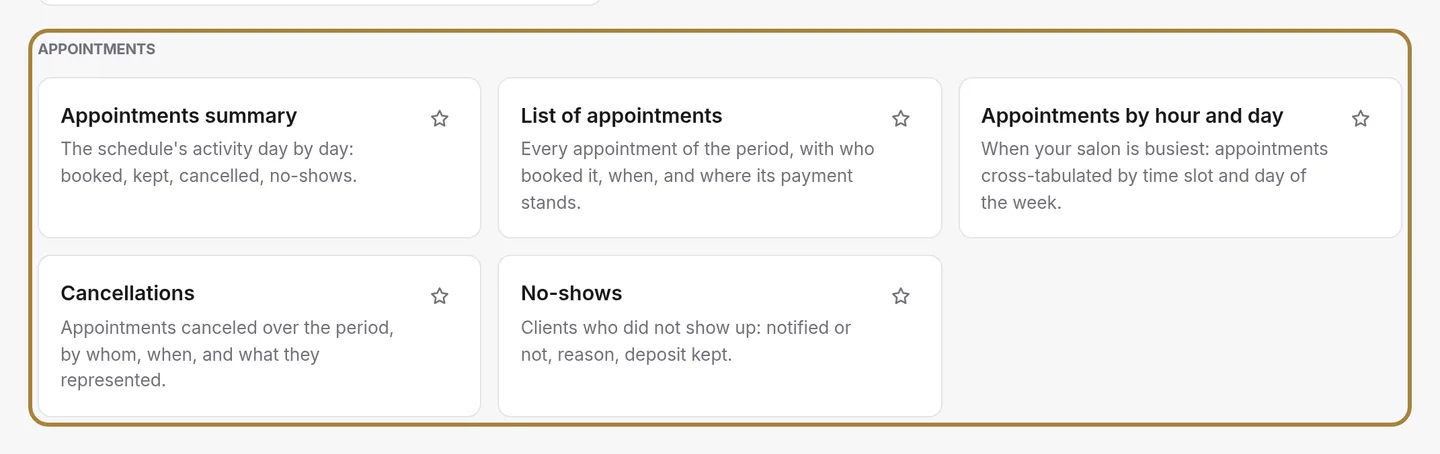
Activity, money, team, clientele. If you only had to check one a month, take money: it's the one that tells you whether the month was good.
What each report measures
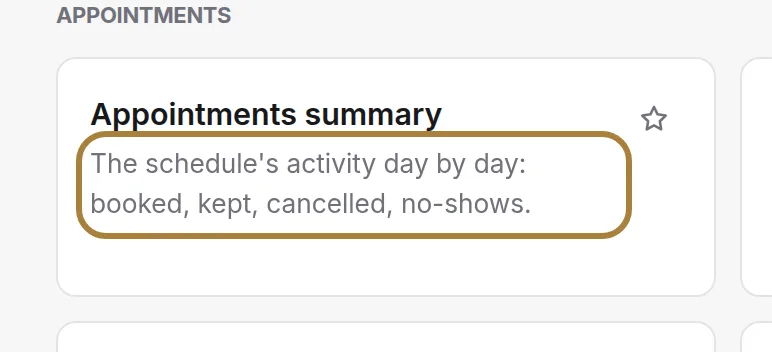
This line states exactly what the report counts. Read it before trusting the figure: "cash taken" and "expected revenue" don't tell the same story.
Pinning your favourites
The star moves the report right to the top of the screen. Pin the two or three you open every week: they're saved on this computer.
Frequently asked questions
How do I quickly find a specific analysis?
Type what you're looking for — "loyalty", "payroll", "cancellations" — in the search bar, rather than browsing the whole grid.
If I could only check one report a month, which should I choose?
The one in the Money family: it's the one that tells you whether the month was good.
How do I keep my favourite reports close at hand?
Click a report's star: it moves right to the top of the screen. This choice is saved on this computer.
How do I compare two periods correctly?
Compare two periods of the same length, such as a month against the same month last year, rather than a week against a whole month.
Go further
Are my chairs full? The occupancy rate today and over the week, by stylist, by day, and the trend over eight weeks.
Team"Commissions: what each person earns"The calculation starts from the sales assigned to each person and applies the rule you've set, for the whole salon or person by person.
Till and paymentsClosings: days, months, and the chain of ZsOne or more till "Z" readings a day depending on your sessions, closings that chain themselves on their own, month after year, and the perpetual grand total.
Need a hand?
Write to us from your studio, under “Help & support”: we answer quickly, with real people.