Your Buiiild subscription
Your situation today, the no-commitment monthly plan, the higher-tier plan, subscribing or managing at Stripe, and what isn't included.
In this article
This screen touches your bank account: what's chosen here will be charged, and will show on your statement. Take your time with it, not between two clients. You get there from the avatar, top right.

Your situation today
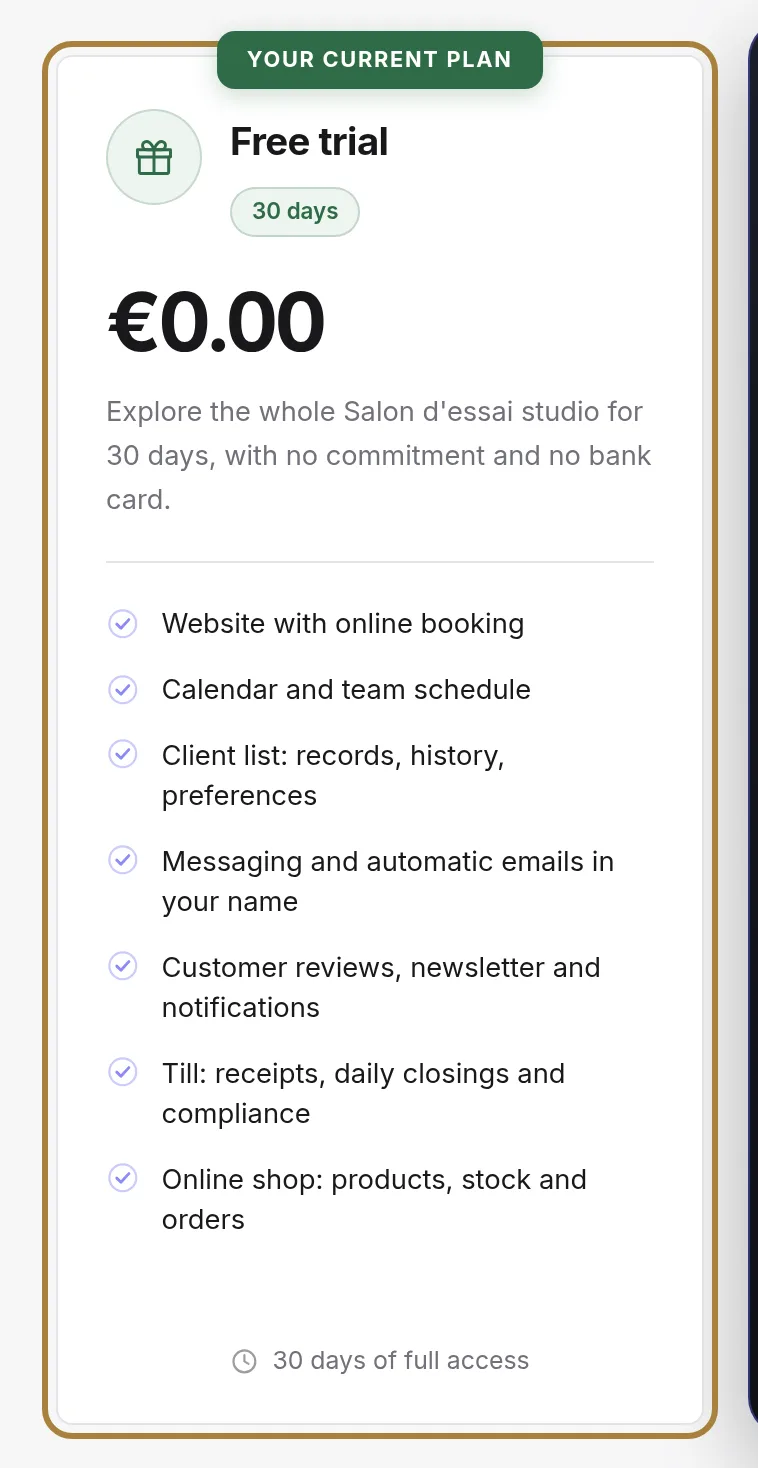
Your plan, its actual amount and its renewal date. If you're on a trial, the number of days left is written here: at the end, your site stops until a plan is chosen — nothing is charged without your action.
The plans
- The monthly plan: no commitment, taken and stopped by the month. It's the right way in if you're starting out and want to see how it goes.
- The higher-tier plan: what it adds is listed under its price. Only take it if you're already using what you have — one more feature doesn't fill an appointment book.
Subscribe or manage
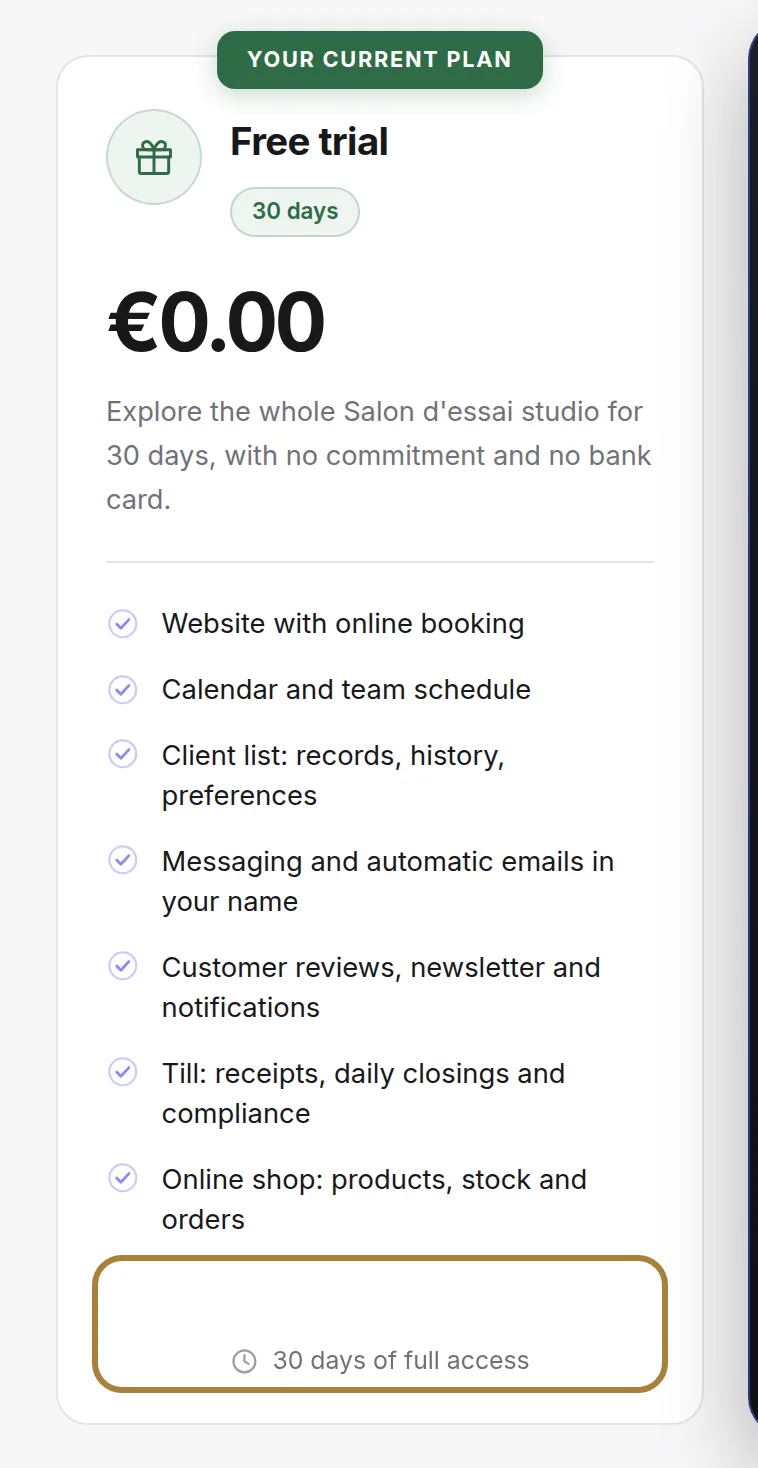
Payment happens at Stripe, on a secure page: Buiiild never sees your card number. Once subscribed, two actions appear in its place: Manage my card and my invoices, and the Cancel my subscription link just below.
What you pay in VAT
Below the plans, the What you pay box shows the VAT on your subscription, based on your salon's country:
- Salon in France (including overseas departments): French VAT is added, at the applicable rate.
- Salon in another EU country, with a registered intra-EU VAT number: no French VAT — the VAT reverse charge notice is shown, and it's up to you to declare it at home. The number is entered just below; it's the same one already asked for at the till.
- Salon outside the European Union: outside the scope of French VAT.
Without a registered number for a salon in another EU country, French VAT applies by default until you provide it.
What isn't included

SMS and sends are paid separately, on usage (see SMS credits). Read this line: it's what explains a charge higher than the plan's price.
Frequently asked questions
How do I cancel?
The Cancel my subscription link, below the management button, opens your Stripe space. Cancellation takes effect at the end of the period already paid for: your site and your data remain accessible until then.
I'm changing my card
In the Stripe space, "Payment methods": add the new card, it will be used for the next renewal.
Go further
Your subscriptions and your SMS credit purchases, together. Every payment creates its invoice automatically: by email, and viewable here with no time limit.
Messaging and SMS"SMS credits: balance, days left, top-up"SMS aren't included in the subscription: you top up an amount in your salon's currency, no commitment; the credit never expires and only decreases when a message is actually sent.
Getting startedCreating your salon and trying it for freeFrom buiiild.com: a few questions, your site and your studio are created, the trial starts. Thirty days free, no credit card, no commitment.
Need a hand?
Write to us from your studio, under “Help & support”: we answer quickly, with real people.